Overview
When your business grows beyond a handful of people, the approval process starts to crack. Invoices sit waiting. Managers go quiet. Things stall because the right person is away from their desk, or because nobody is quite sure who should be approving what in the first place. By month end, finance is piecing together what happened instead of closing the books.
ApprovalMax is built for Xero teams who have outgrown email approvals. It routes financial documents to the right people automatically, holds a permanent record of every decision, and catches errors before payments go out. The process runs in the background so your team doesn't have to.
Over 20,000 businesses use ApprovalMax to bring order to complex finance operations. After making the switch, KeepCup's finance team saved the equivalent of a full-time employee three months per year. "The accuracy and visibility has increased. We're not missing invoices or double entering them. That's the biggest change." Alex Andreou, Finance and Operations Manager, KeepCup.
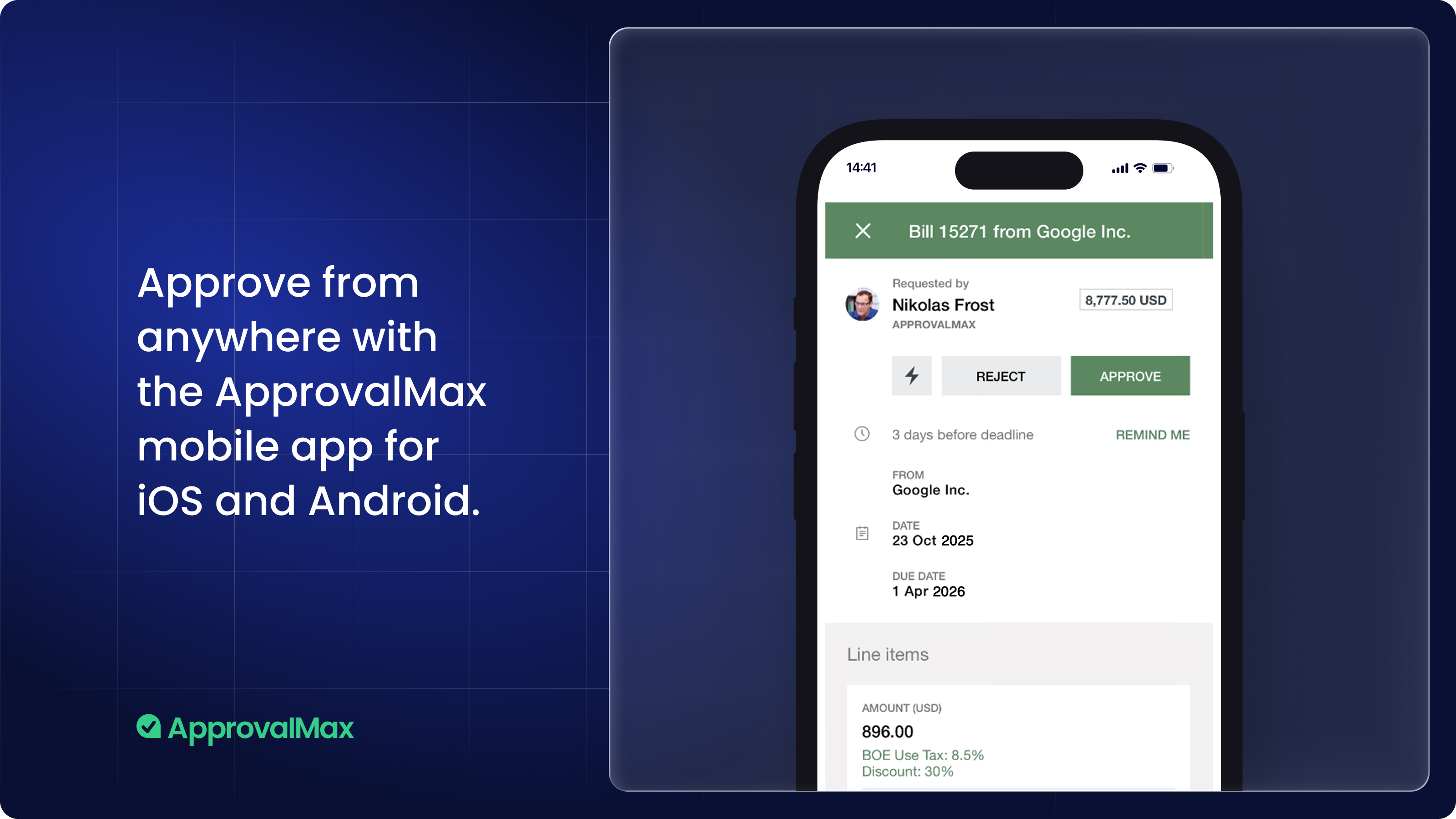
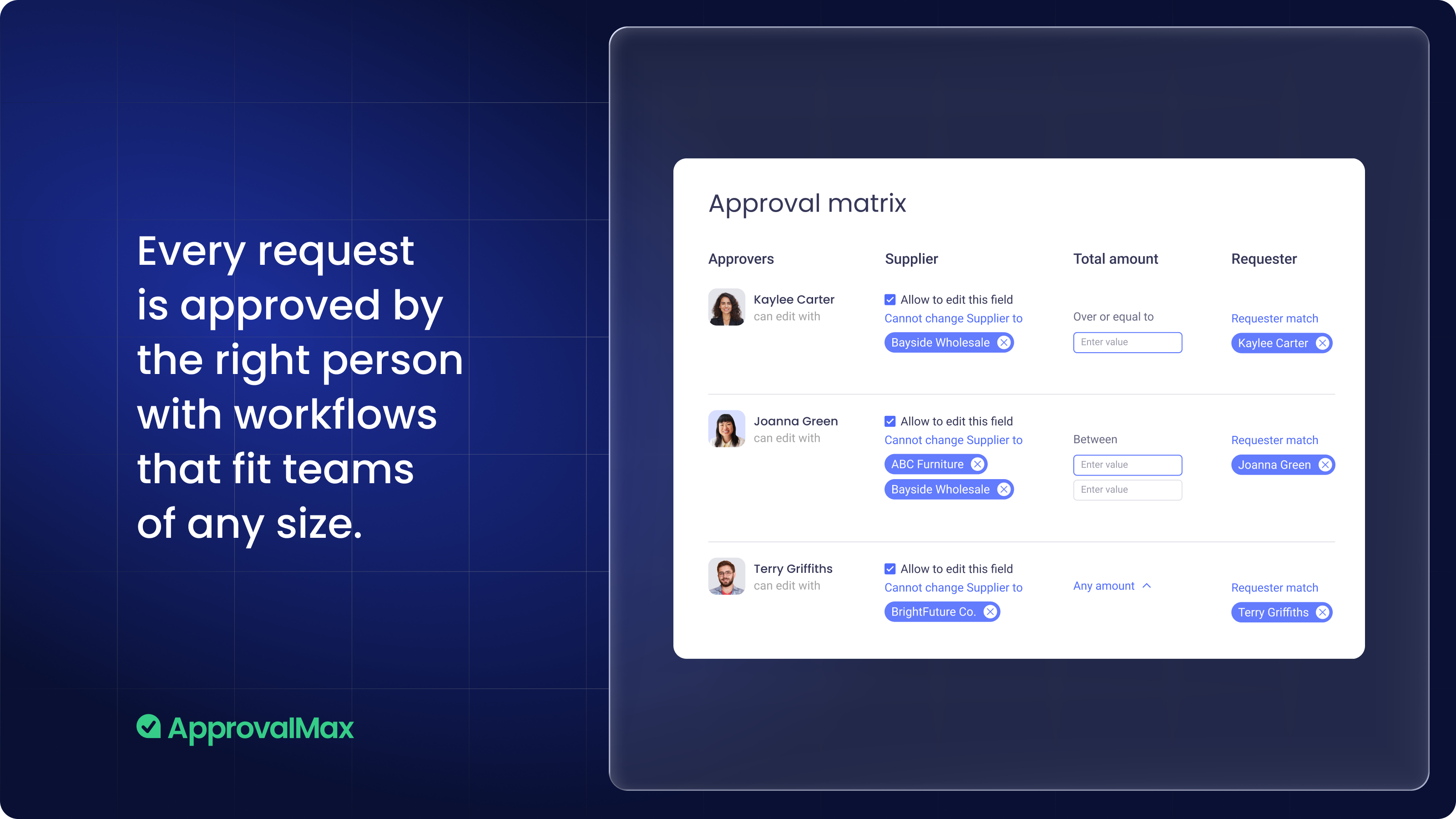
Stop chasing approvals Invoices and financial documents reach the right approver automatically, based on rules you set once. If someone is away, approvals keep moving without you having to step in. Approvers can act from their phone or directly from an email, with no Xero login required.
Spending that stays in budget
Approvers see live budget impact at the point of decision, not in a report afterwards. Overspending gets stopped before it happens rather than surfaced after the fact, which means fewer difficult conversations at month end.
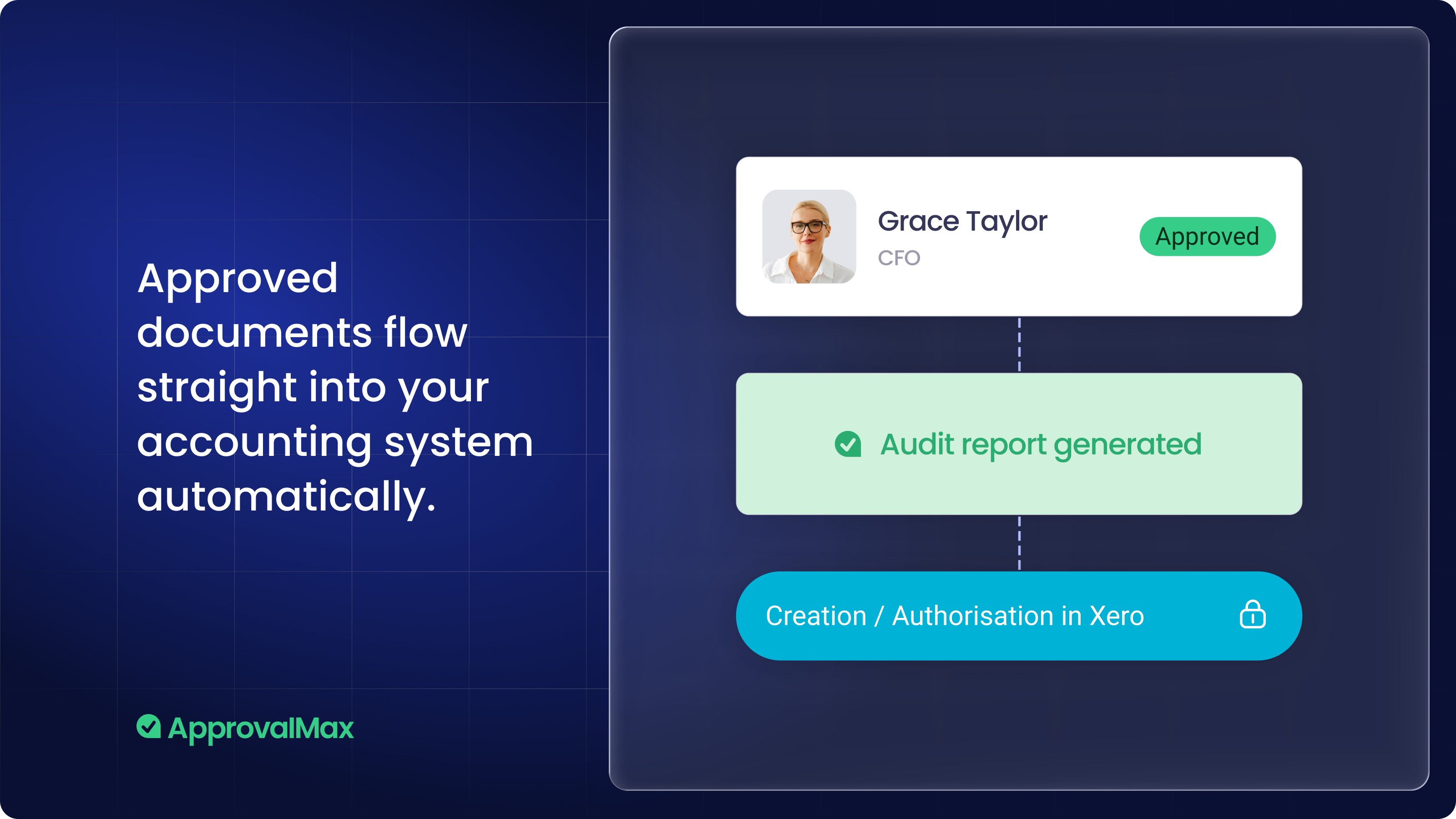
Be ready for any audit, at any time Every approval is logged automatically: who saw it, who approved it, and when. There is no manual compilation, no inbox archaeology, no reconstructing a paper trail under pressure. When your board or your auditors ask for the records, you pull them up in seconds.
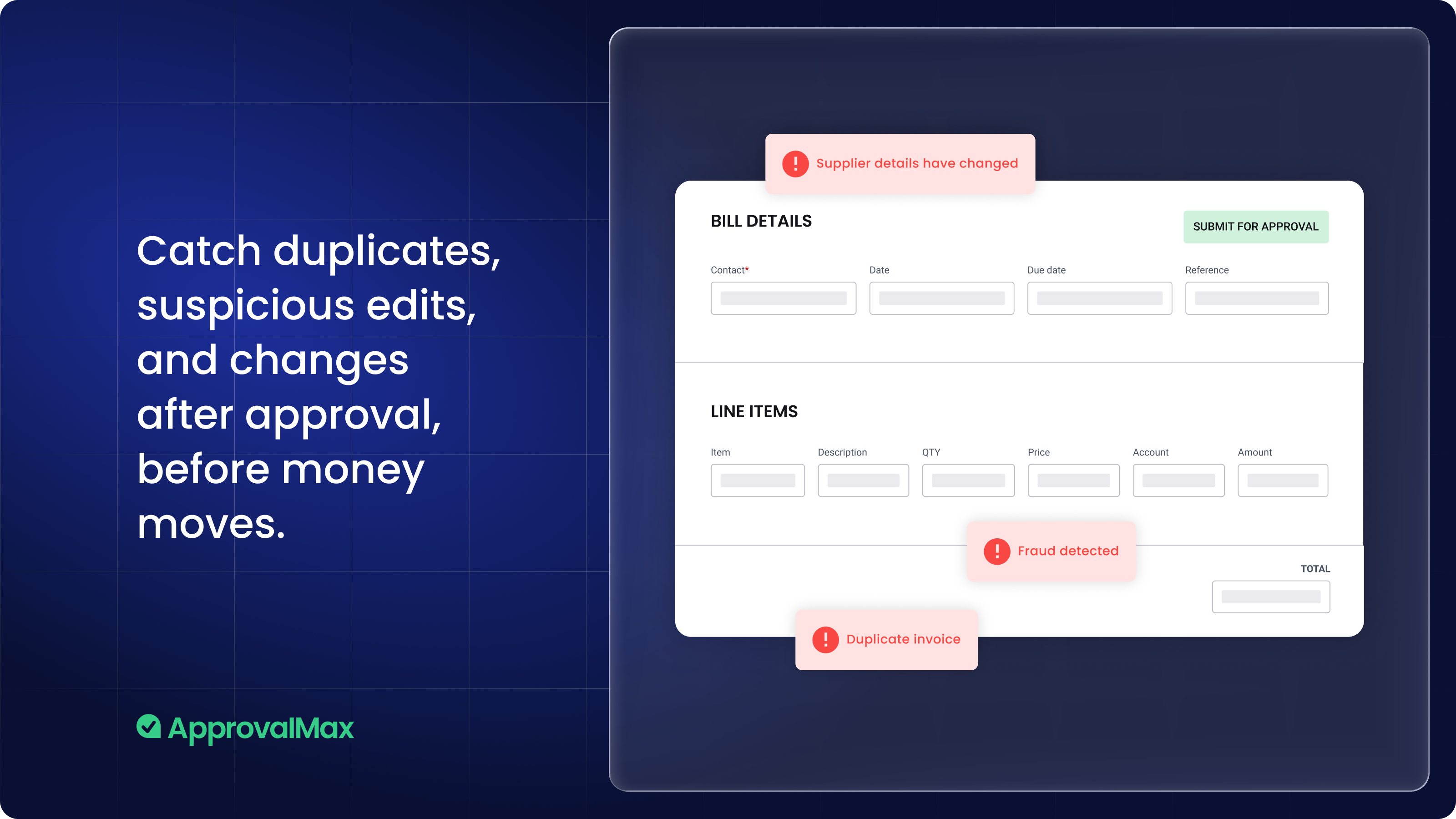
Catch mistakes before money moves Check every bill against supplier history to detect anomalies before you approve. Duplicate invoices are flagged before they reach the bank. Payments only go out once the right people have signed off. Problems get intercepted at the moment they're still easy to fix, not discovered after the fact.
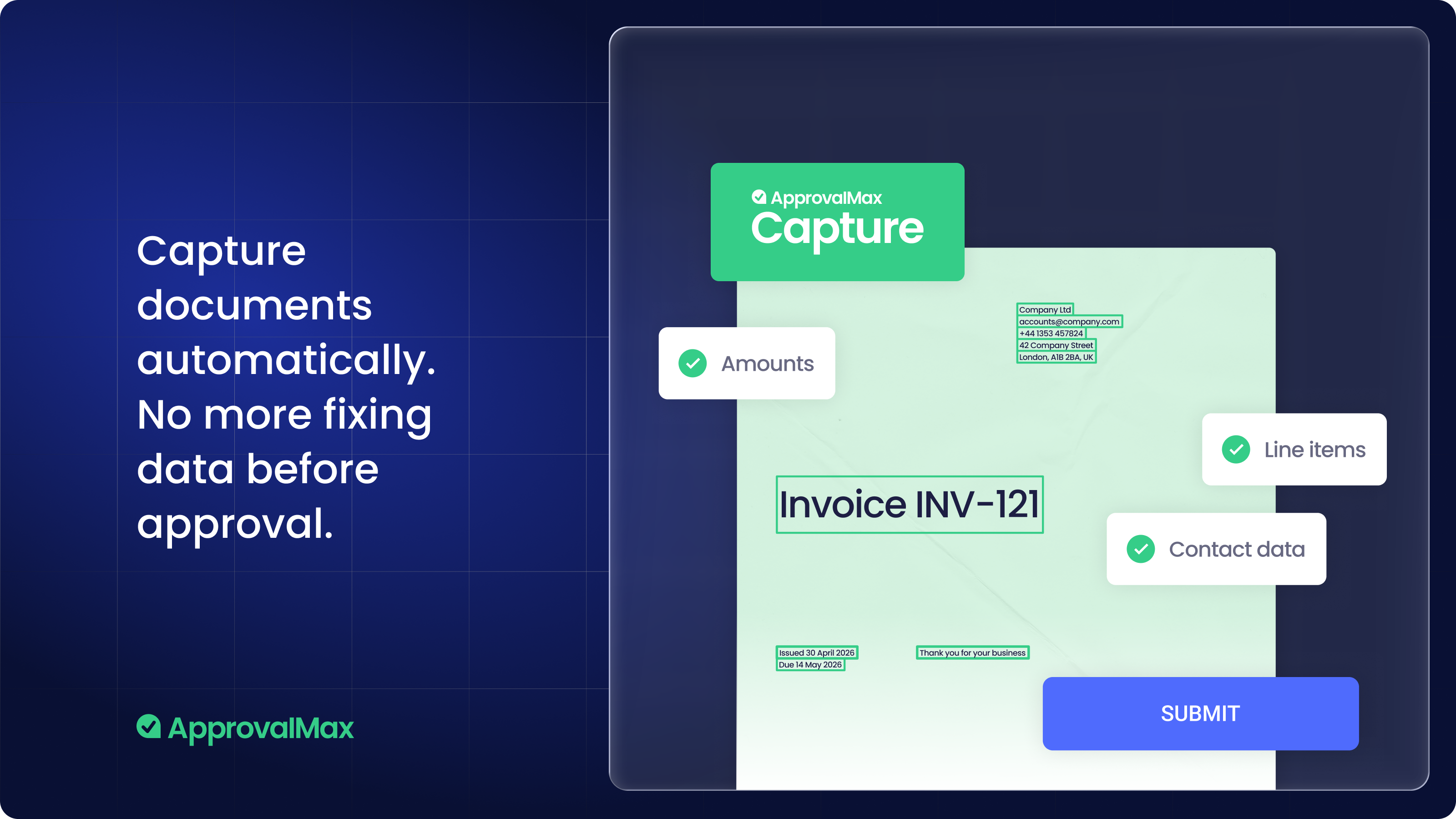
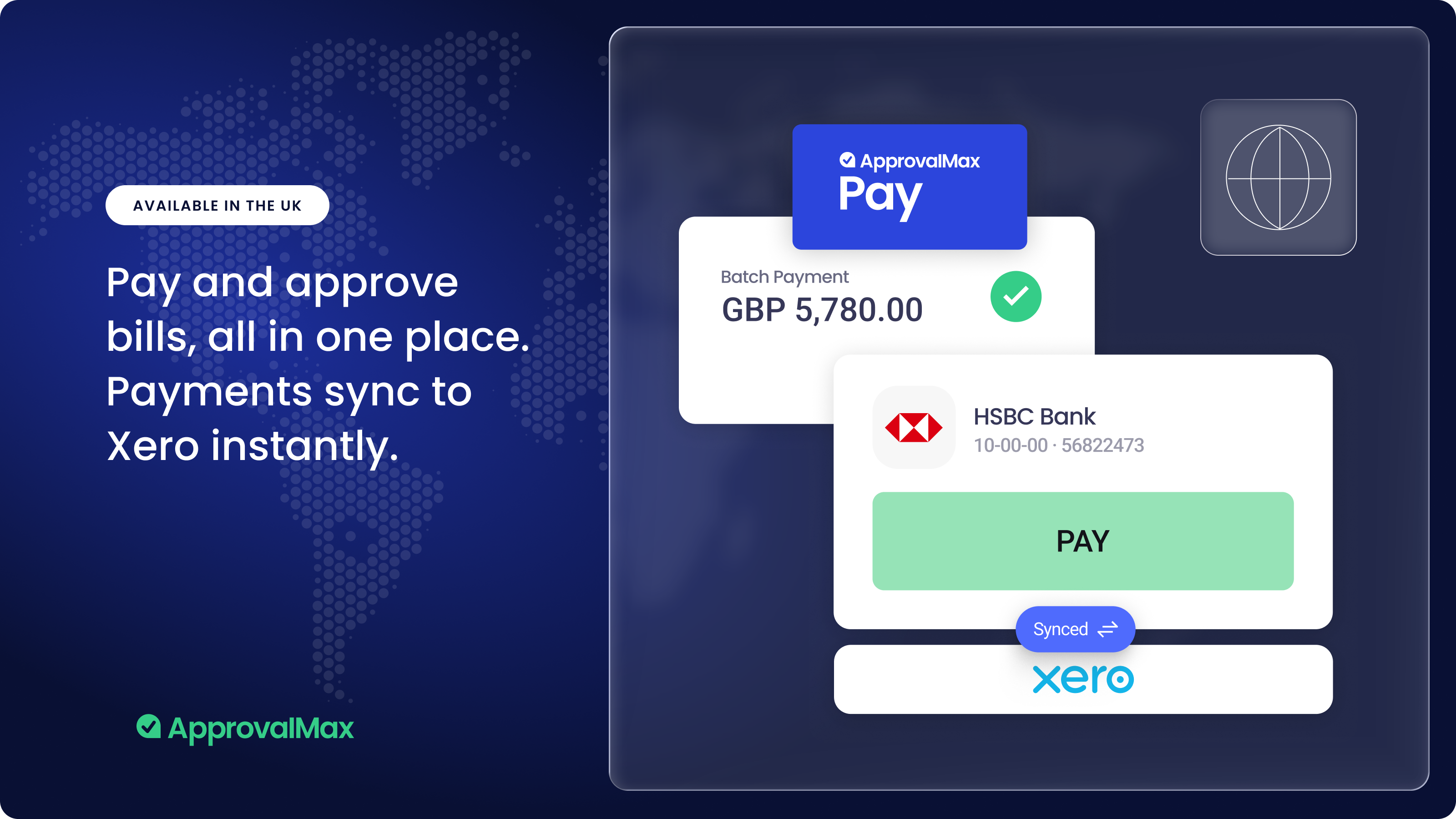
From invoice to payment, without switching systems ApprovalMax Capture pulls invoices into the approval workflow automatically, removing manual data entry. Once approved, bills can be paid directly from ApprovalMax without jumping into another system. Available in the UK.

ApprovalMax + Xero
ApprovalMax is a powerful all-in-one solution that integrates seamlessly with Xero to ensure automatic data exchange with a two-way sync. It only takes minutes to connect your Xero account to an ApprovalMax organisation. Once you connect ApprovalMax with Xero, you’ll enhance your accounts payable and receivable processes securely in just a few clicks and create end-to-end workflows across AP and AR.
Getting started
Getting started with ApprovalMax is easy:
- Click the ‘Get this app’ button at the top of this page to start a 14-day free trial of ApprovalMax.
- Choose Xero Single Sign-On (SSO), Google SSO, or your email to create an account when prompted.
- Follow the steps to verify your account.
To connect ApprovalMax to Xero:
- Open your ApprovalMax Organisation from the main menu and select ‘Approval Workflows’ under ‘Workflows and Settings’.
- Click the ‘Connect’ button next to ApprovalMax Workflows for Xero.
- Choose the relevant Xero Organisation and authorise ApprovalMax.