

Overview
Save time and stay in sync with Ramp + Xero. Ramp connects your corporate cards, expense management, and Bill Pay directly to Xero. Automatically sync vendor details, payments, and coded transactions—no manual entry needed. And with Bill Pay, you can code, approve, and pay invoices in minutes. Close your books faster, reduce errors, and get real-time visibility into spend across your business. Ramp is the all-in-one financial operations platform helping businesses save time and money by simplifying how they manage spend. From corporate cards and expenses to bill payments and accounting automation, Ramp brings everything together in one place so finance teams can focus on what matters most.
Ready to see how Ramp can simplify your financial operations? Book a personalized demo today and discover how much time and money your business could save.
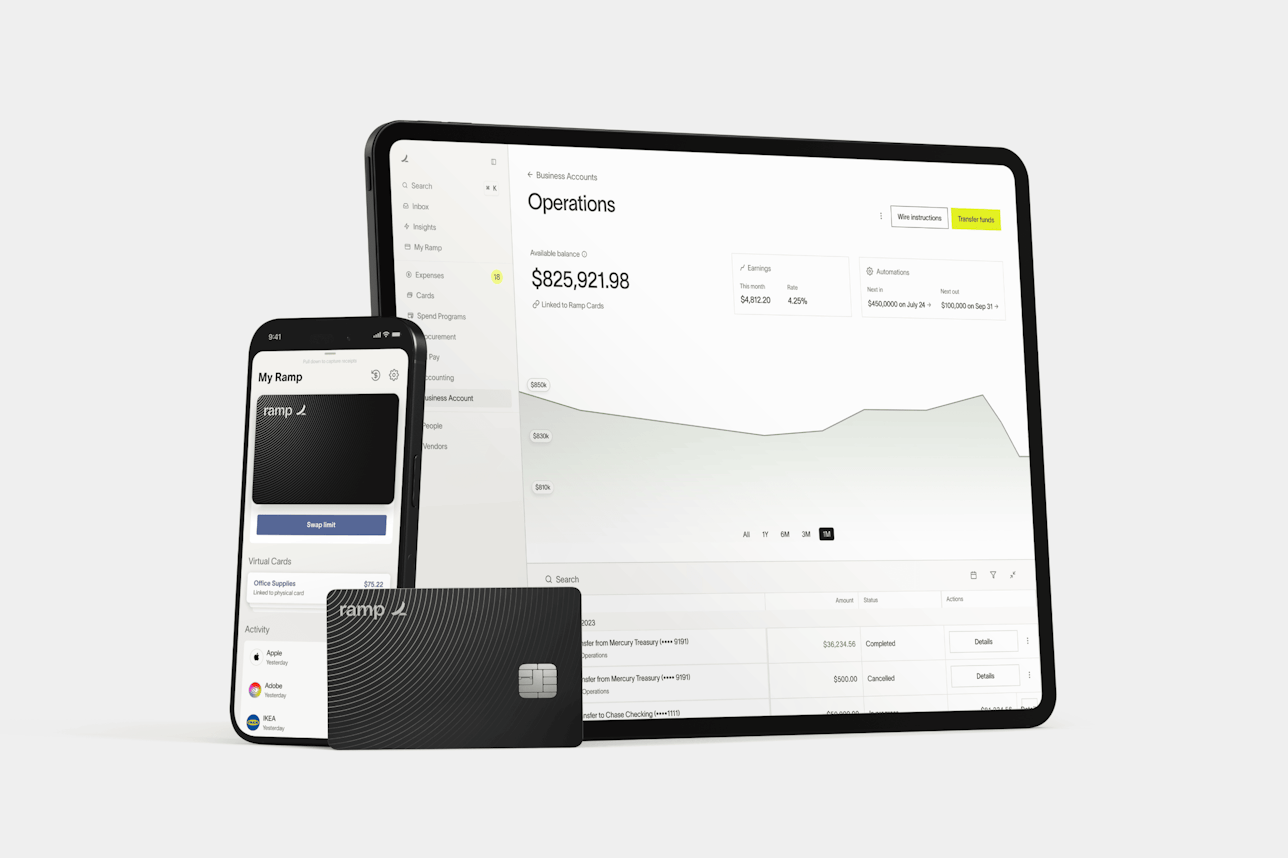
Ramp + Xero
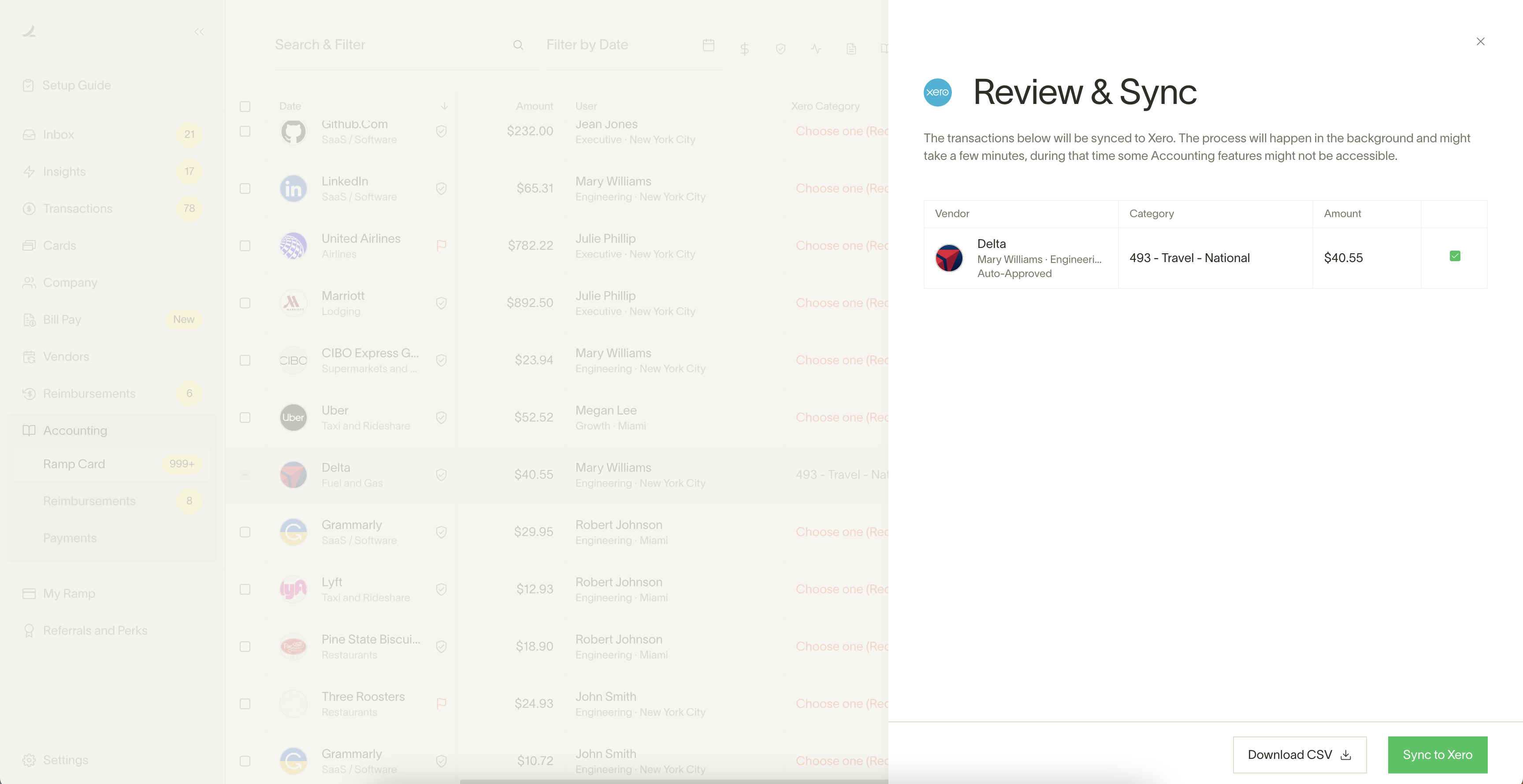
Sync data in real time: Create and update vendor data, bill payment details, and transactions directly in Ramp and see those changes reflected in Xero the next time you login.
Keep vendor records aligned: Update vendor details in Ramp or Xero and see the changes sync both ways automatically so records stay consistent, wherever you work.
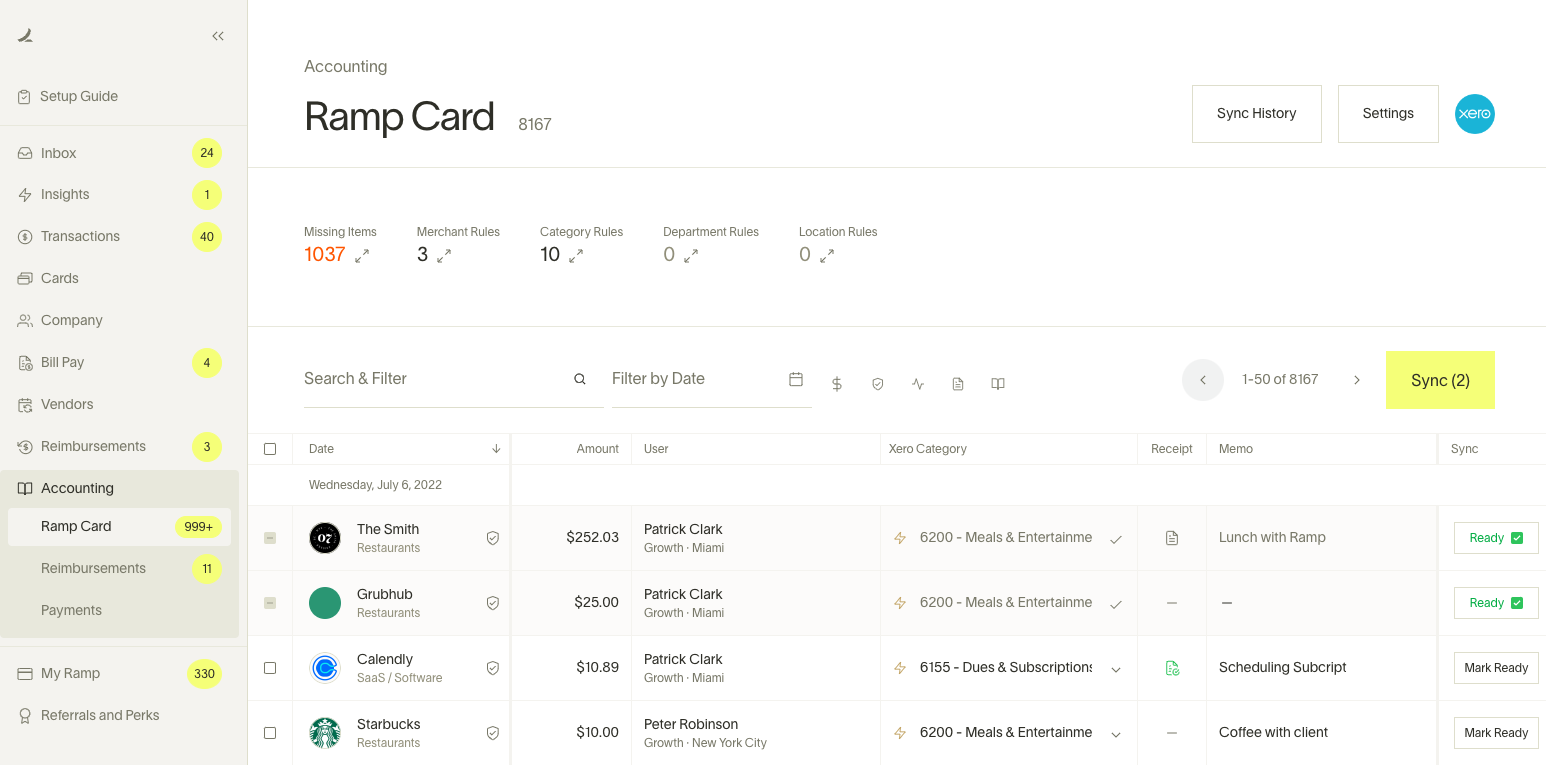
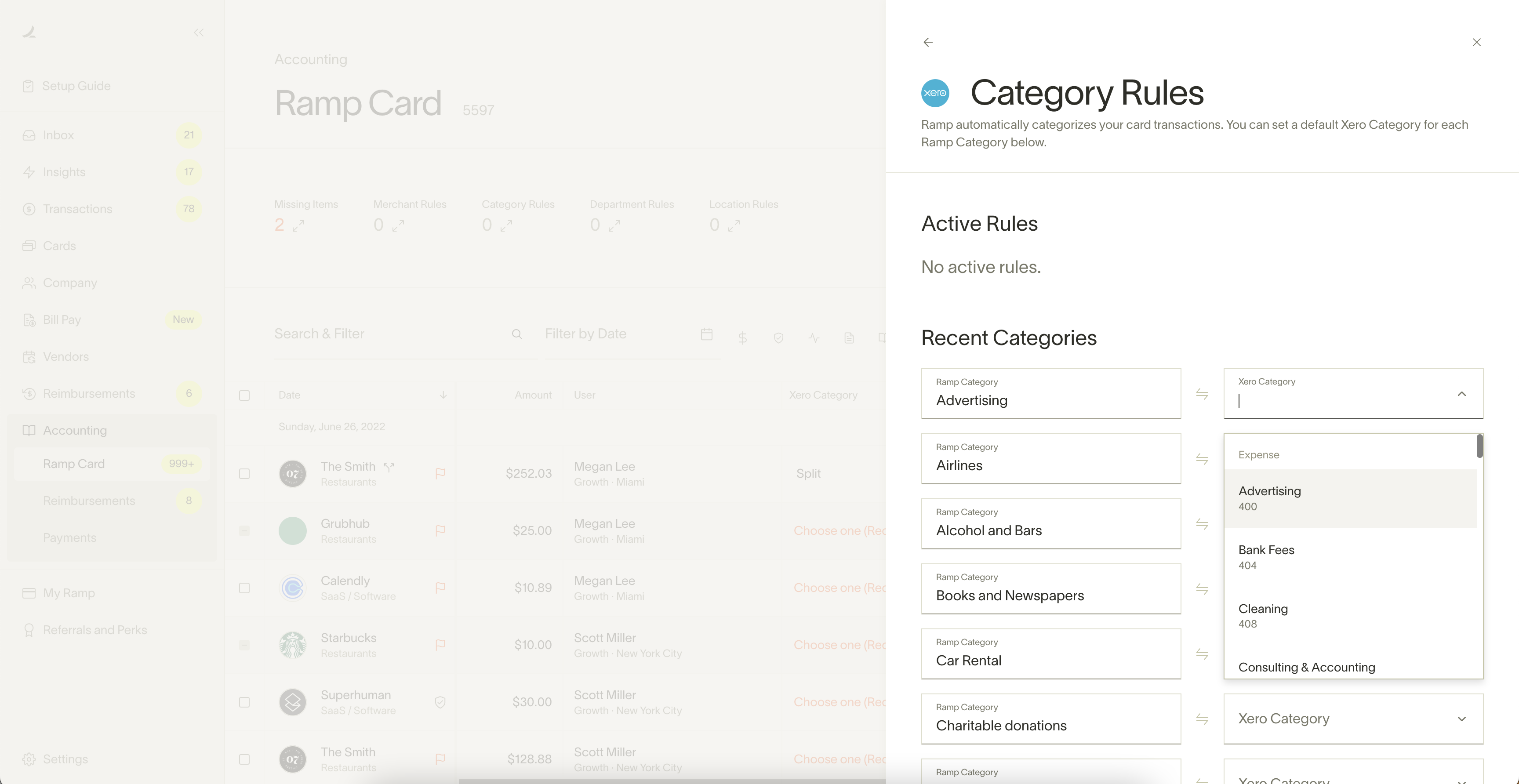
Code transactions your way: Pull in your existing Xero tracking categories and use them in Ramp, so everything’s tagged the way you want right from the start.
Audit every transaction: See the full audit trail of every transaction, from swipe to sync. If something looks off, jump right into the specific transaction or reimbursement from Ramp with just one click.
Automate the busywork: Use Rules in Ramp to auto-code transactions, route approvals, and collect receipts by SMS, email, the web, or directly from integrated apps like Gmail, Lyft, and Amazon Business.
Pricing plans
Ramp
- Corporate Card
- Travel & Expense
- Accounts Payable
- Accounts Receivable
- Banking
- Accounting Automation
- Budgets & Reporting
- Vendor Management
Getting started
You must have a Ramp account to connect with Xero.
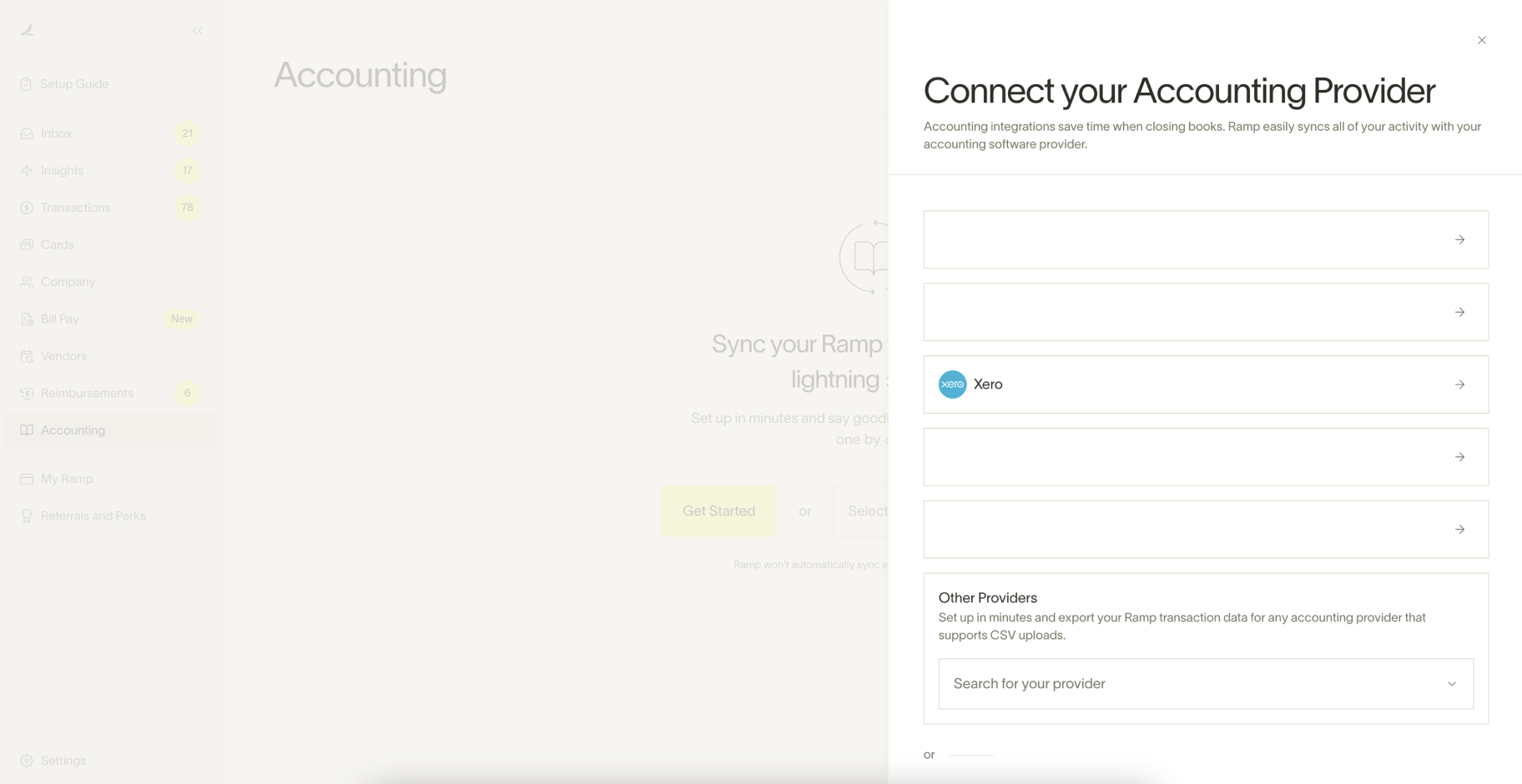
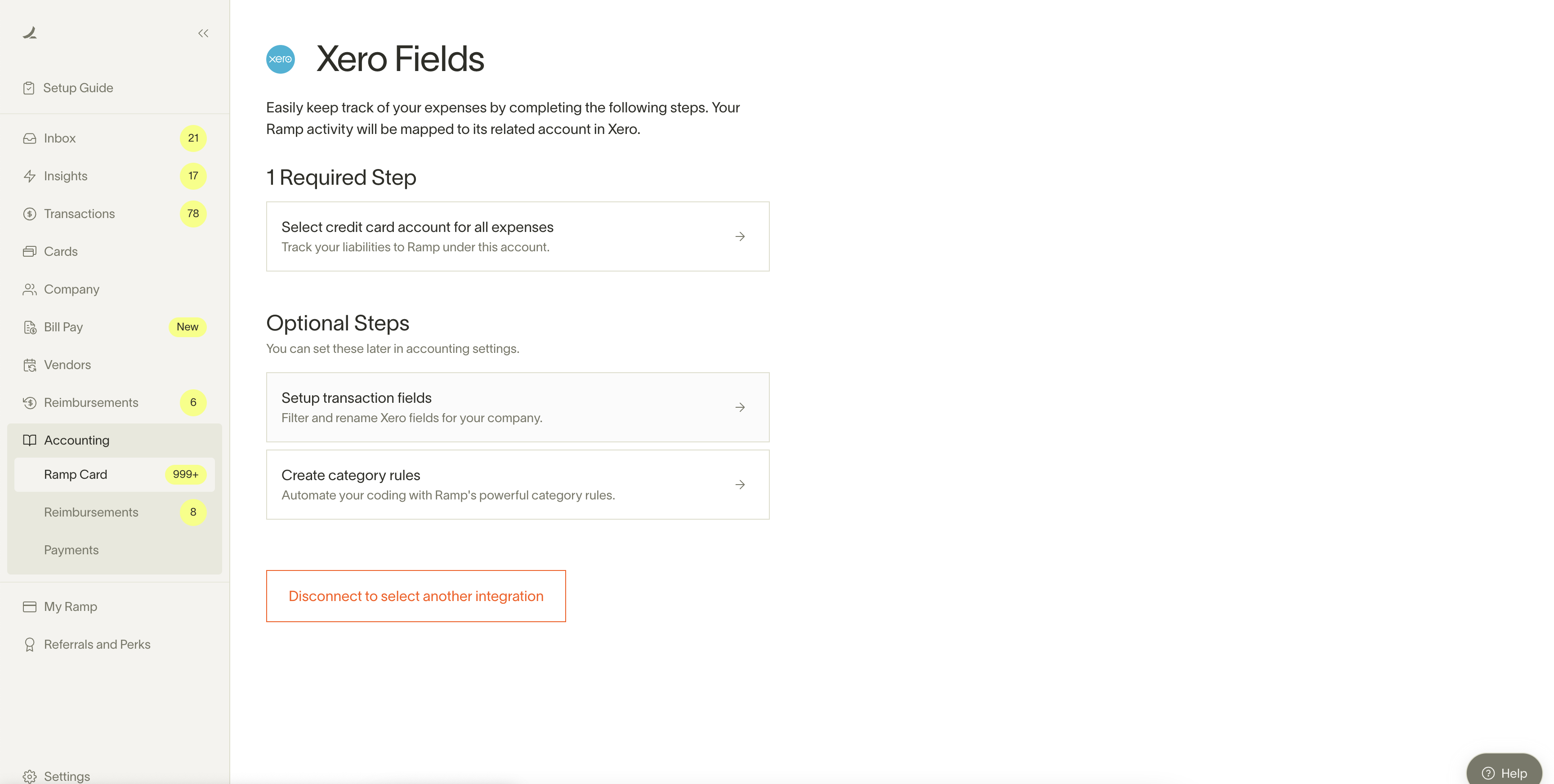
To get started with the integration, go to the Accounting tab in Ramp and choose Xero as your accounting provider. After you authenticate with Xero, you can follow our guided set-up instructions to ensure your Xero integration is configured to your exact needs. Set up is estimated to take 5 minutes.
Reviews & ratings
Sort and filter
Most recent reviews
Really quite awful
Fantastic Expensing
 RA
RA