Overview
Lightyear automates your entire purchasing, AP and expense workflow — from purchase order through to approval and sync with Xero, eliminating manual data entry and giving your team full visibility and control over every penny spent.
Built for finance teams, accountants, and bookkeepers — with an intuitive interface that scales from simple AP through to complex multi-entity operations.
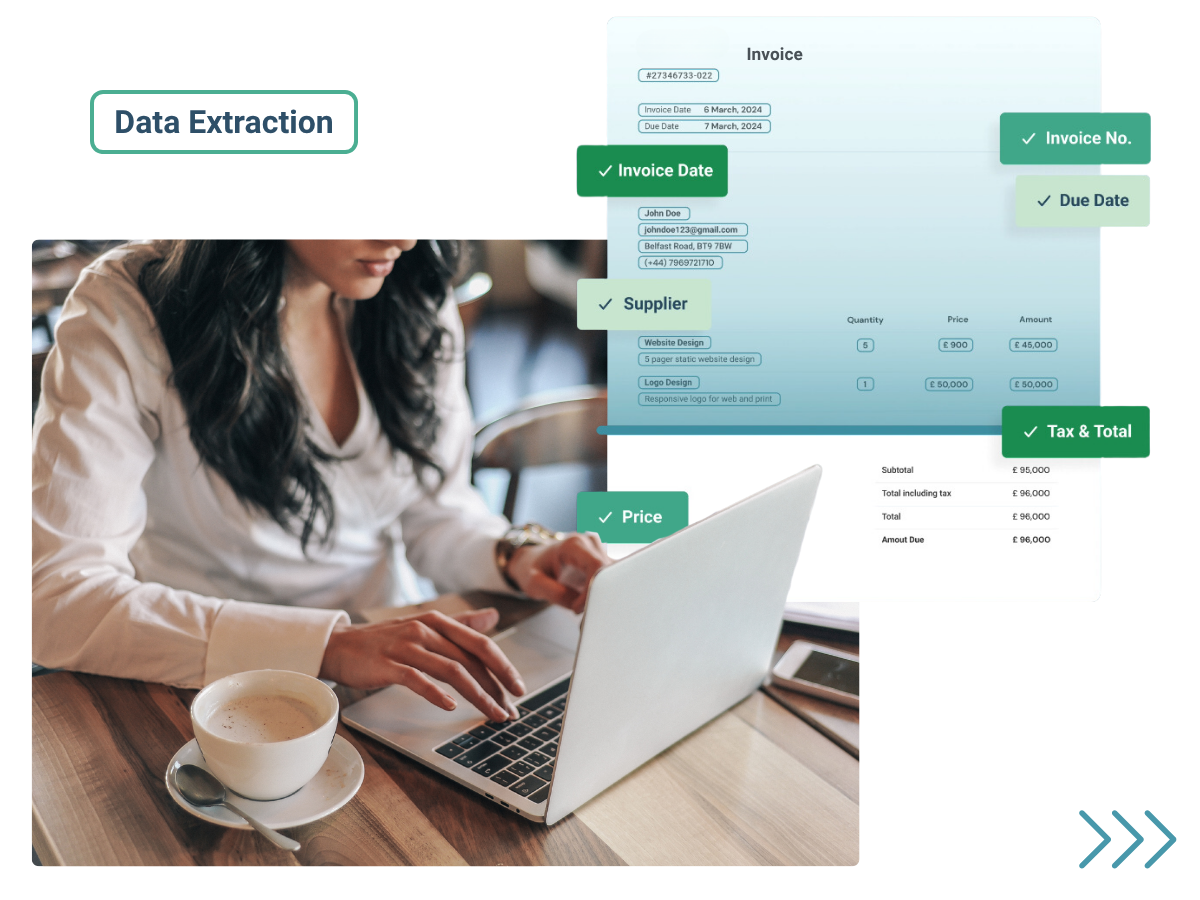
AI-Powered Data Extraction: Smart Extract+ captures line-item data from supplier invoices with market-leading accuracy, in real-time. Extract invoice numbers, dates, supplier details, amounts, tax codes, GL codes and tracking categories automatically — no manual entry required.
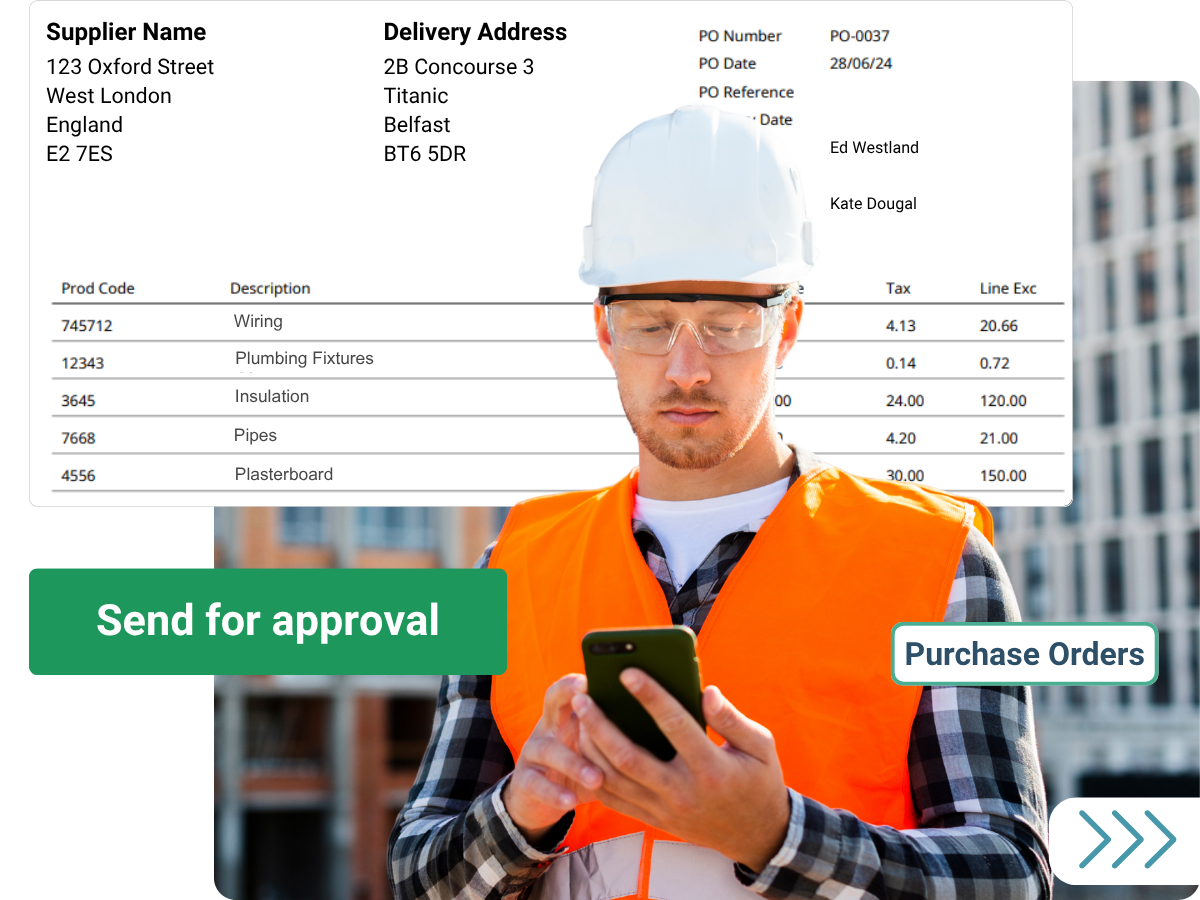
Purchase Orders: Create, approve, and send purchase orders directly to suppliers — with automated approval routing, goods received tracking, and seamless matching against supplier invoices, all in a few clicks.
Automated Coding: Assign account codes, tax rates, and tracking categories automatically based on your predefined rules — eliminating manual coding errors and ensuring your financial data is consistent and audit-ready in Xero.
Price Verification: Automatically compare invoice amounts against your supplier price lists and flag any discrepancies before they're approved — protecting your business from overcharging and keeping costs under control.
Bank Detail Verification: Prevent fraud by automatically checking extracted bank details against your supplier records. Built-in security that works behind the scenes.
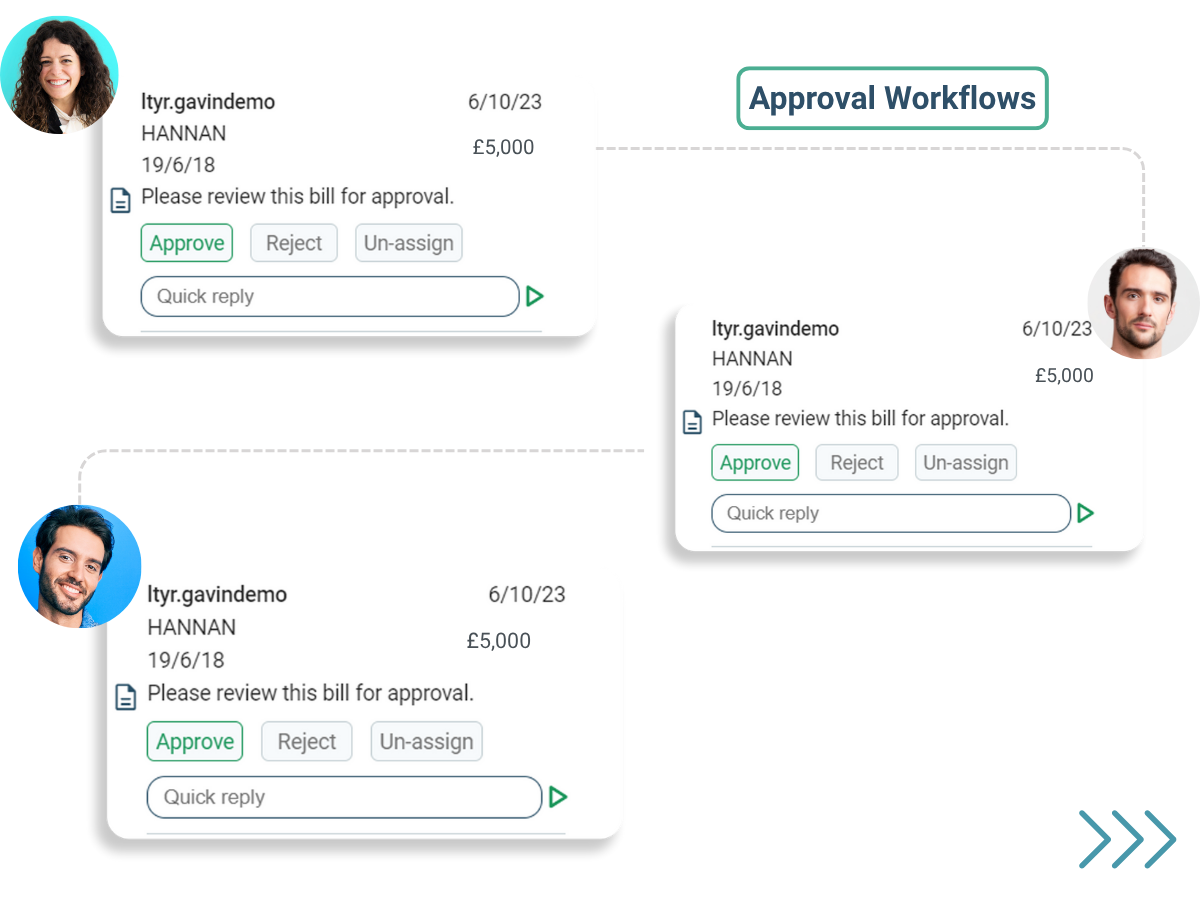
Multi-Level Approval Workflows: Create customisable approval processes with up to 8 levels of authorisation. Route invoices based on amount, supplier, department, or custom criteria. Approve via browser, mobile app, or email — so the right people are always in control, wherever they are.
One-Click Xero Sync: Export your accounts payable data to Xero seamlessly, so your Xero account is always accurate, up to date, and ready for reporting.
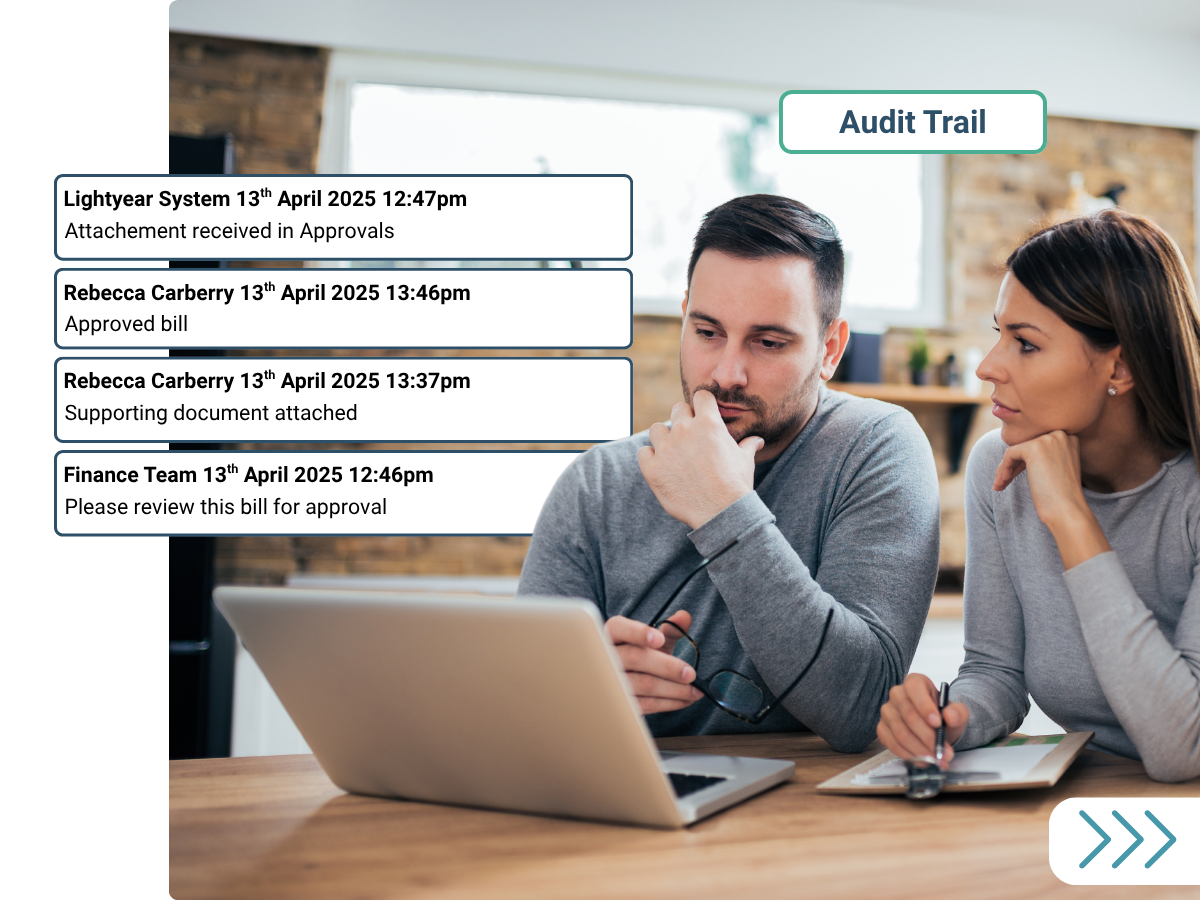
Security & Compliance: Advanced permission settings and comprehensive audit trails ensure your financial data stays secure — with complete visibility and accountability across every transaction.
Live Support, 24/5: Our global support team is available 24/5 via phone, email, and live chat.
Globally trusted: 5 star rated on Capterra, Software Advice, GetApp and G2.

Lightyear + Xero
Connecting Lightyear to Xero takes seconds — built on a secure, modern API with no complex setup or IT involvement required. Once connected, Lightyear automatically pulls your chart of accounts, supplier records, tax codes, and tracking categories, and keeps both platforms in sync, ensuring consistent data mapping from day one.
Line-Item Data Export: export complete line-item detail from every invoice directly into Xero with one click. Lightyear transfers individual line items with full GL coding, tax allocation, and tracking categories — giving your Xero account richer, more accurate data and a complete audit trail.
Flexible Tax Handling: Lightyear intelligently maps tax codes between systems, handling complex scenarios including mixed tax rates, exempt items, and reverse charges — preventing coding errors that could impact compliance and reporting.
Multi-Entity Support: Manage multiple Xero organisations from a single Lightyear account — perfect for accounting firms and multi-entity businesses. Each organisation maintains its own approval workflows and security permissions.
Inventory Integration: Sync stock data with your inventory system effortlessly via CSV export to any compatible third-party system.
Your data is protected at every step: Lightyear is ISO/IEC 27001:2023 certified, with all data encrypted at rest and in transit. You can trust that every sync between Lightyear and Xero is secure.
Getting started
Getting started with Lightyear for Xero is quick and straightforward.
Step 1 — Start your free 30-day trial
Click the Free Trial button at the top of this page. Create your user profile, verify your account via email, and set up your first company by following the on-screen steps.
Step 2 — Connect Xero
From the Navigation Pane, head to Settings > Accounting Software > select Xero > Connect. You'll be redirected to Xero to log in and authorise the Lightyear Xero integration. If you manage multiple Xero organisations, make sure you select the correct one.
Step 3 — You're ready to go
Lightyear automatically syncs your suppliers, accounts, tax rates, and tracking categories. The connection stays active across sessions and any user with Export permissions can sync approved data directly to Xero.