

Overview
• Automate Your Accounts Payable in minutes
• Take the hassle out of managing your accounts payable with Cosmic Bills.
• Upload your bills or PDFs, even those with multiple line items, at no additional cost!
• Our platform processes your documents in minutes and seamlessly exports the data to your Xero file—no global queuing required.
• Simple and Efficient Bill Processing:
• Email Attachment: Easily send your bills to Cosmic Bills via email.
• Direct Upload: Use our user-friendly interface to upload your bills directly.
• You can let Cosmic Bills handle everything automatically or choose to review and approve the details on-screen.
• Powerful Editing Capabilities:
• Modify individual line items as needed. • Split line items into multiple parts. • Add extra information to any line item.
• Why Choose Cosmic Bills? • Cosmic Bills is designed by accountants with over 30 years of experience, ensuring a simple and efficient bill processing system. • Our user-friendly interface brings everything you need onto one screen, making it easy for accountants, bookkeepers, and business owners to manage their bills.
• Customizable and Intelligent:
• Need a specific feature? We customize your bill processing at no extra charge.
• Our platform learns from your bills, automatically fixing any issues with no additional cost.
• Special Introductory Offer:
• Get started with 500 free bill scans! We’ll even correct any problematic bills for free during your trial period.
• Perfect for High-Volume Businesses: • Cosmic Bills is ideal for businesses that process large numbers of bills or sales invoices,for: • Construction, • Retail • Wholesale • Restaurants • Tradies • Pharmacies, and Medical fields. • Any Business that has bills to process
Our platform ensures expense control and helps maintain regulatory compliance, making your accounts payable process smoother and more efficient.
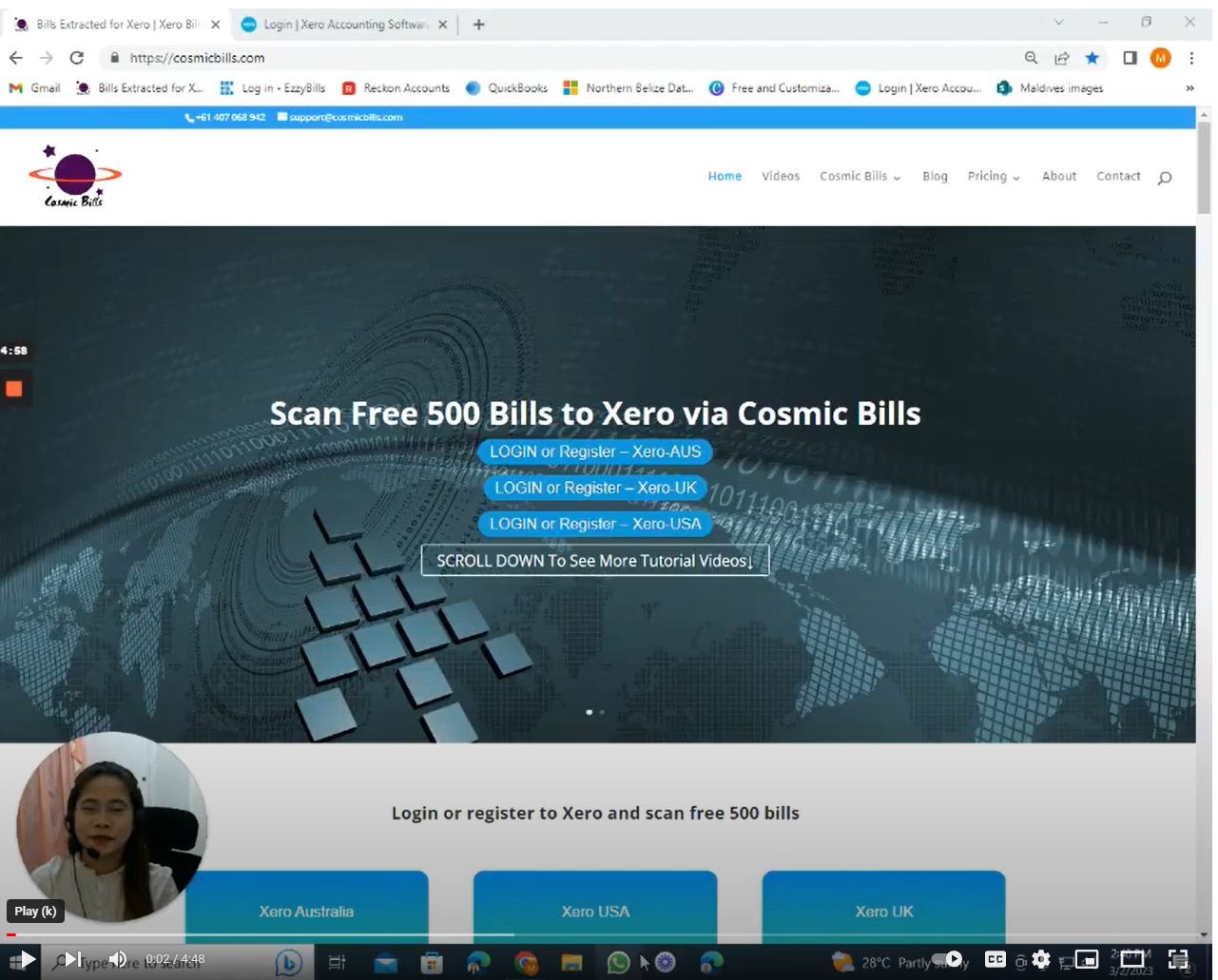
CosmicBills + Xero
1.Log in to our website to begin the integration process with your Xero data file. If you are a new user, you will need to create an account before proceeding.
2.Create a new User ID and choose a strong, secure password. It is important to select a password that protects your account and sensitive financial information.
3.Enter your personal details, including your email address, phone number, and country of residence. Ensure all information is accurate for proper account setup and communication.
4.Review and accept the security and terms checkbox. This confirms your agreement with the platform’s policies and data protection measures.
5.Click Sign Up / Register to complete your account creation. Once registered, your account will be ready for use.
6.Connect your Xero account by selecting your Xero data file. This step allows secure access to your financial records within the system.
7.Make sure you choose the correct Xero data file to avoid errors or discrepancies in your data processing.
8.After successfully connecting your data file, you can begin uploading your bills. The upload process is simple and designed for ease of use.
9.Upload your bills regularly to keep your financial records accurate and up to date. This will help streamline your accounting and improve efficiency.
10.Once everything is set up, you can manage and organize your bills in one place, making it easier to track and maintain your financial information.
11.If you experience any issues during the setup or upload process, support resources are available to assist you.
Pricing plans
This app includes a free 30 day trial
Enterprise
- Unlimited Invoices, multiple line items , Job cost , Product mapping
Getting started
Sign up a free trial process 500 Bills Free. Login in and click "Connect to Xero" button to sync with Xero. Then simply upload or an invoice to test. You will find it in Xero draft bill folder.


Reviews & ratings
Sort and filter
Most recent reviews
Fast, Accurate, and User-Friendly
Response from CosmicBills
 NB
NBEase of use and Faster processing
Response from CosmicBills