

Overview
KEY BENEFITS More ways to make payments: Pay how you want, including by credit card (2.9% fee), pay multiple bills together, split a bill into several payments, and transfer money internationally.
Get paid how you want: Decide how you’d like to get paid while allowing your customers to pay how they please. Track and manage all of your invoices from any device, with full visibility, and easy payment tracking.
Seamless sync with Xero: Save time on data entry. Vendors, bills, and payments are automatically synced between your bill pay and accounting.
HOW IT WORKS WITH XERO Easily connect to Melio with your Xero account and all contacts, invoices, and payments will be automatically synced between both platforms.
START PAYING BILLS IN 3 SIMPLE STEPS
Add bill or invoice details: Upload a file, enter details or connect to Xero to import your invoices.
Select payment method: Pay via bank transfer or card, even where cards aren’t accepted.*
Choose payment delivery: We’ll send a check or bank transfer. Your payee doesn’t need a Melio account.
*Subject to card network limitations
GET PAID WITHIN A FEW CLICKS Upload or add invoices manually: Upload an invoice, enter invoice details, or connect your accounting software.
Send payment request: Enter payor’s details and an optional note. The payment request will be emailed to them.
Track your payment request: You can view the status of every invoice by heading to your Get Paid dashboard.
Melio Payments + Xero
Syncing your Melio and Xero account is very easy and takes just a few minutes.
Account payables, i.e. bills to pay, go through a two-way sync. This means that all your Awaiting Payment bills (Draft or Awaiting Approval will not be synced) and vendor details from Xero sync to Melio and your unpaid, scheduled and paid bills and vendor details from Melio sync to Xero. So you eliminate dual-data entry of bills and enjoy auto-reconcile payments.
With account receivables, i.e. invoices, the sync is from Xero to Melio. This means that invoices should be created in Xero and then synced to Melio. Once they are fully paid with a payment request, they are synced back to Xero and marked as paid in both accounts. Also, invoices that are paid outside of Melio and marked as paid in Xero will be automatically marked as paid in Melio as well.
Getting started
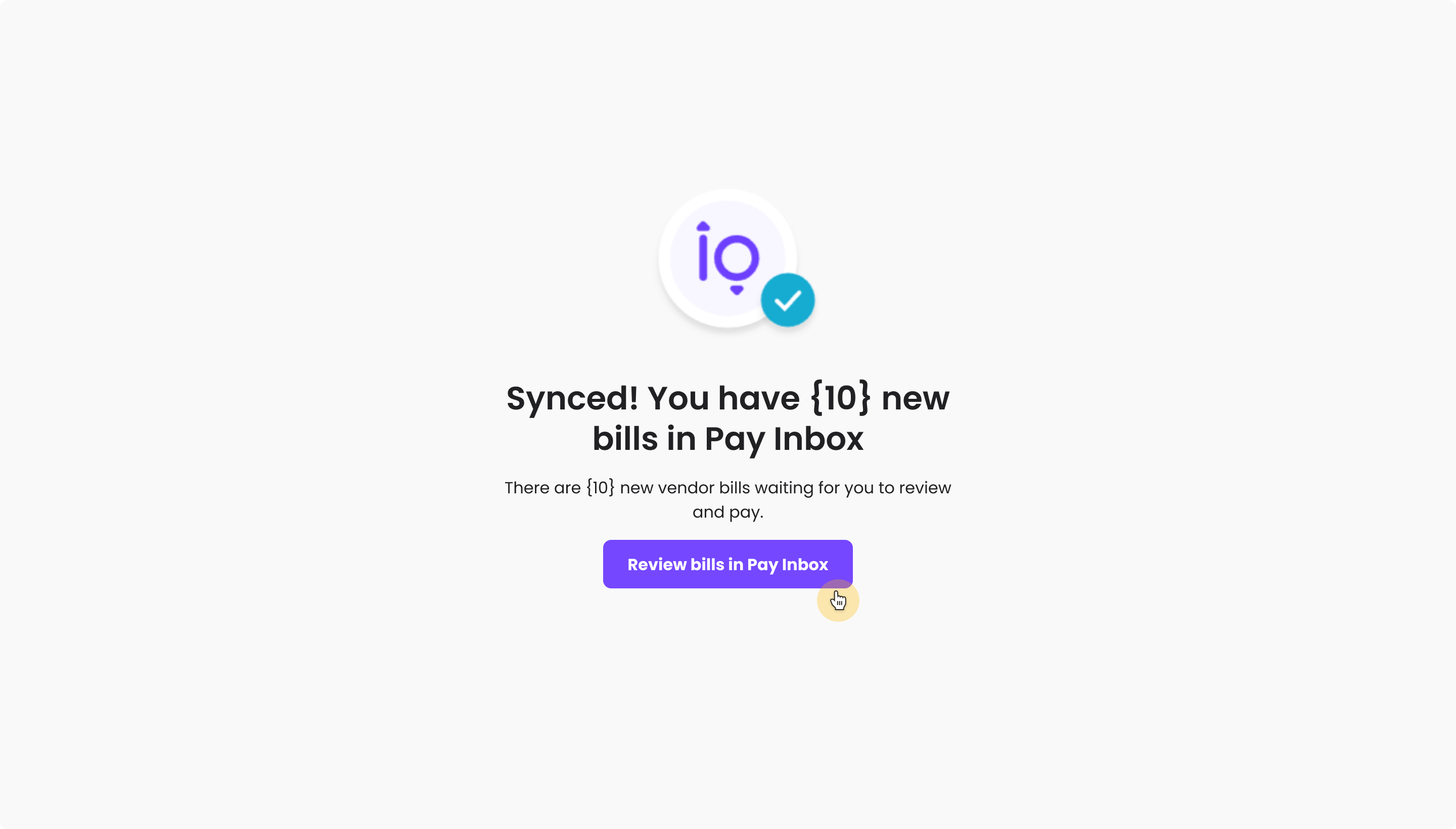
Syncing Melio and Xero saves time and eliminates double data entry. After you've completed a payment or gotten paid using Melio, your Xero account is automatically updated with all relevant details.
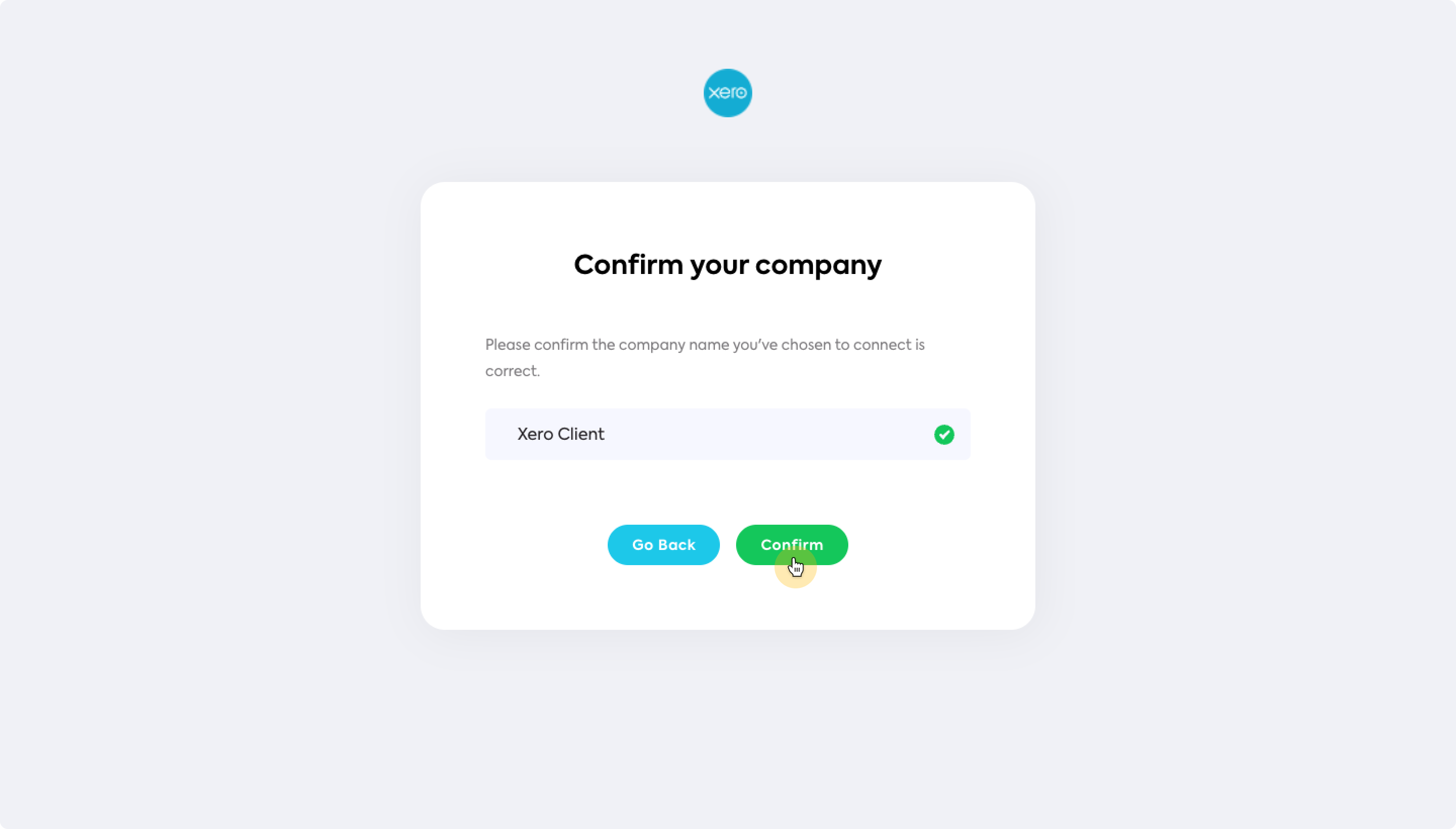
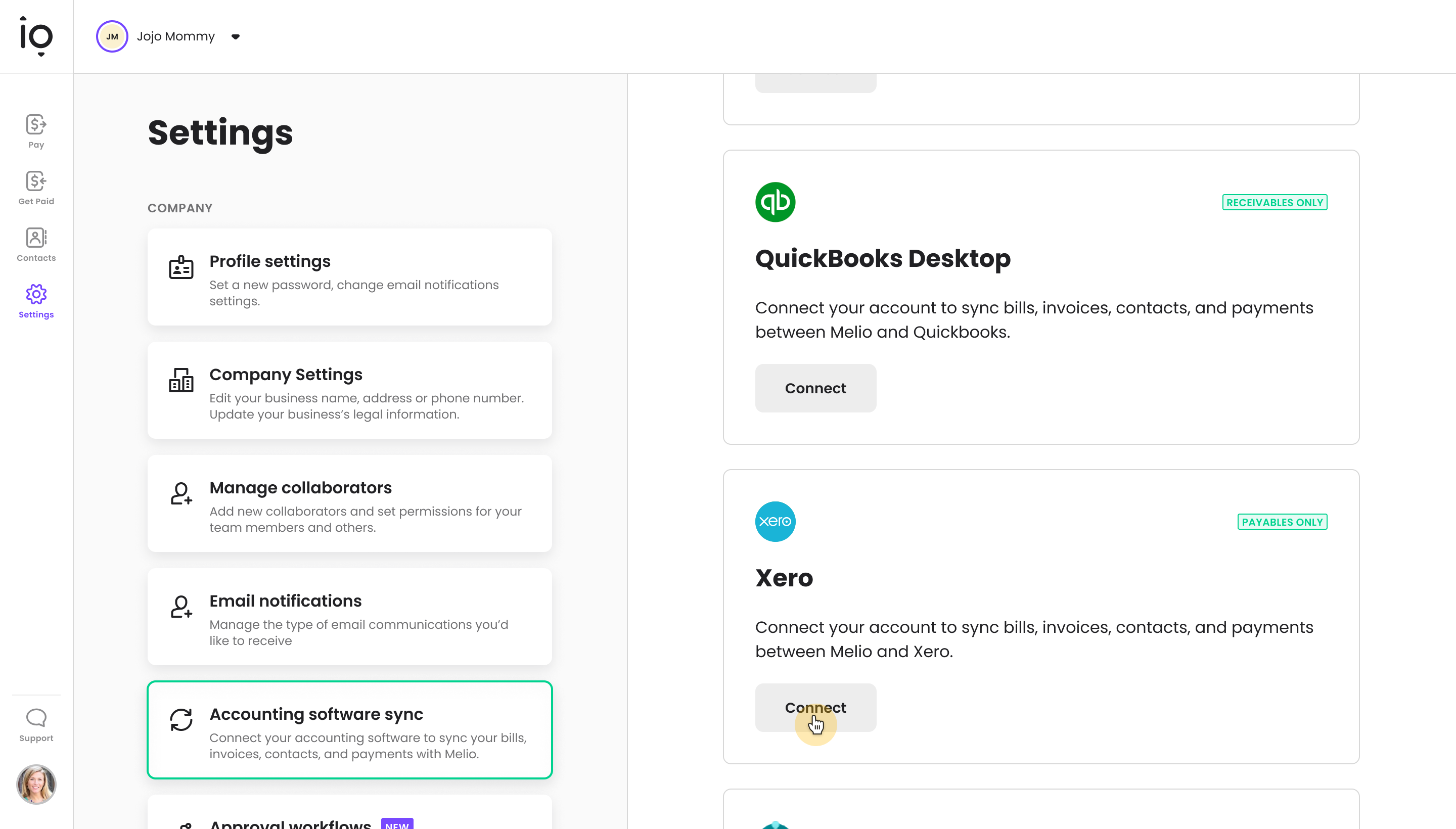
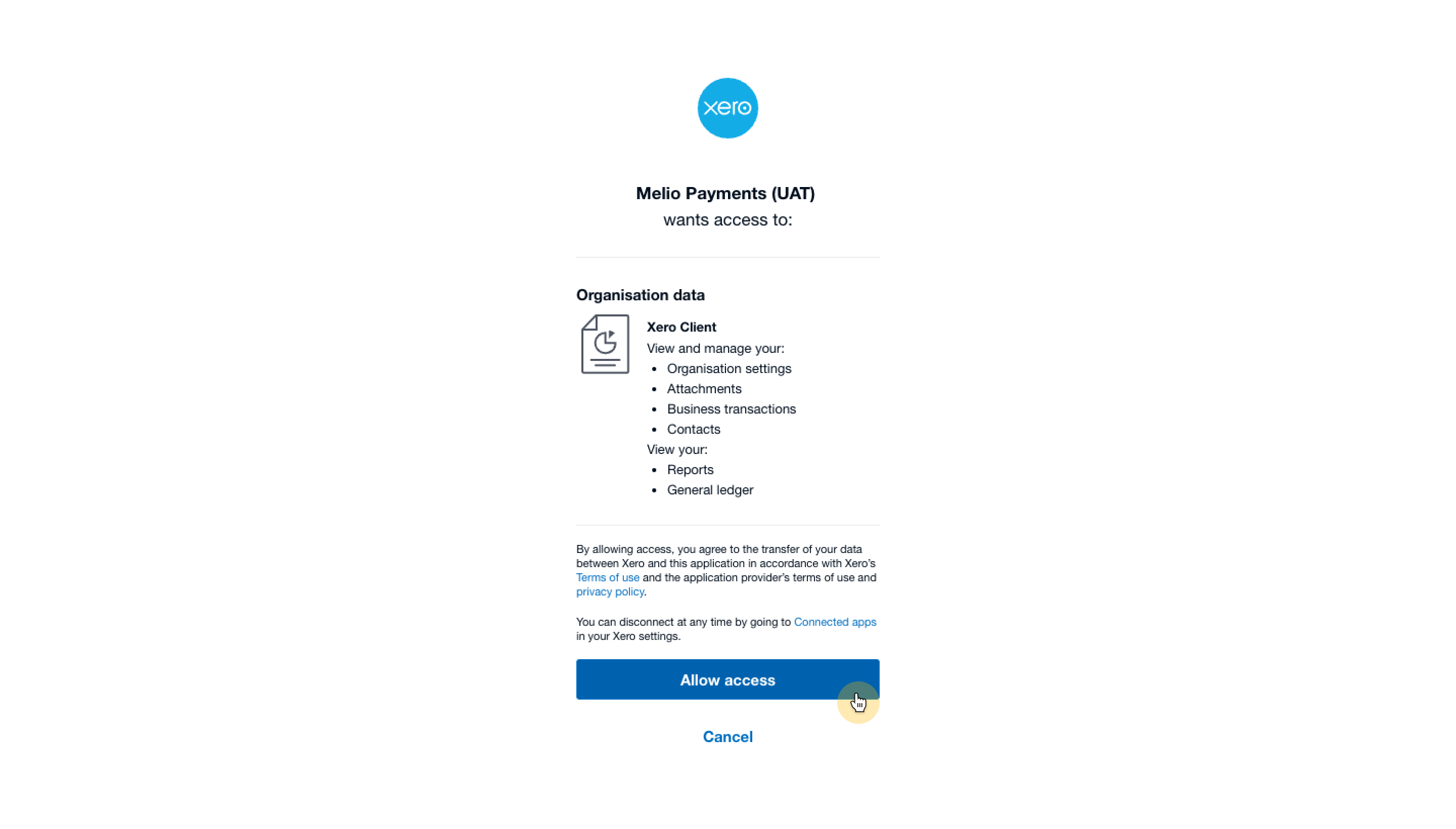
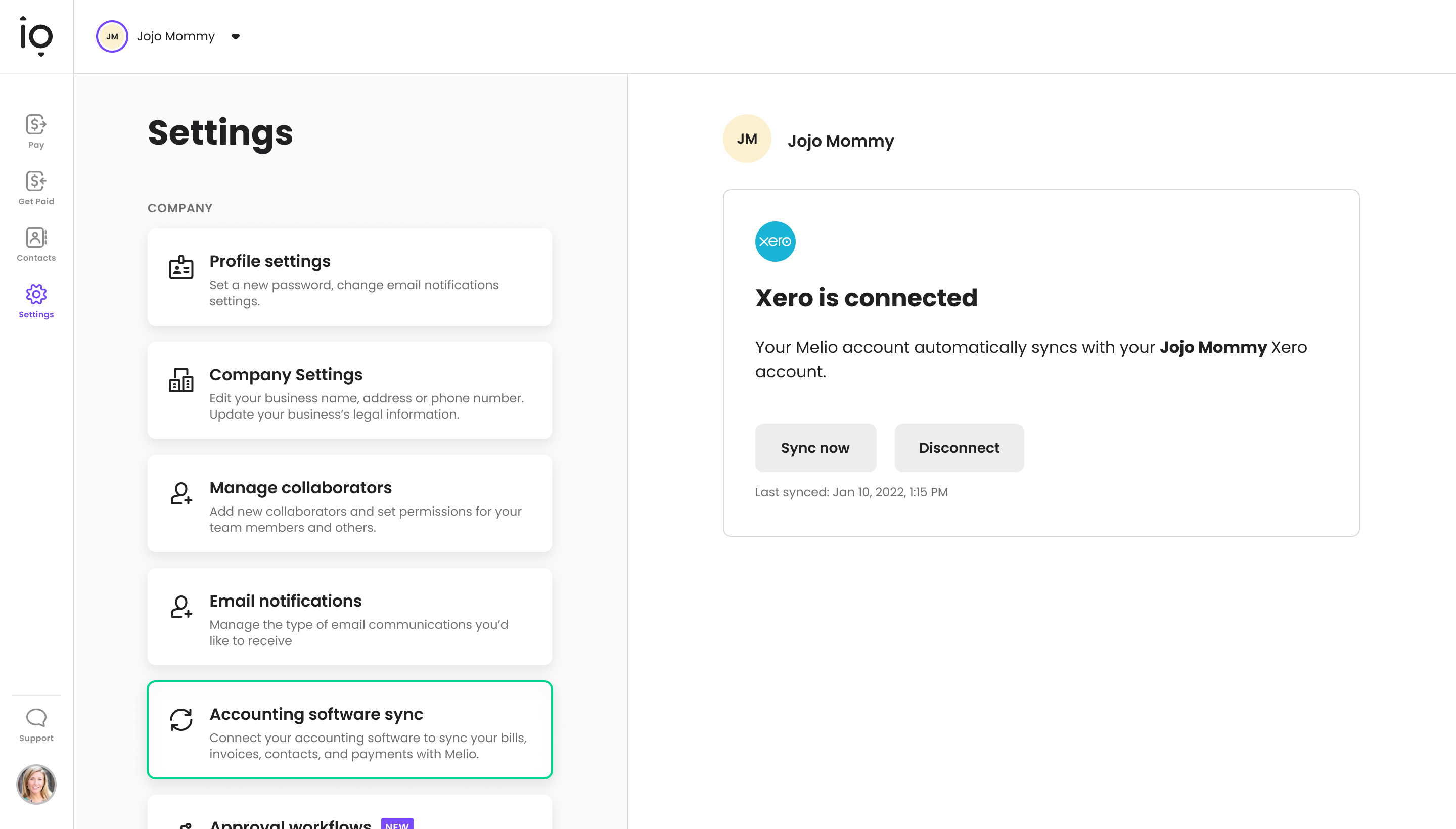
Connecting Xero from your Melio account: Sign in to your Melio account Click Settings on the left sidebar Click Accounting Software Sync In the details section under Xero, click Connect Click Allow access to let Melio use your Xero profile information Confirm your company name That’s it—your accounts are connected.
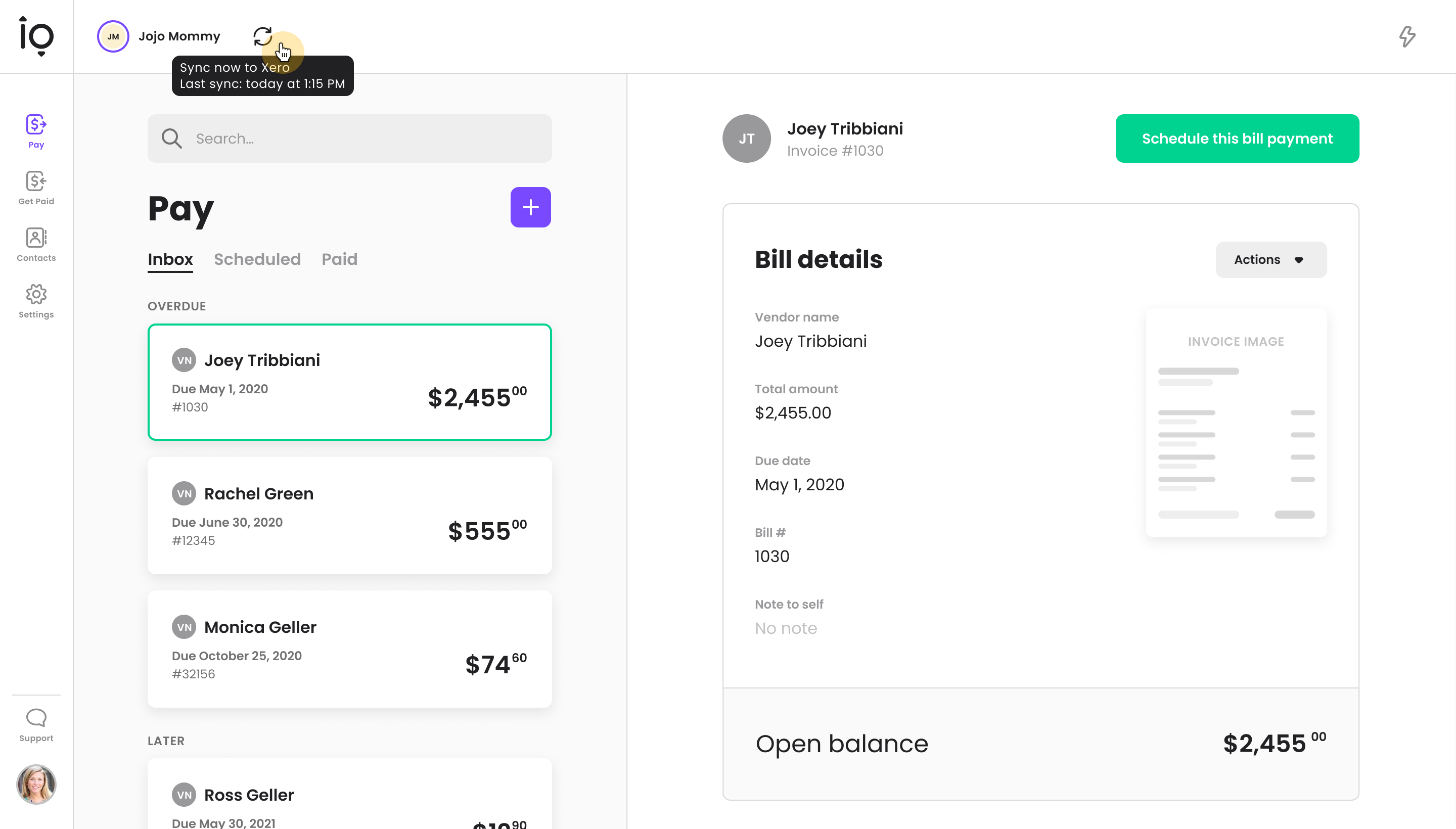
At the top left corner of the dashboard, next to the account name, you’ll see the sync icon that indicates that the sync is successful. When you hover over it, you will see when the last sync happened. Clicking this icon will manually sync the two accounts.
Another way to confirm the sync and manually sync the accounts is in Settings under Accounting Software Sync.
Reviews & ratings
Sort and filter
Most recent reviews
Statuses Meaningless - Correspondence Doesn't Exist
Response from Melio Payments
Utter vibe-coded crap
Response from Melio Payments
 BP
BPNo Xero sync
Response from Melio Payments