

Overview
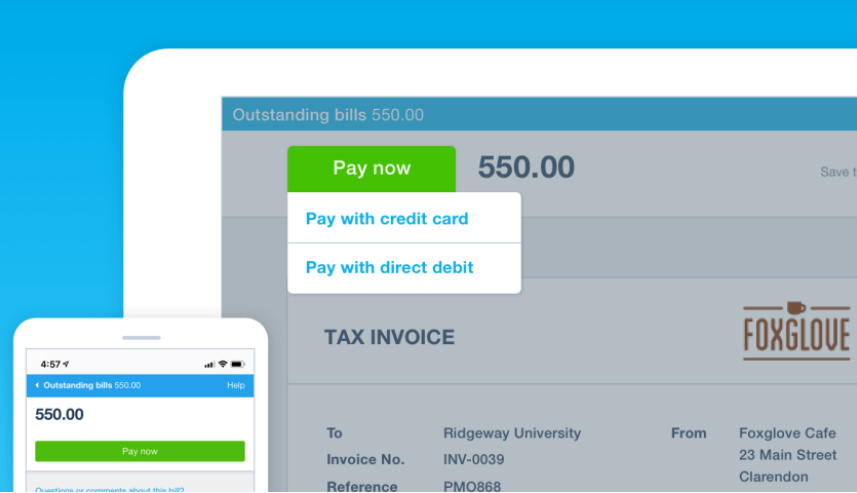
Give customers more ways to pay by accepting direct debit, credit card, Apple Pay, and Google Pay payments online and get paid up to twice as fast when using Stripe in Xero. You can also set recurring payments for repeat customers with auto pay* to turn always-late into on-time payers.
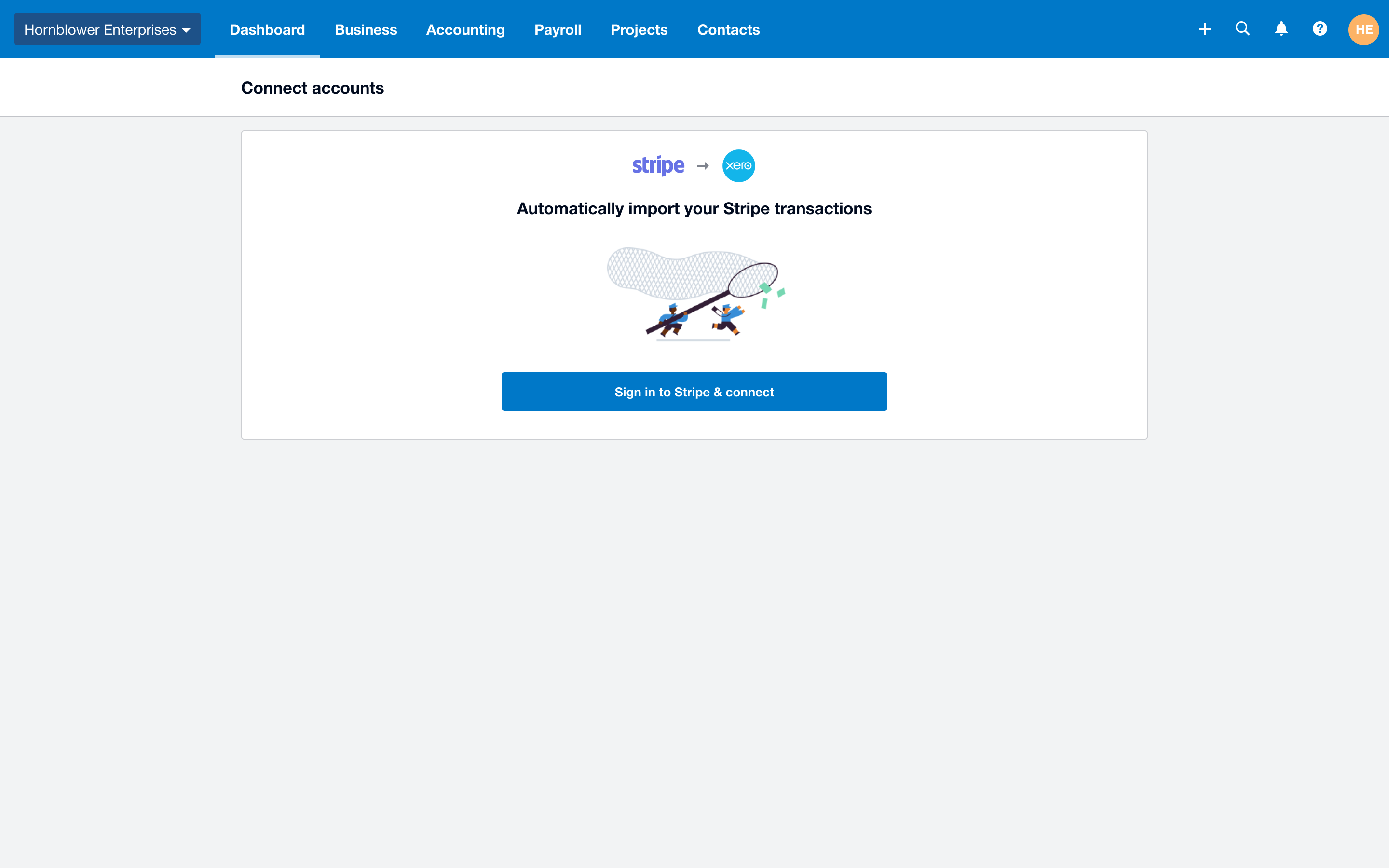
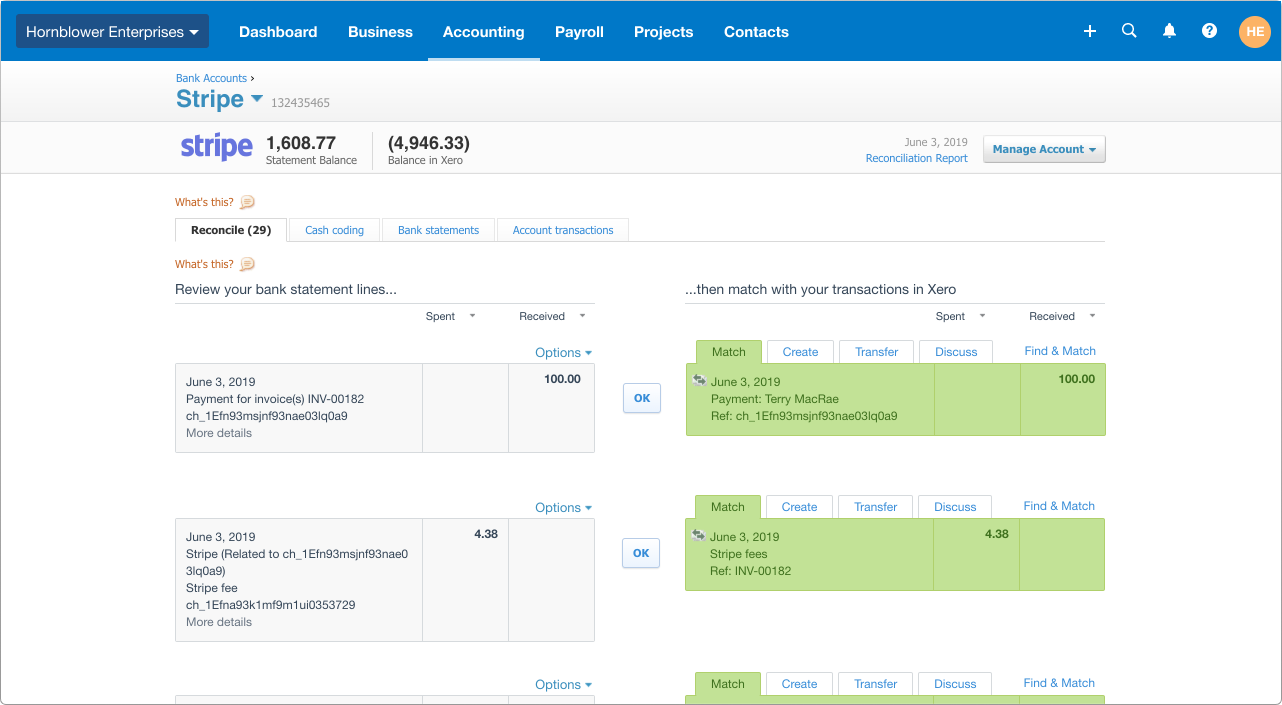
Whenever you receive payments via Stripe, whether via a Xero invoice or an eCommerce store, you'll automatically see the transaction data flow into Xero and can reconcile each payment with one click.
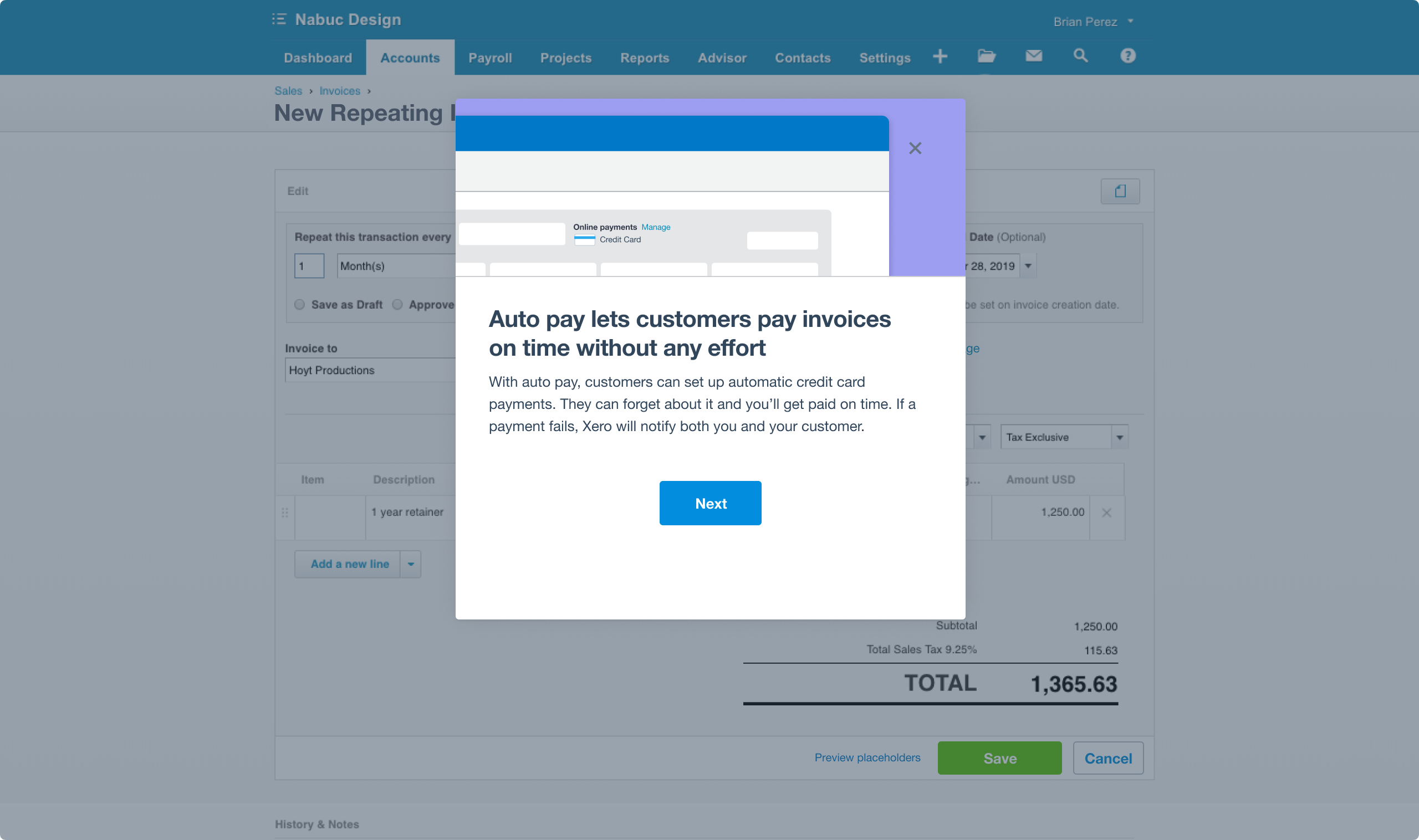
*Stripe auto pay is only available on repeat invoice templates with the approved for sending status.

Stripe + Xero
Do business around the world Make paying invoices easy by accepting multiple methods of online payments, domestic and international card payments, and Apple Pay and Google Pay payments from your customers globally.
Consistent cash flow Set your payout schedule through the Stripe dashboard and view all of the payments to your bank account. Standard payout times between 2-3 business days. Payout time for the first payment may take 7-10 business days.Check out the exact payout times for your desired country here.
24/7 support Get help when you need it most. Easy access to step-by-step instructions on how to use Stripe and Xero, and 24/7 support from our customer team. If you have questions about fees and payout times, click here to contact Stripe’s support team.
No chasing payments Save time and effort when you set up Stripe auto pay and start collecting recurring card payments for repeat billing customers. Auto pay is available on a repeating invoice template that is approved for sending.***
Easy reconciliation Xero will automatically match payments as they come through your Stripe bank feed, making it easier to reconcile payments with one click. Say goodbye to tracking down payments and fees included in a daily, weekly, or monthly Stripe payout.
Secure and compliant Protect your customer's information and block fraudulent transactions when you accept online card payments through Stripe. Stripe is a PCI DSS Level 1 certified provider and supports PSD2 regulations in Europe including Strong Customer Authentication (SCA).
Faster check out with Link Link auto-fills your customers’ saved information in a few simple steps and enables them to check out in just 6 seconds. Stripe’s global checkout study showed that Link increases conversion rates by over 7% for logged-in Link customers. You’ll also tap into a network that’s adding millions of new customers every month. Link is built into the hundreds of thousands of sites that already use Stripe. Your customers’ data is encrypted to keep it secure and, as a certified PCI Service Provider Level 1, Link meets the highest level of certification available in the payments industry.
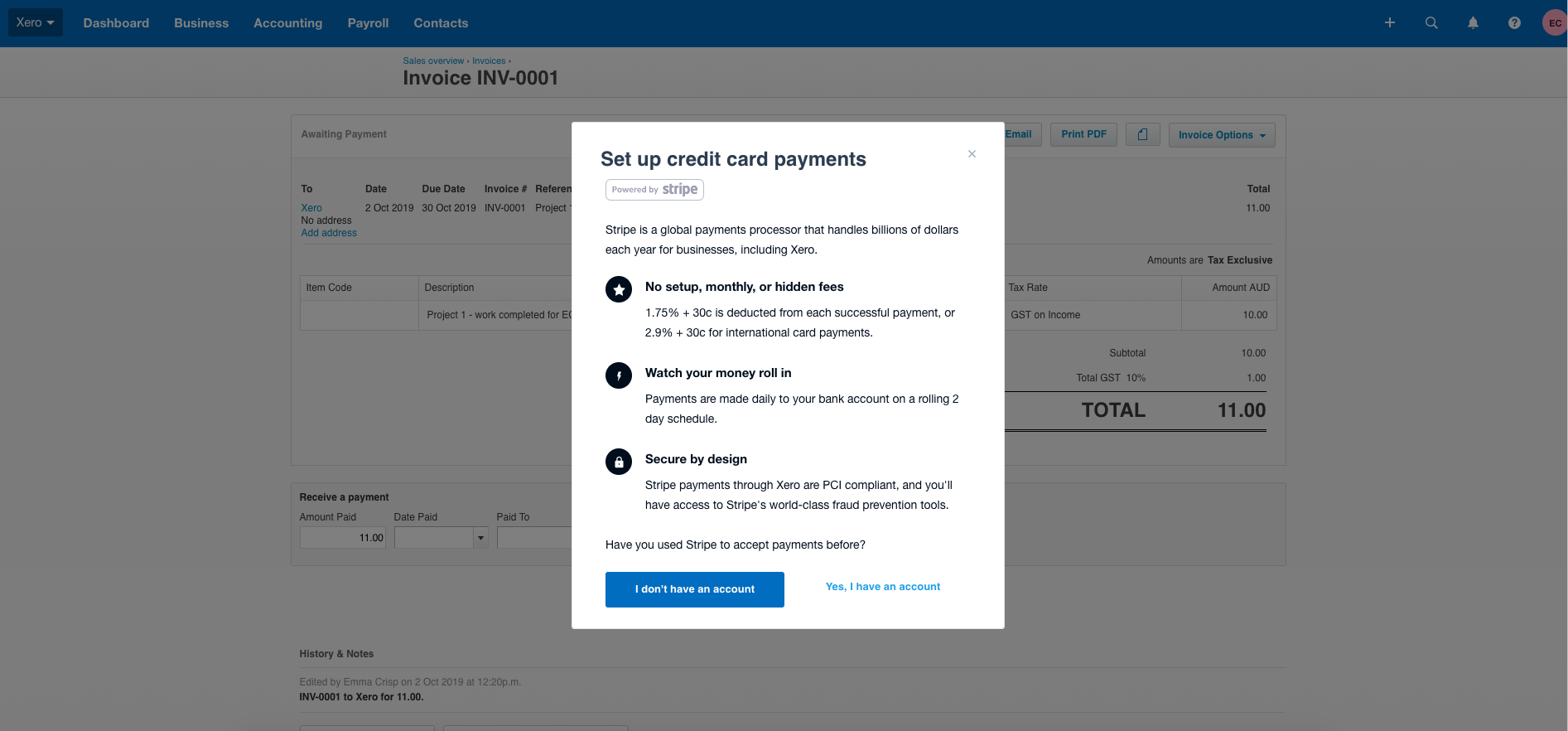
No setup fees or monthly fees you only pay for the service when it’s used. Accept domestic and international card payments, and Apple Pay and Google Pay payments from your customers globally for a low fee. Pay 1.5% + 20p for standard UK cards, or 2.5% + 20p for EU cards. *Please note, you can pass your Stripe fees on to your customers by including the fee in the final charge amount. Be aware that charging processing fees may be prohibited by law in some jurisdictions, so always act in accordance with the applicable regulations. Read more about Stripe pricing here
*Stripe fees listed above are subject to change.
**Payout times for your first payment may take between 7 to 10 business days. This delay allows Stripe to mitigate some of the risks inherent in providing credit services. Subsequent payouts will be deposited in 2 to 3 business days on a rolling schedule. You can adjust your payout schedule in the Stripe dashboard. For more information about Stripe's payout times, click here. In addition, payout times for businesses in higher-risk industries may take longer.
***Stripe auto pay is only available on repeat invoice templates with the approved for sending status.
Getting started
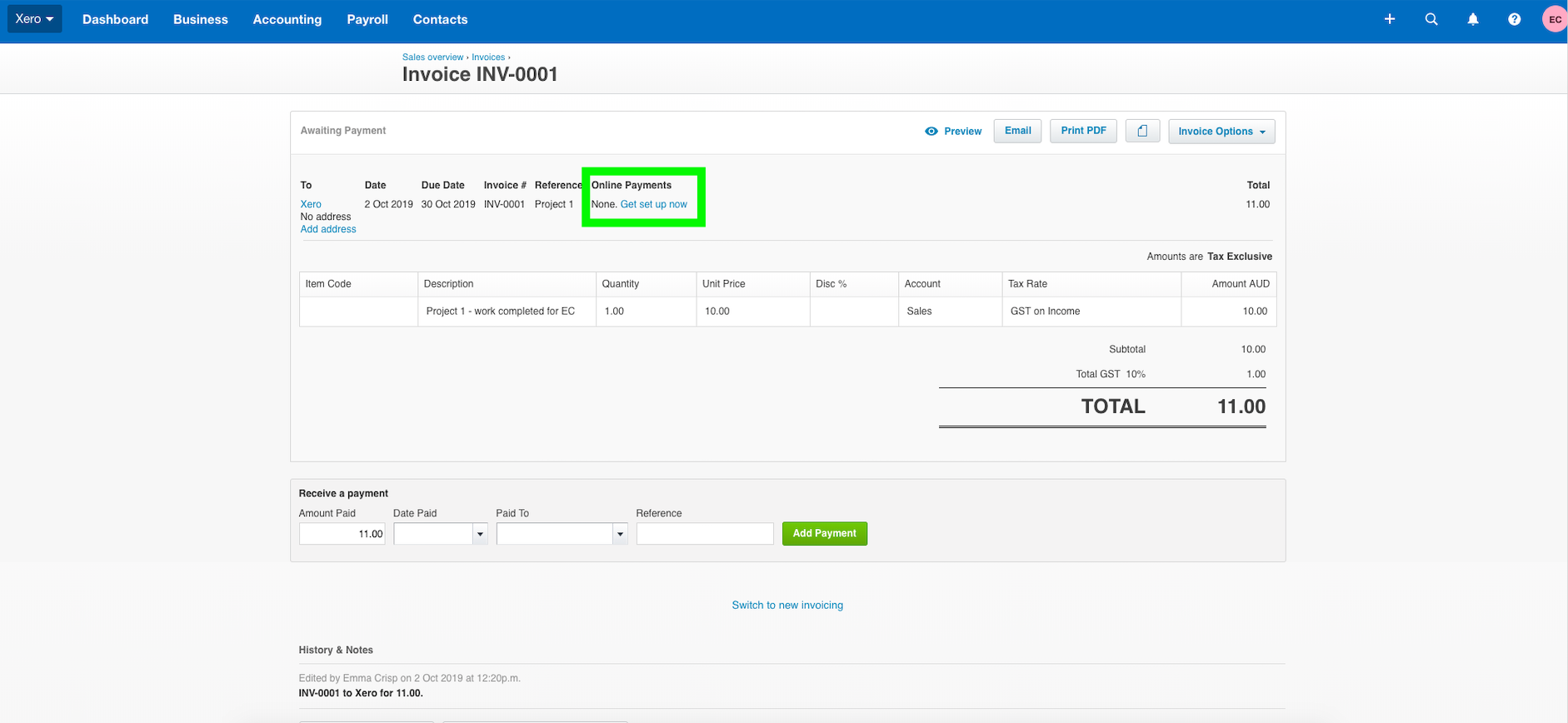
You can use Stripe with Xero in any country where Stripe is supported, and you have an active bank account. It only takes a few minutes to get set up. You can do this directly from the Xero invoice or in your Xero settings.
In your Xero settings:
- Go to General Settings and click Payment Services.
- Click 'Get Started' on the right hand side of Credit Cards powered by Stripe.
- Click 'Sign up for Stripe' to set up your new account, and follow the instructions to complete the process.
Already have a Stripe account? Select 'I have a Stripe account' after step #2, and log into your Stripe account using your current credentials.
Reviews & ratings
Sort and filter
Most recent reviews
 NC
NCBware!
 BA
BA