Overview
WeQuote is built for AV, smart-home, security and integrator businesses that need faster, smarter quoting and tighter accounting. WeQuote links your proposals, product catalogs, supplier pricing, orders and invoicing and now integrates deeply with Xero to bridge the gap between sales and finance.
Why WeQuote + Xero?
Single source of truth: Your quotes, orders and invoices stay in sync. No re-typing, no manual errors. Seamless flow from quote to invoice. When a customer accepts a quote, generate an invoice in Xero automatically. Real-time cost visibility: Map line items, margins, labour and extras directly into Xero’s general ledger codes. Faster back office: Save hours of admin time per week by eliminating duplicate entry across systems.
What WeQuote Does
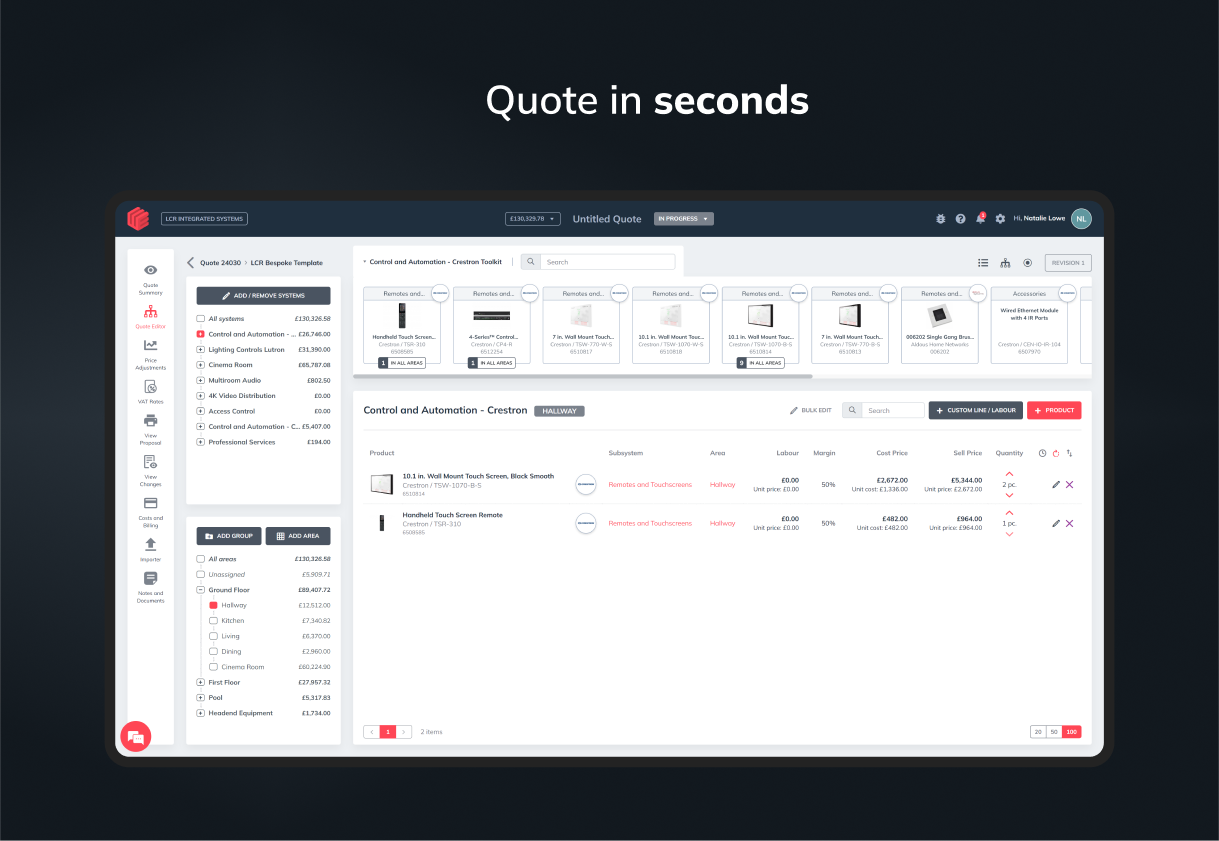
WeQuote gives you all the tools an integrator needs to build proposals that win more jobs and manage the project through to completion.
- Live-link supplier pricing: Pull in daily updated pricing from multiple distributors, so your quotes are always up to date.
- Interactive proposals: Let clients choose upgrades or options within the quote, see pricing adjust live.
- Revision tracking & change orders: Maintain full version history and send updates effortlessly.
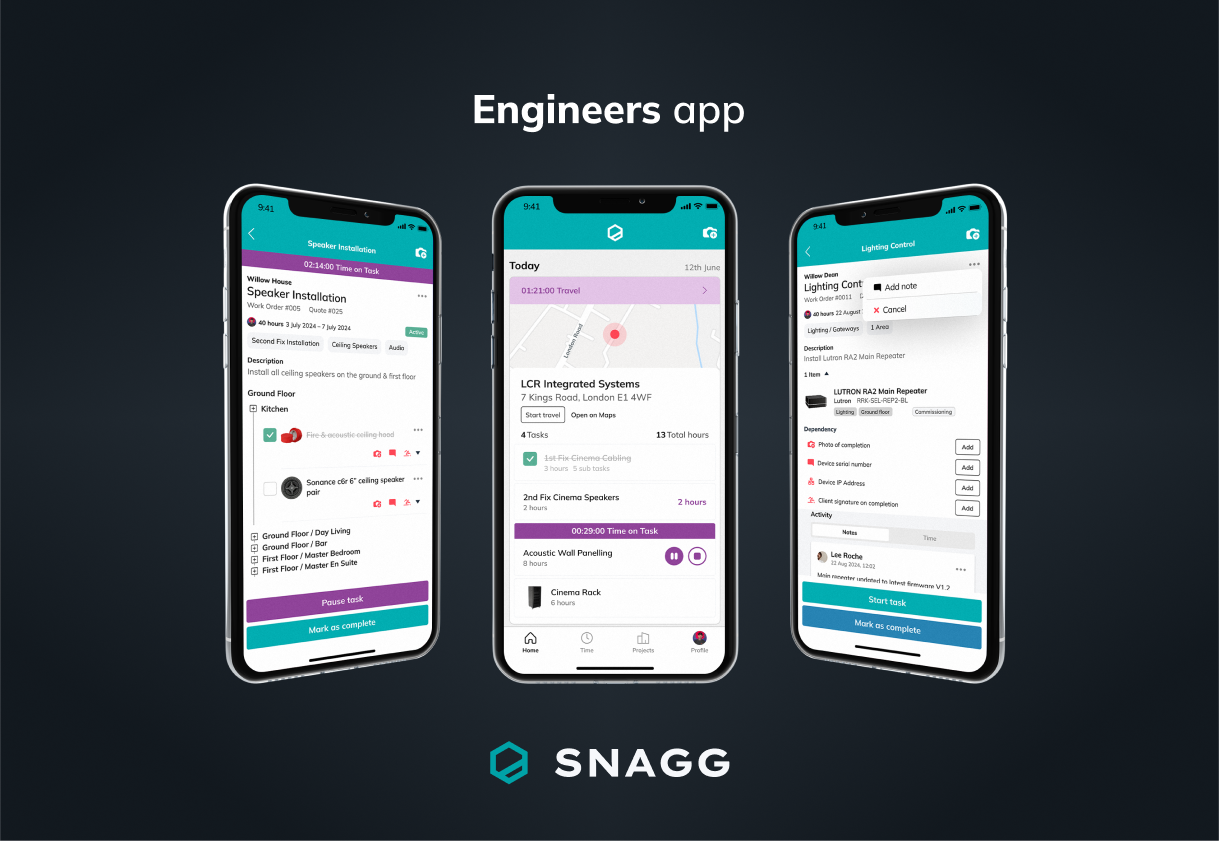
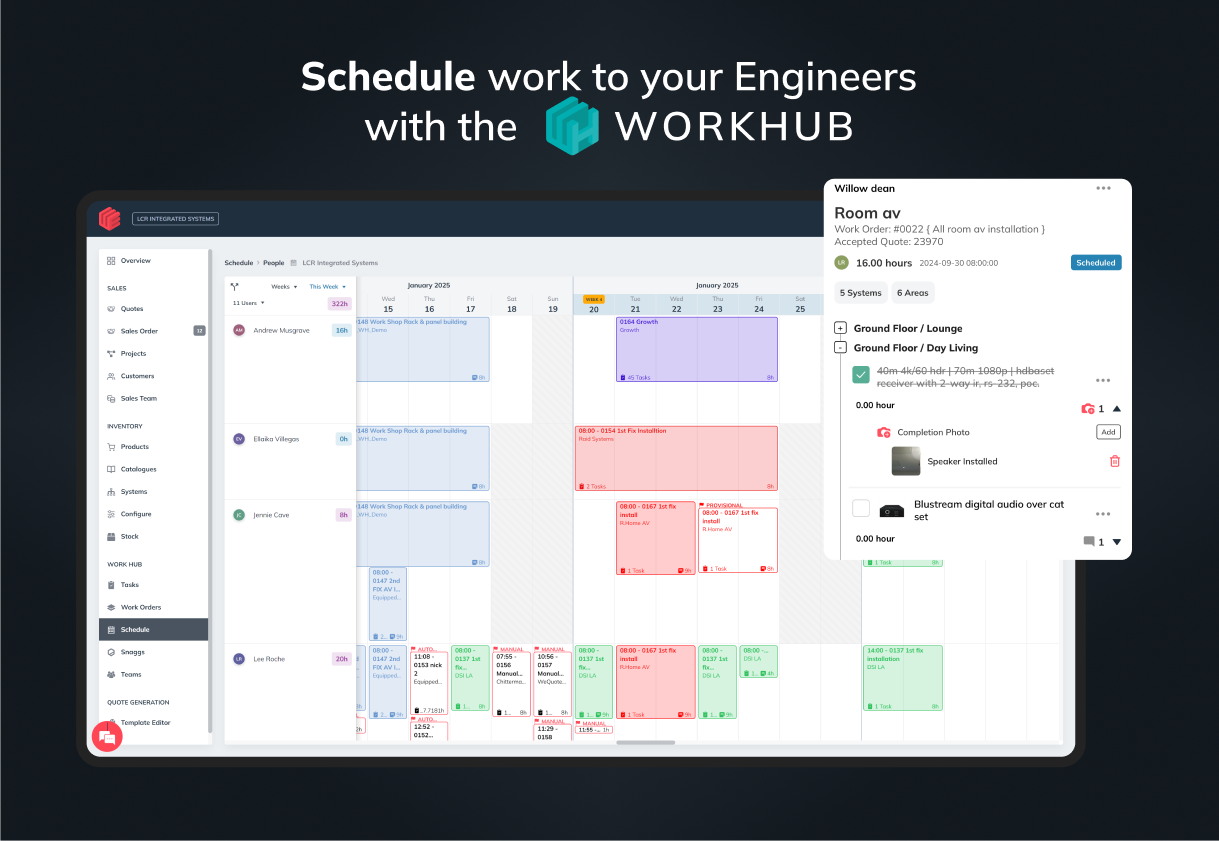
- Project & delivery planning: Assign tasks, schedule engineers, log travel/labour, manage engineers on a project site.
- Purchase & part ordering: Generate purchase orders from accepted quotes, push to suppliers and print pick lists.
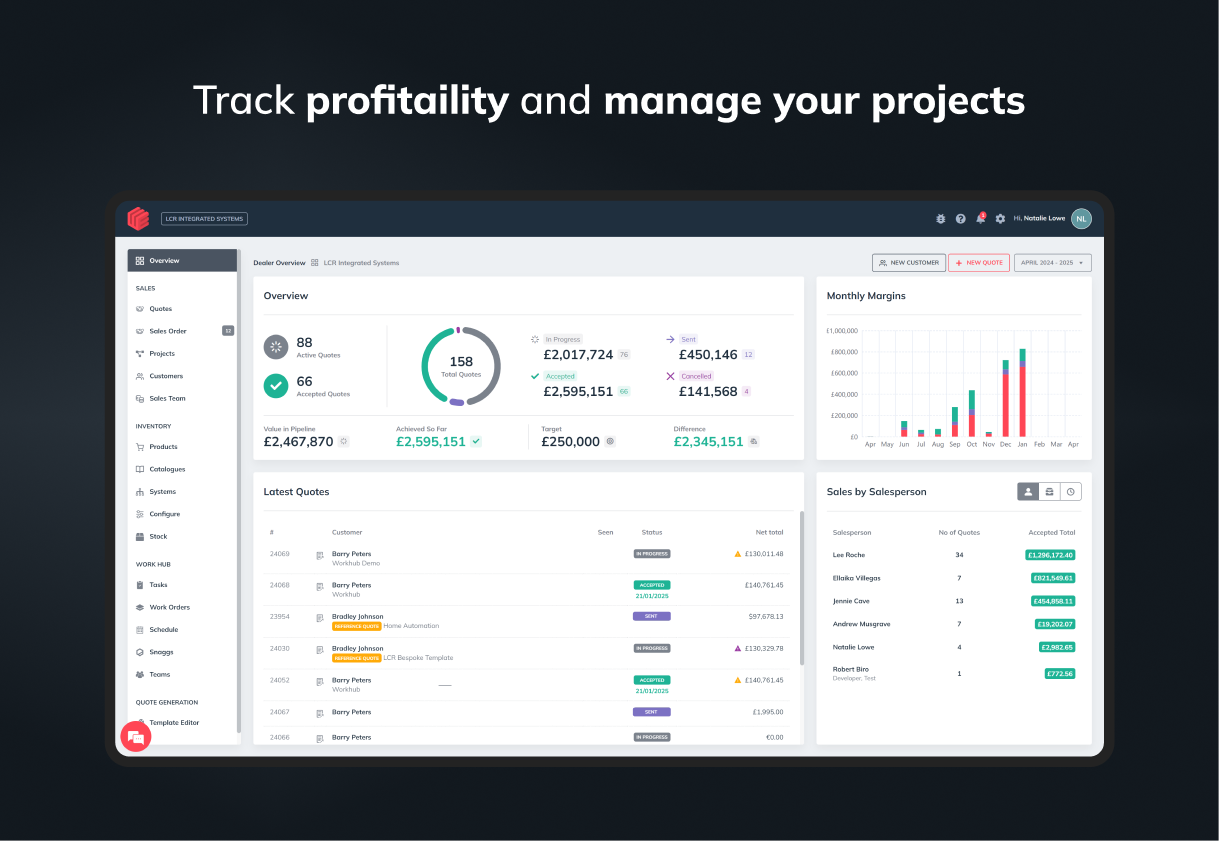
- Margin & labour control: Define margins per part, per phase, per overall project. Track labour hours with cost allocation.
- Multi-company & currency support: Quote globally, support multiple companies under one account.
Who It’s For
WeQuote is ideal for AV / integrator, smart home installers, security and systems integrators. Whether you pitch simple room systems or full commercial installs, WeQuote scales with your needs.
Why Our Users Love WeQuote
I can confidently say this platform has changed my life for the better. Instead of spending days on a quote, I can take my laptop on-site and quote, accurately, in minutes.”
“The interactive quality is a game changer”.
Support is fast and direct.. We’re developers and integrators ourselves.
WeQuote + Xero
What the Integration Does
When you connect WeQuote to Xero, the integration enables:
Once a client accepts a quote in WeQuote, you can invoice and push it into Xero Map line items & accounts: Each line in a quote (equipment, parts, labour, extras) maps to corresponding Xero accounts. Synchronise customers and contacts: Pull customer records from Xero into WeQuote or sync new clients created in WeQuote back into Xero. Sync payments: Mark invoice payment statuses to keep both systems aligned. Error alerts & reconciliation:| If mapping fails or account codes are missing, WeQuote flags the issue and lets you correct it before pushing.
Permissions & Data Access
To maintain security and integrity, WeQuote requires the following permissions when you authorise integration with Xero:
Read and write invoices Read and write contacts (customers) Access to accounts, tracking categories Read tax settings
These permissions allow WeQuote to create, update, and reconcile invoices, sync clients, and validate mappings.
How the Sync Works (Bi-Directional Flow)
- Initial setup & mapping: You map WeQuote line item types (equipment, labour, margin, extras) to Xero account codes and optionally tracking categories.
- Quote accepted → invoice push: Once a quote is accepted, WeQuote composes an invoice in draft or approved status and transmits it to Xero.
- Payments & status update: When you record payment in Xero, WeQuote imports that status (if you choose) and updates the invoice status accordingly.
- Updates & credit notes: If you revise or cancel an invoice, WeQuote can push adjustments to Xero to keep both sides consistent.
- Customer data sync: New or updated customer records are synced either way, ensuring client data remains consistent.
Error Handling & Conflict Resolution
If an invoice push fails due to missing account mapping or tax settings, WeQuote will notify you and wait for you to fix the issue. If a record already exists in Xero (duplicate contact or invoice), WeQuote will prompt for conflict resolution (e.g. match or skip).
Data Security & Privacy
OAuth secure authentication Encrypted communication No storage of Xero credentials Integration can be revoked anytime from within Xero
Limitations & Considerations
Tax rates, account codes and tracking categories must be set up in Xero before syncing quotes Bulk invoice pushes may hit Xero rate limits — recommended to push in smaller batches Disconnecting the integration stops syncing but does not delete existing data in Xero
Pricing plans
This app includes a free 14 day trial
LITE
- Xero integration included
- Unlimited sent quotes
- Maximum single quote value £140K
- Unlimited users
- Unlimited Features
PRO
- Xero integration included
- Unlimited sent quotes
- Unlimited users
- Unrestricted features
- WeQuote Workhub
- Engineers App
PREMIUM
- Xero integration included
- Unlimited sent quotes
- Unlimited users
- Unrestricted features
- Custom features
- WeQuote Workhub
- Engineers App
Getting started
Connecting WeQuote to Xero is simple. The easiest way is to click the Get this app button on this Xero App Store listing.
Setup Process
-
Click “Get this app” Start by selecting the “Get this app” button to launch the secure connection process.
-
Log in and authorise access Log in to Xero and grant WeQuote permission to access your accounts, contacts, invoices and taxes.
-
Complete mapping in WeQuote In your WeQuote settings: Map your line items (equipment, labour, extras) to Xero chart of accounts Choose relevant tax codes Optionally assign tracking categories
-
Import or sync customers Import contacts from Xero into WeQuote or sync new ones into Xero. Duplicate checking is built-in.
-
Push a test quote to Xero Create a sample quote in WeQuote, mark it accepted, create an invoice and send it to Xero as a draft invoice. Confirm the result.
-
Go live Once verified, start quoting and invoicing live jobs through WeQuote and keep your Xero ledger up to date.
Best Practices
Start with a test job
Align tax codes and account codes between platforms Keep naming consistent for easier mapping Review mapping regularly as your chart of accounts changes Use WorkHub to manage labour and tasks, then convert hours to invoices
Support & Onboarding
We offer full support through:
Free onboarding options (email-based setup guide) Pro onboarding (1:1 remote session and assisted configuration) Premium onboarding (white-glove setup, templates, and Xero walkthrough) Live chat and ticket support available via your WeQuote dashboard Comprehensive help docs and video tutorials inside the platform
You’re never alone. Our team helps integrators every day connect quoting with accounts, fast.