

Overview
JACK App is an All-In-One construction management software designed for builders and trades. JACK was built for builders, by builders, to save you time and money. With a full suite of features, including estimating, project management, timesheets, safety, and cashflow forecasting features, you will only need one subscription to maximise the efficiency of your business. Ditch the spreadsheets and multiple disconnected applications and manage everything with one subscription. JACK App syncs with Xero to help you manage your bills, invoices and timesheets.

JACK App + Xero
JACK App integrates with Xero via a two-way sync for client invoices, supplier/subcontractor bills, and staff timesheets.
Once an invoice is marked as sent, the invoice will be pushed to Xero. When an invoice is recorded as paid in Xero, the client invoice will be recorded as paid in JACK.
Once a supplier/subcontractor bill is approved for payment, the bill will be pushed to Xero. When a bill is recorded as paid in Xero, the bill will be recorded as paid in the JACK platform.
Your staff can enter timesheets to record costs against specific jobs and cost categories. Once approved, timesheet hours will be pushed to Xero for payroll processing.
Pricing plans
JACK App
- + $59.00 /extra user - web user/month
- + $10.00 /extra user - mobile app/month
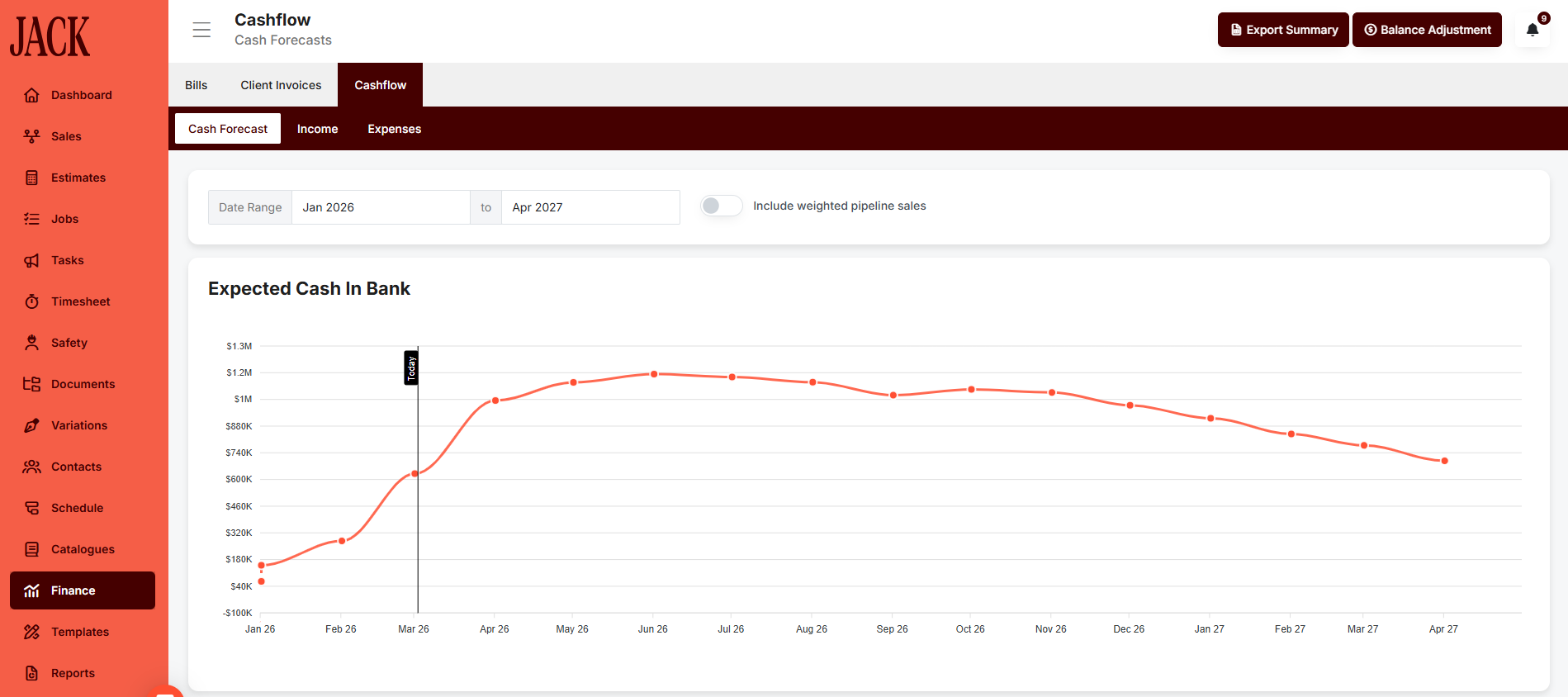
- Company Cashflow Forecast
- Lead Management / CRM
- Online Document Signing
- Online Payments - Stripe Integration
- Cost Catalogues
- Specifications & Proposals
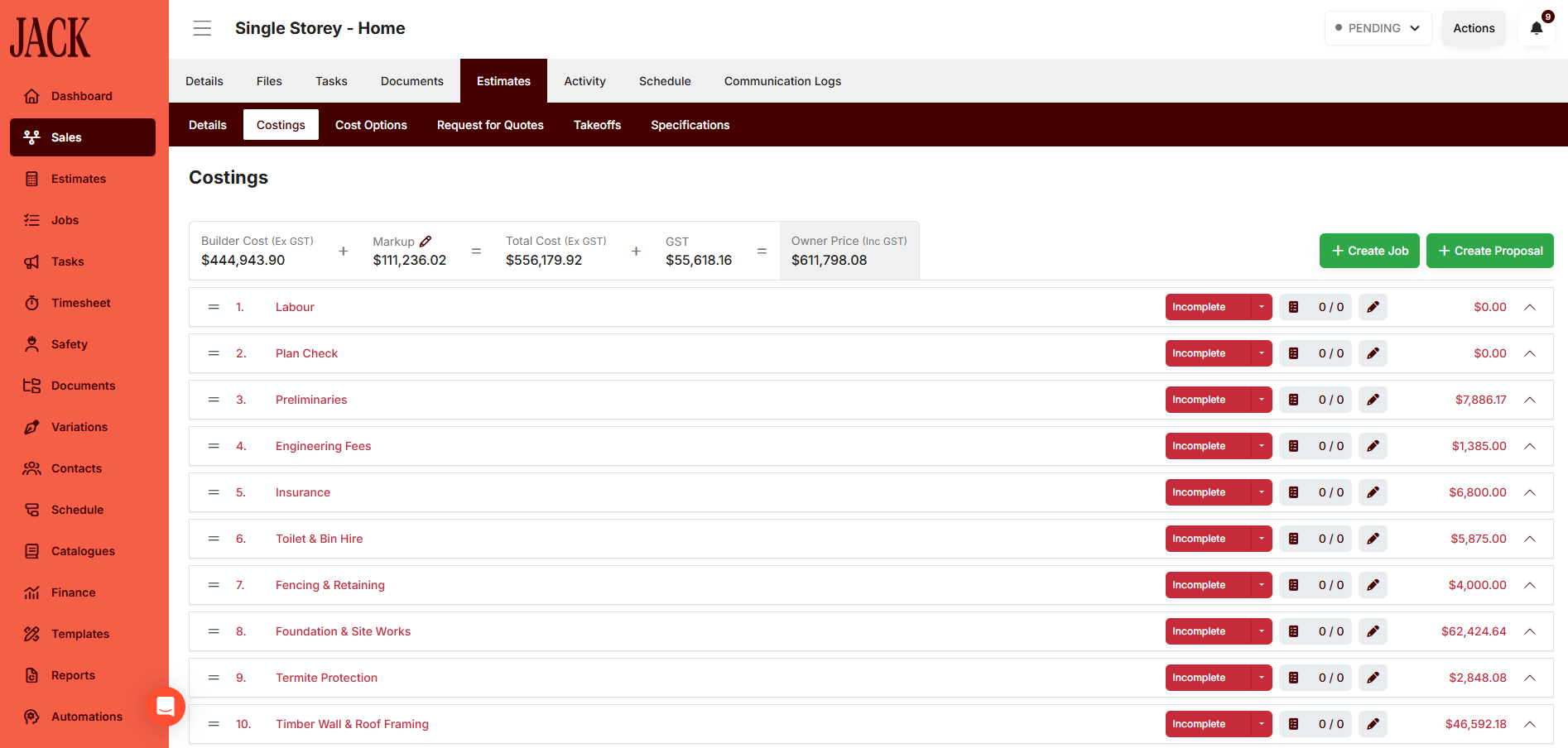
- Estimating & Digital Takeoffs
- Custom Templates & Data Import
- Request for Quotes
- Variations & Allowances
- Tasks & Daily Logs
- Timesheets & Payroll Integration (Xero)
- Job Scheduling (GANTT & Planner)
- AI-Powered Bill Processing
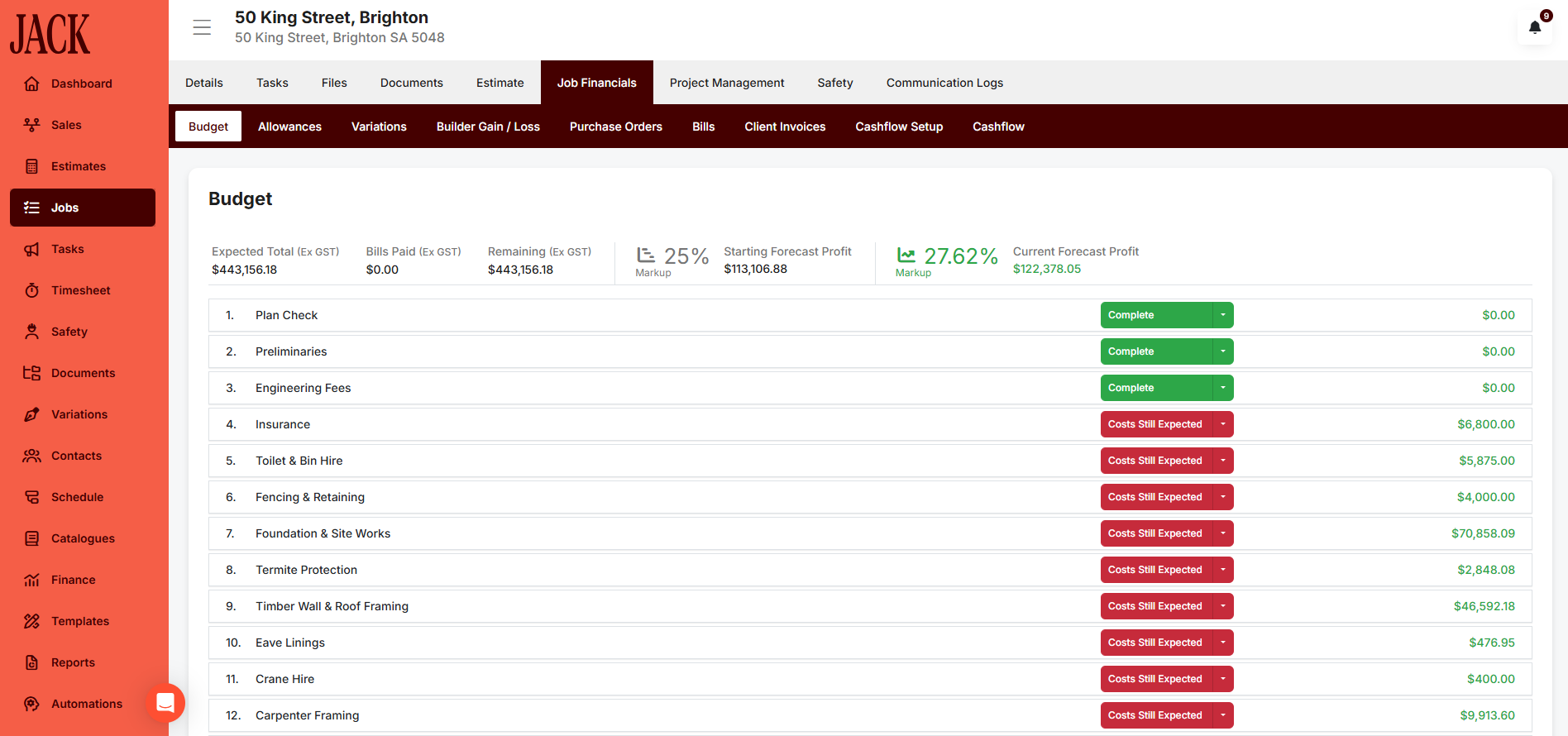
- Job Financials - Actual vs. Budget
- Client Invoicing (Xero)
- Custom Automations
- Client Portal - Unlimited Users
- Selections Management
- Subcontractor Portal - Unlimited Users
- Safety - Full Suite
- Safety - JSA & Incident Reporting
- Work in Progress Reporting
- Job Cashflow Reporting
- Unlimited Users
Getting started
Once you have created an account, you will be assigned an Account Manager to assist you with onboarding and training. To connect Xero, navigate to Settings > Accounting Integration and click Connect to Xero.
Reviews & ratings
Sort and filter
Most recent reviews
Jack has been life changing for my building company.
Response from JACK App