

Overview
EasyCSV helps you automatically import and export bulk data for CSV and XLSX files into Xero. Set it up once in minutes and turn it on to automate getting all kinds of data into Xero.
No more manual data entry for you or your team.
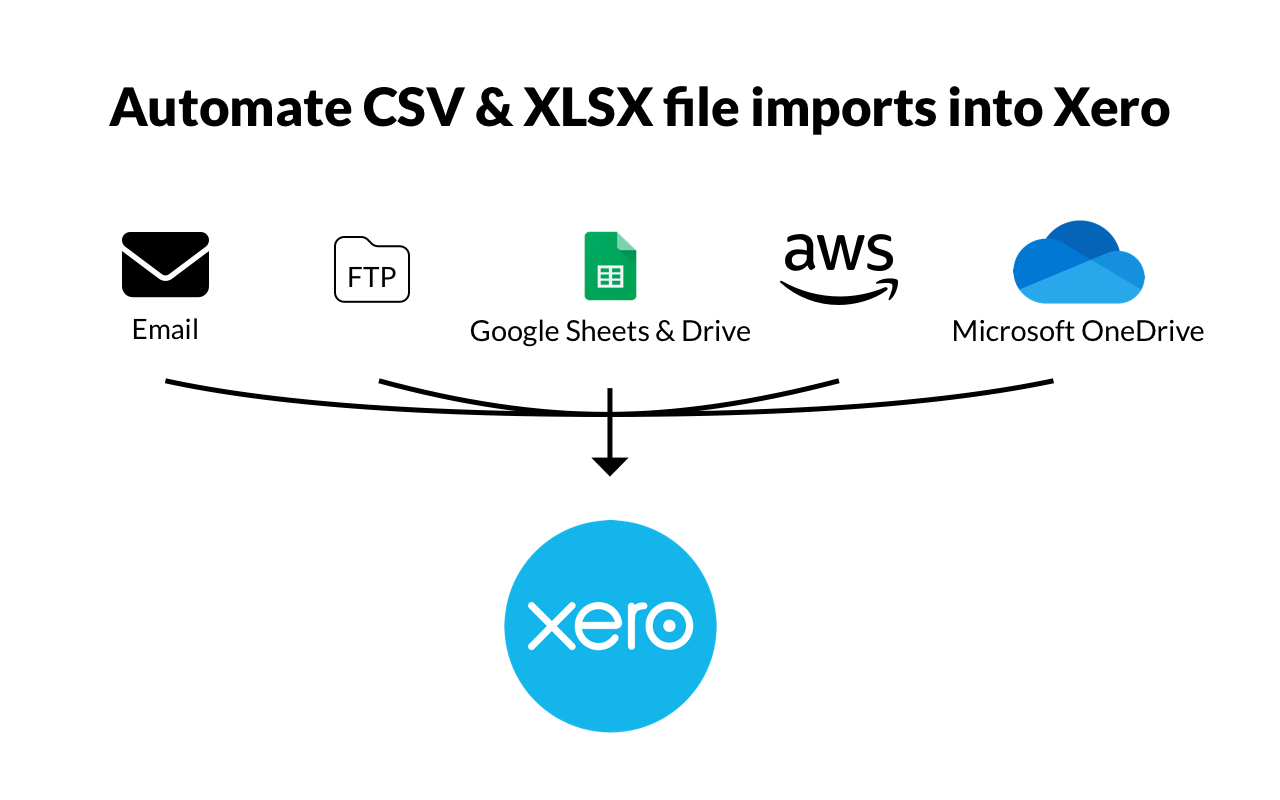
EasyCSV can automatically get CSV or XLSX files and import to Xero from:
- Uploading from your computer
- Emails sent or forwarded to a custom EasyCSV email address.
- FTP or SFTP servers
- Amazon S3
- Google Sheets
- Google Drive
- Microsoft OneDrive
- Box
- Dropbox
- and more!
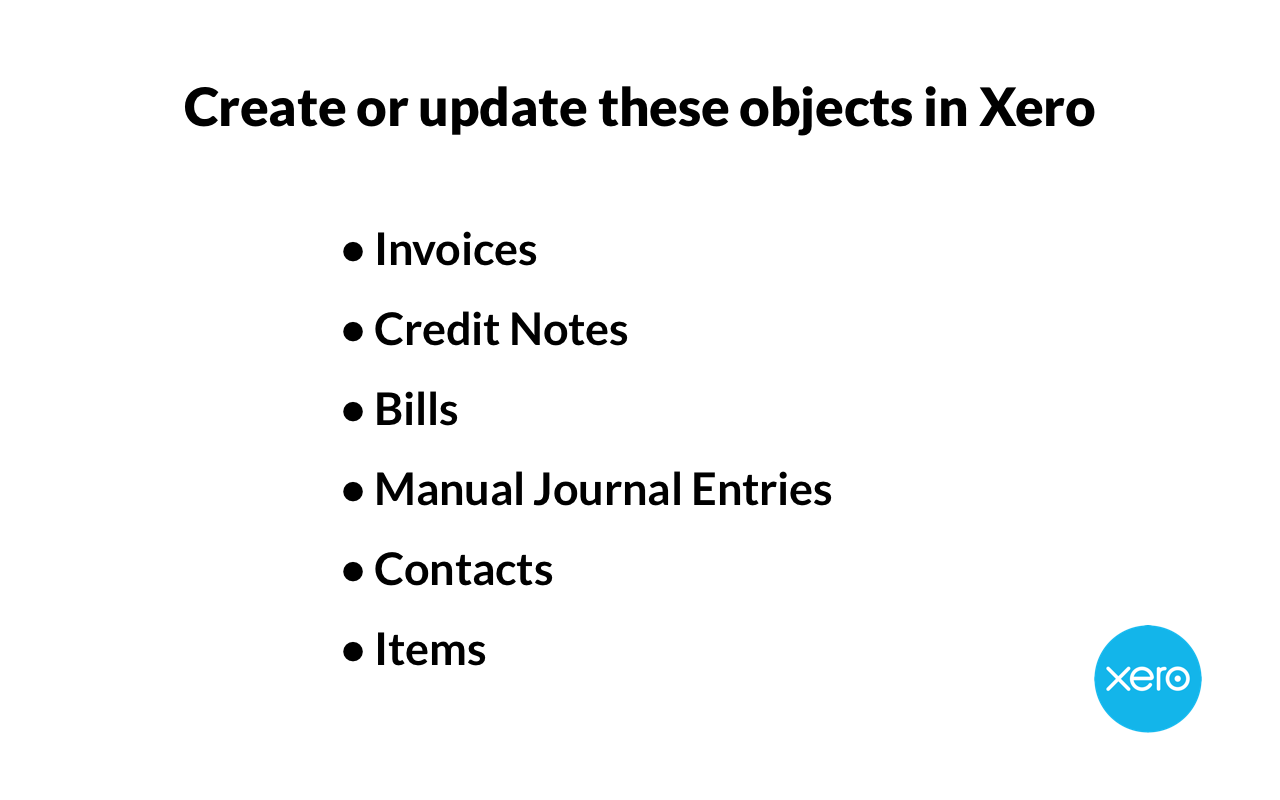
and EasyCSV can create or update:
- Invoices
- Invoice Payments
- Contacts
- Items
- Credit Notes
- Bills
- Manual Journal Entries
- Purchase Orders
- Payroll Timesheets (Timesheet Lines)
- Payroll Pay Runs
- Project Time Entries (Project Timesheets)
- and more!
Export these objects to CSV or XLSX to connect to other systems:
a. Payments (New or Updated)
If you have clients that provide you with CSV or XLSX files and you need a way to automatically parse those files and import them into Xero then EasyCSV is perfect for you.
Simply map the columns in the CSV/XLSX file to the Xero fields and then start importing. It's that easy.
Automate getting data into Xero from spreadsheets and give your team the time back to help your clients.
With a world class support team we can help you get set up. If you send an example file to our support team and tell us how you want the data to look in Xero, we will set it up for you to start testing.
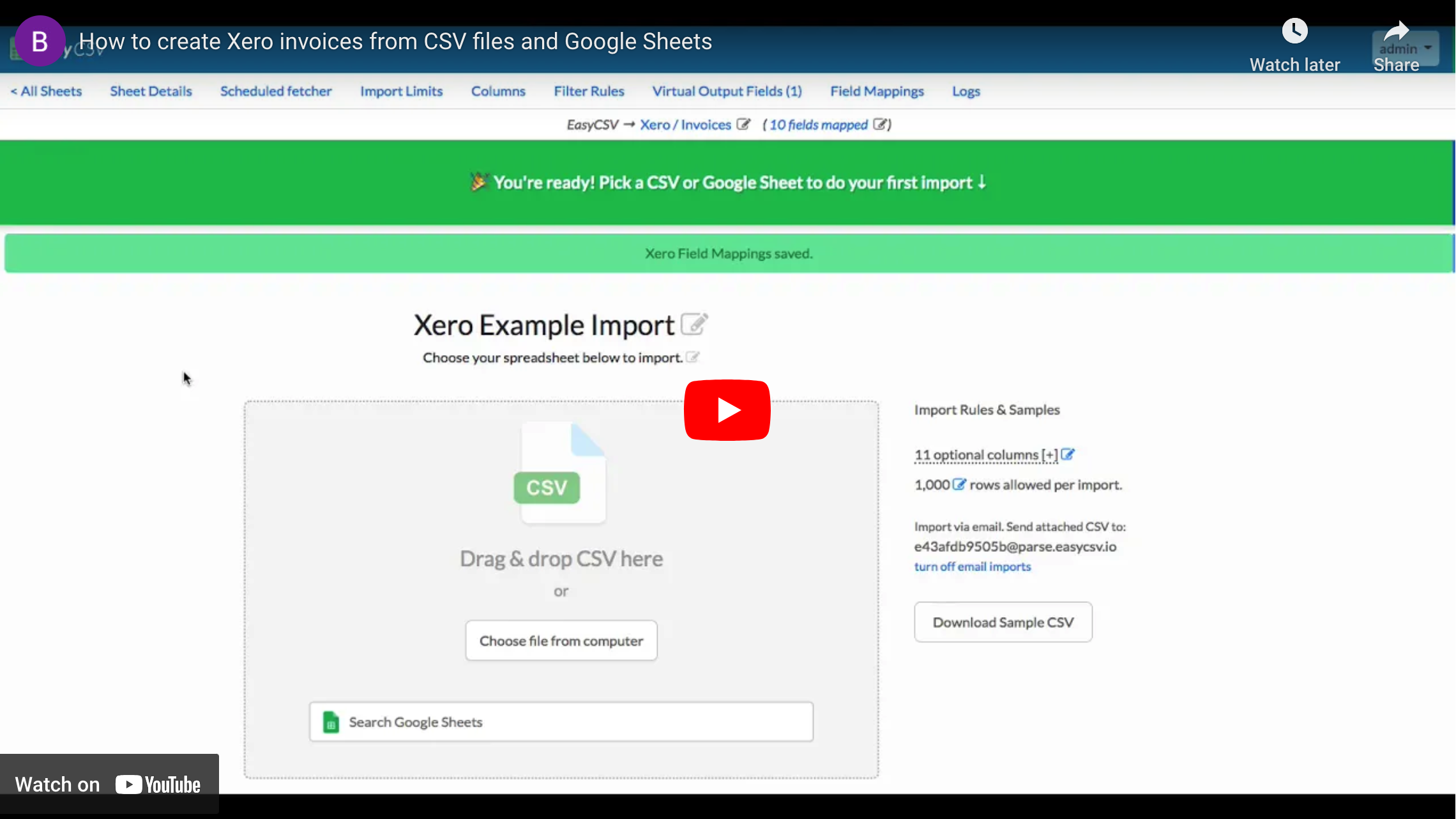
EasyCSV + Xero
Simply connect your Xero account to EasyCSV. Then specify where your CSV or XLSX files will be coming from and how you want them imported into Xero automatically.
EasyCSV can automatically get CSV or XLSX files and import to Xero from:
- Uploading from your computer
- Emails sent or forwarded to a custom EasyCSV email address.
- FTP or SFTP servers
- Amazon S3
- Google Sheets
- Google Drive
- Microsoft OneDrive
- Box
- Dropbox
- and more!
and EasyCSV can create or update these objects in Xero:
- Invoices
- Invoice Payments
- Contacts
- Items
- Credit Notes
- Bills
- Manual Journal Entries
- Purchase Orders
- Time Entry (Project Timesheets)
- Payroll Timesheets (Timesheet Lines)
- Payroll Pay Runs
- Project Time Entries (Project Timesheets)
- and more!
Simply map the columns in the CSV/XLSX file to the Xero fields and then start importing.
For exporting data to CSV or XLSX to send a report or connect the data to another system, you can do that for Xero Payments with EasyCSV. Set up a scheduled fetcher to look at New or Updated Payments and have EasyCSV export a file to send to a person or another system / application you use.
Pricing plans
This app includes a free trial
Free
- 1 import or export flow
- 3 rows per import
- Upload & export CSV & XLSX files
- Auto-import files from email, FTP, Cloud Drives, and more
Project
- 1 import or export flow
- 5000 rows per import
- Upload & export CSV & XLSX files
- Auto-import files from email, FTP, Cloud Drives, and more
Business
- 3 import or export flows
- 10000 rows per import
- Upload & export CSV & XLSX files
- Auto-import files from email, FTP, Cloud Drives, and more
- Support for Payroll Timesheets, Pay Runs, and Project Timesheets
Custom
- 4+ import or export flows
- 10000+ rows per import
- All features of lower plans
- Scales to your needs, team, and clients
Getting started
- Create an EasyCSV Account
- Upload an example spreadsheet to tell EasyCSV which columns to pull
- Connect Xero to EasyCSV
- Choose which spreadsheet columns should go into which Xero fields
- Start importing files!
Reviews & ratings
Sort and filter
Most recent reviews
Just what we needed!
Response from EasyCSV