

Overview
Take total control of your construction project costs with AI-powered financial management. Eliminate manual data entry, automate invoice reconciliation, and gain real-time visibility into project margins—all seamlessly synced with Xero.
Key Features & Benefits: AI-Driven Cost Tracking: Automatically extract data from quotes, invoices, and timesheets. Our AI categorises costs against the correct project and cost code, saving your commercial team hours of manual administration.
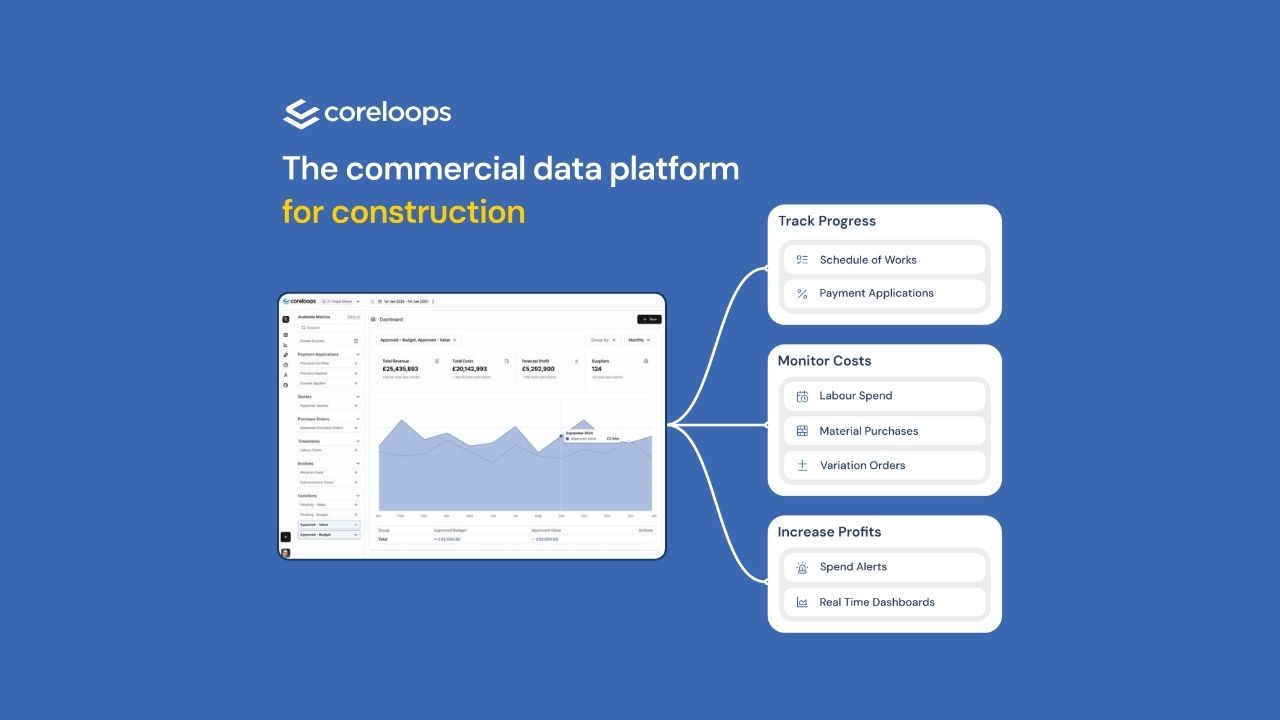
Real-Time Margin Visibility: Stop waiting for month-end reports. Access a live dashboard showing actual versus budgeted spend, highlighting potential overruns before they erode your profit.
Automated Document Inbox: Forward invoices and delivery notes directly to Coreloops. We handle three-way matching between purchase orders, delivery notes, and invoices to ensure you only pay for what was actually delivered to site.
Seamless Xero Integration: Our two-way sync ensures your financial data is always consistent. Push approved invoices and purchase orders to Xero while keeping detailed project-level cost codes and budgets within Coreloops.
Simplified Procurement: Create and approve Purchase Orders (POs) in minutes. Compare supplier quotes side-by-side and track committed spend against your original estimates to manage cash flow effectively.
Why Coreloops? Tailored for UK Construction SMEs: Built specifically for main contractors and subcontractors with turnover up to £20M who have outgrown spreadsheets.
Reduced Administrative Burden: Designed to bridge the gap between site teams and the back office, ensuring data flows without duplication of effort.
No Implementation Fees: A modern, intuitive interface means your team can get started immediately without the need for expensive training or lengthy setup periods.
Single Source of Truth: Centralise all project financial data—from initial estimates to final valuations—in one place, accessible to both your Quantity Surveyors and Finance Managers.
Coreloops + Xero
Xero Integration
Seamlessly connect Coreloops with your Xero account for automated two-way sync of invoices, contacts, and financial data.
What It Does
Eliminates double data entry between Coreloops and Xero. Create and approve documents in Coreloops, sync directly to Xero with all your cost codes and accounts mapped automatically.
Key Features
Two-Way Contact Sync
- Import suppliers and contacts from Xero
- Auto-create new suppliers in Xero when needed
- Sync payment terms, tax rates, and bank details
Invoice & Purchase Order Sync
- Push approved invoices to Xero (as submitted or authorised)
- Sync purchase orders with delivery details
- Send quotes and estimates
- Line-by-line mapping to your Xero chart of accounts
Construction Industry Scheme (CIS)
- Automatically handle UK CIS tax requirements
- Split invoices into labour and materials
- Calculate CIS deductions (20%, 30%, or 0%)
- Create CIS liability journals in Xero
Cost Code Mapping
- Map Coreloops cost codes to Xero nominal accounts
- Set default accounts for purchases and sales
- Automatic VAT/tax rate mapping
Real-Time Status
- Visual sync indicators on all documents
- See what's synced, syncing, or requires attention
- Detailed error messages if sync fails
Tracking Categories
- Support for Xero tracking categories
- Up to 2 categories per line item
Multi-Currency Support
- Handle foreign currencies automatically
- Exchange rates sync from XE.com
- Display in both original and base currency
Benefits
- Save 80% of time on cost tracking and reporting
- Real-time cost visibility instead of waiting until month-end
- Single source of truth for all financial data
- Reduce errors from manual data entry
- Streamline approvals before posting to Xero
Getting Started
- Connect your Xero account via Settings → Integrations
- Map your cost codes to Xero accounts
- Configure tax rates and CIS settings (if applicable)
- Start syncing documents with one click
Requirements
- Active Xero subscription
- Coreloops account with appropriate permissions
- One-time OAuth authentication
Getting started
Create an account. Go to "Settings" on the side menu Select the "Integrations" tab Click on the "Connect to Xero" button


