Overview
With Datamolino, you can capture, code, categorise and approve invoices where needed, all in one workflow. Datamolino lets you process the following financial documents:
- Bills
- Receipts
- Bank Statements
Reduce time spent on repetitive bookkeeping tasks and manual data entry, and get purchase sign-off where needed before exporting invoices to Xero.
Bills, Receipts & Bank Statements
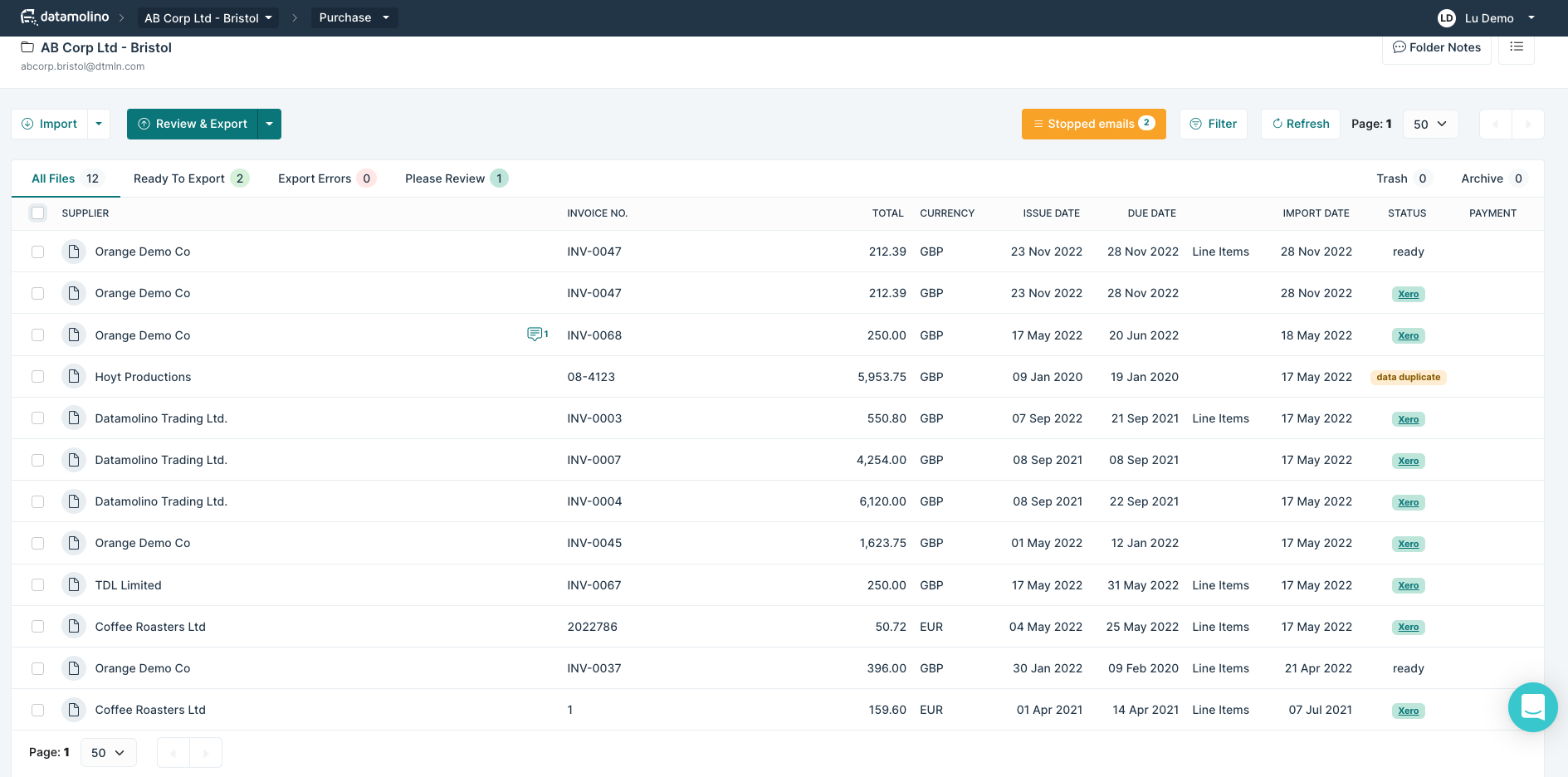
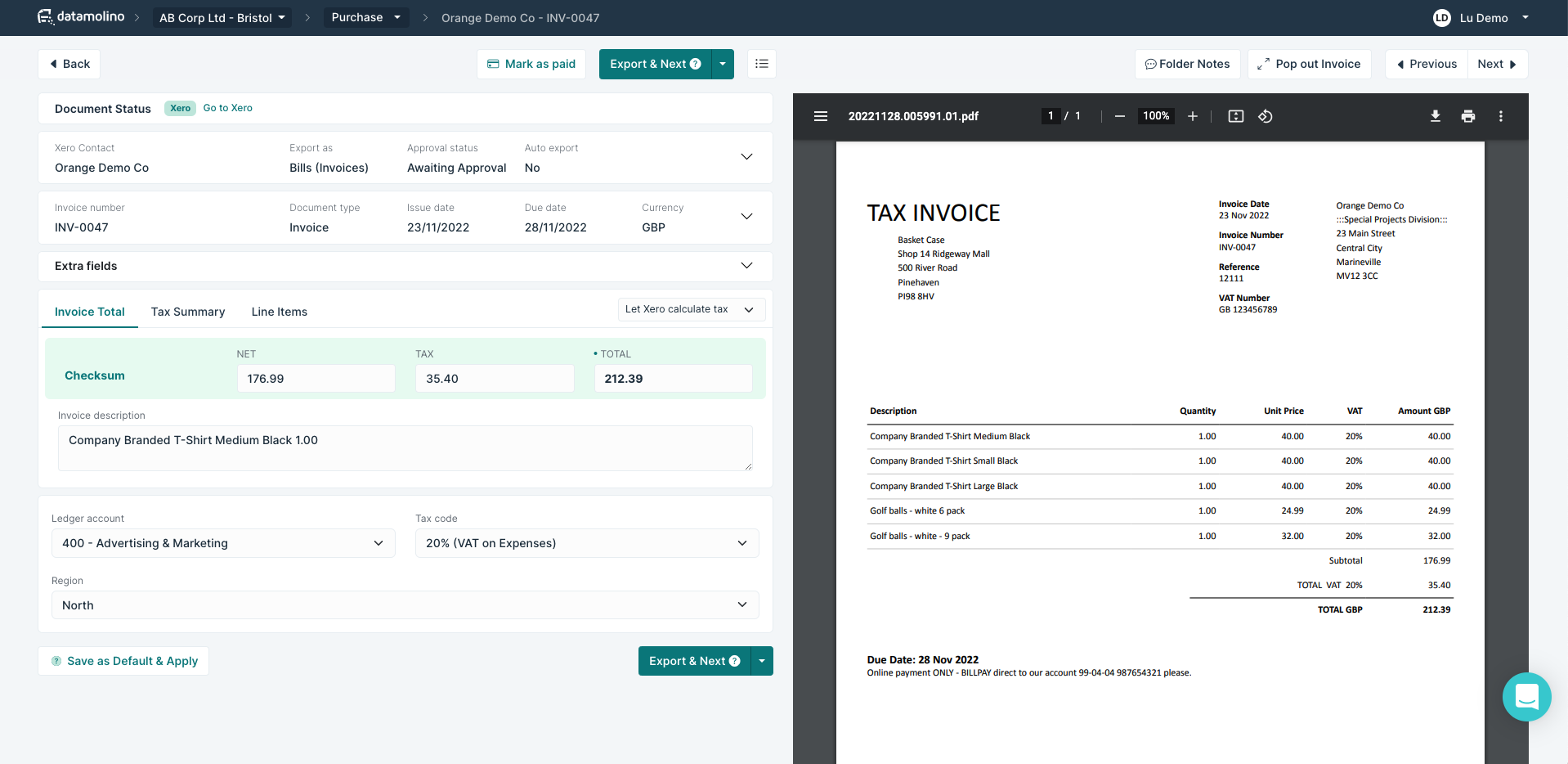
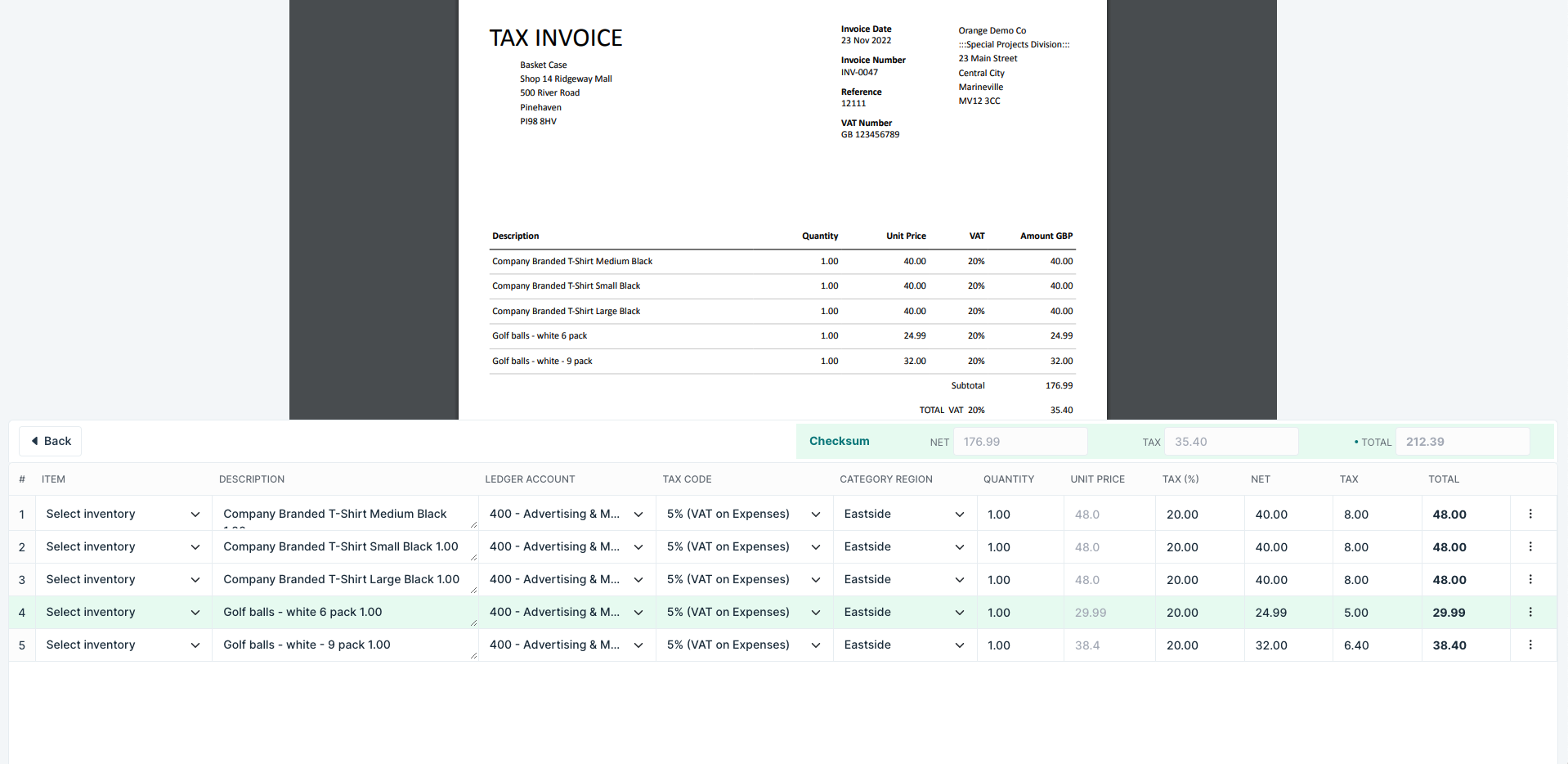
- Capture Receipts and Invoices: Upload through our mobile app, browser or email. Datamolino uses OCR and AI to capture invoice data, including descriptions and line items.
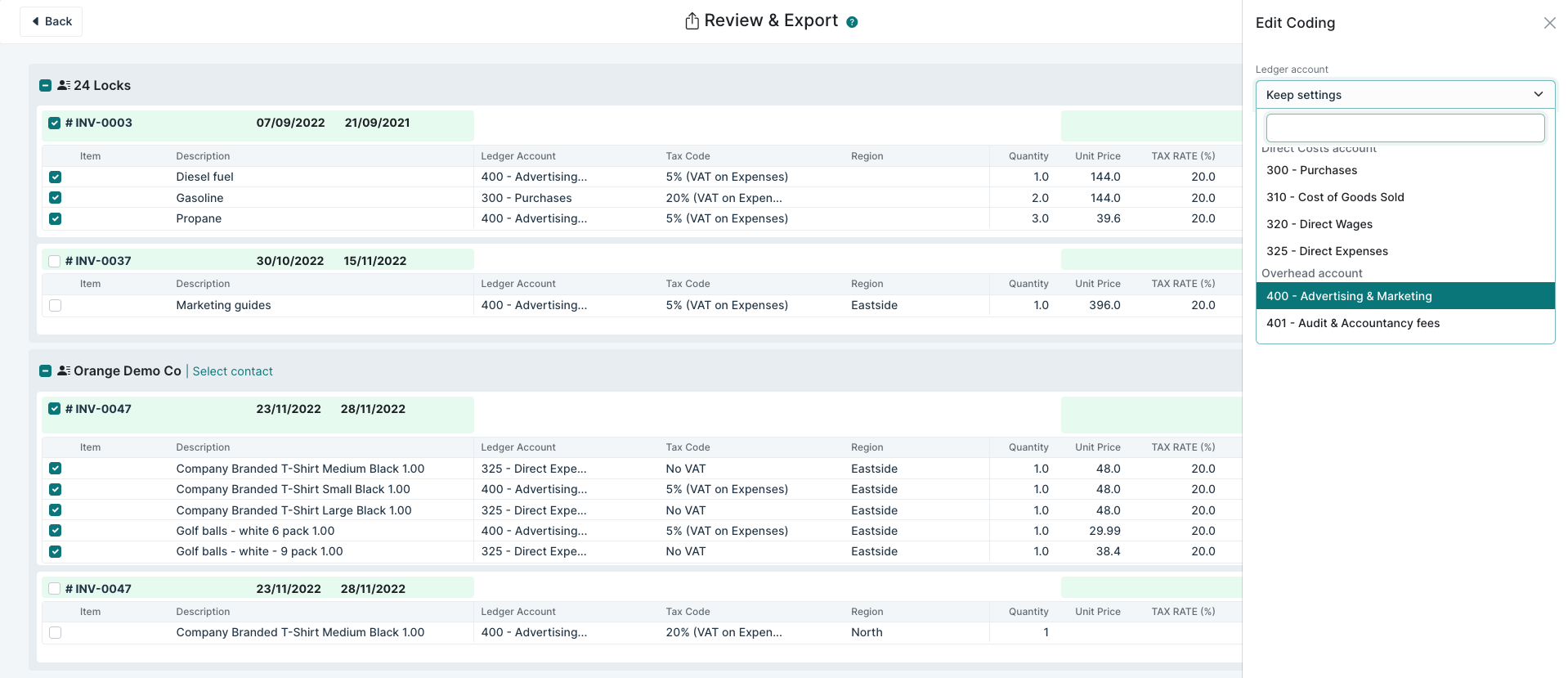
- Automate invoice coding: Set rules to simplify coding and categorisation before exporting to Xero.
- Convert Bank Statements into CSV or Excel: Turn scanned or PDF bank statements into a spreadsheet when a bank feed isn’t available. Use CSV files to import transactions into Xero.
OCR: Optical Character Recognition AI: Artificial Intelligence
Invoice Approvals (where needed)
-
Get purchase sign-off: Set approval stages and choose who approves. Switch approvals on for folders where sign-off is needed.
-
Approve wherever you are: Clients and managers can review and approve invoices in the mobile app or browser, while finance handles the accounting.
Keep a clear approval record: See approval history alongside the invoice and optionally attach the Approval Audit Trail PDF in Xero.
Who is it for?
For Accountants and Bookkeepers
Collect documents from clients throughout the month and automatically capture invoice data, including descriptions and line items.
Use rules to simplify coding and categorisation, and request client sign-off where needed while your practice handles the accounting.
In absence of bank feeds you can use Datamolino to capture scanned or PDF bank statements.
For Businesses
Collect bills and receipts through the mobile app, email or browser, and send invoices to the right managers for approval.
Your bookkeeper or finance team can handle coding and prepare invoices for Xero.
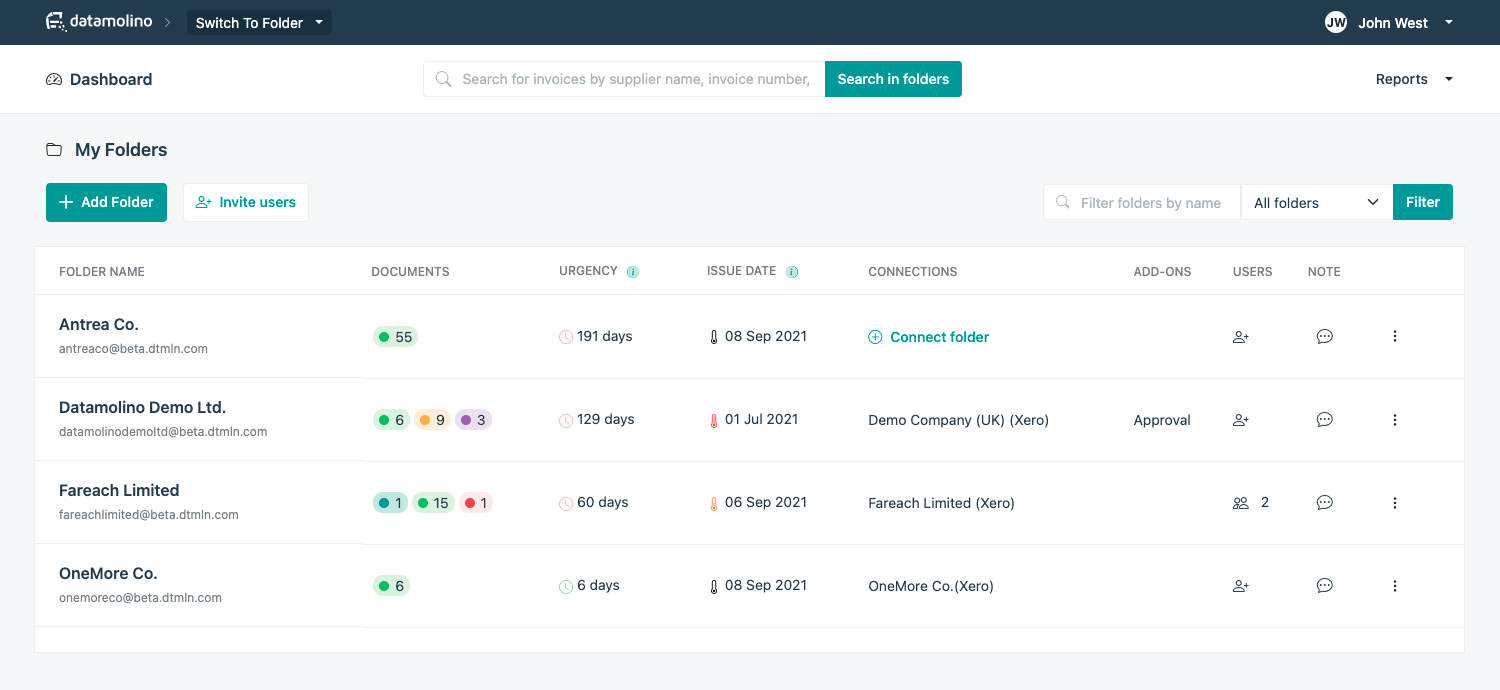
Organise paperwork across multiple entities, locations, projects or departments, with separate rules and approval workflows for each folder.
Pricing
Volume based plans include:
- unlimited companies
- unlimited users
- invoice approval workflows
Unique features for Xero users
- Automated invoice capture includes invoice description and line items
- Automation rules helping you with document coding
- Flexible organisation - Connect multiple folders to the same Xero organisation, with distinct rules and approval workflows for locations, projects or departments
- Smart PDF splitting - Datamolino automatically splits batches containing multiple invoices
- Tracked inventory support - export inventory items and line item quantities to Xero
- CIS support - Support for the Construction Industry Scheme
Datamolino + Xero
Initial connection of your Datamolino folder to your Xero organisation takes only a couple of clicks and less than a minute!
Once connected, Datamolino will automatically pull information such as contact list, ledger accounts, tax codes and tracking categories from your Xero settings.
-
Capture, code and approve: Capture invoice data and apply coding before exporting to Xero. Where sign-off is needed, route invoices for approval while your bookkeeper or finance team handles the accounting.
-
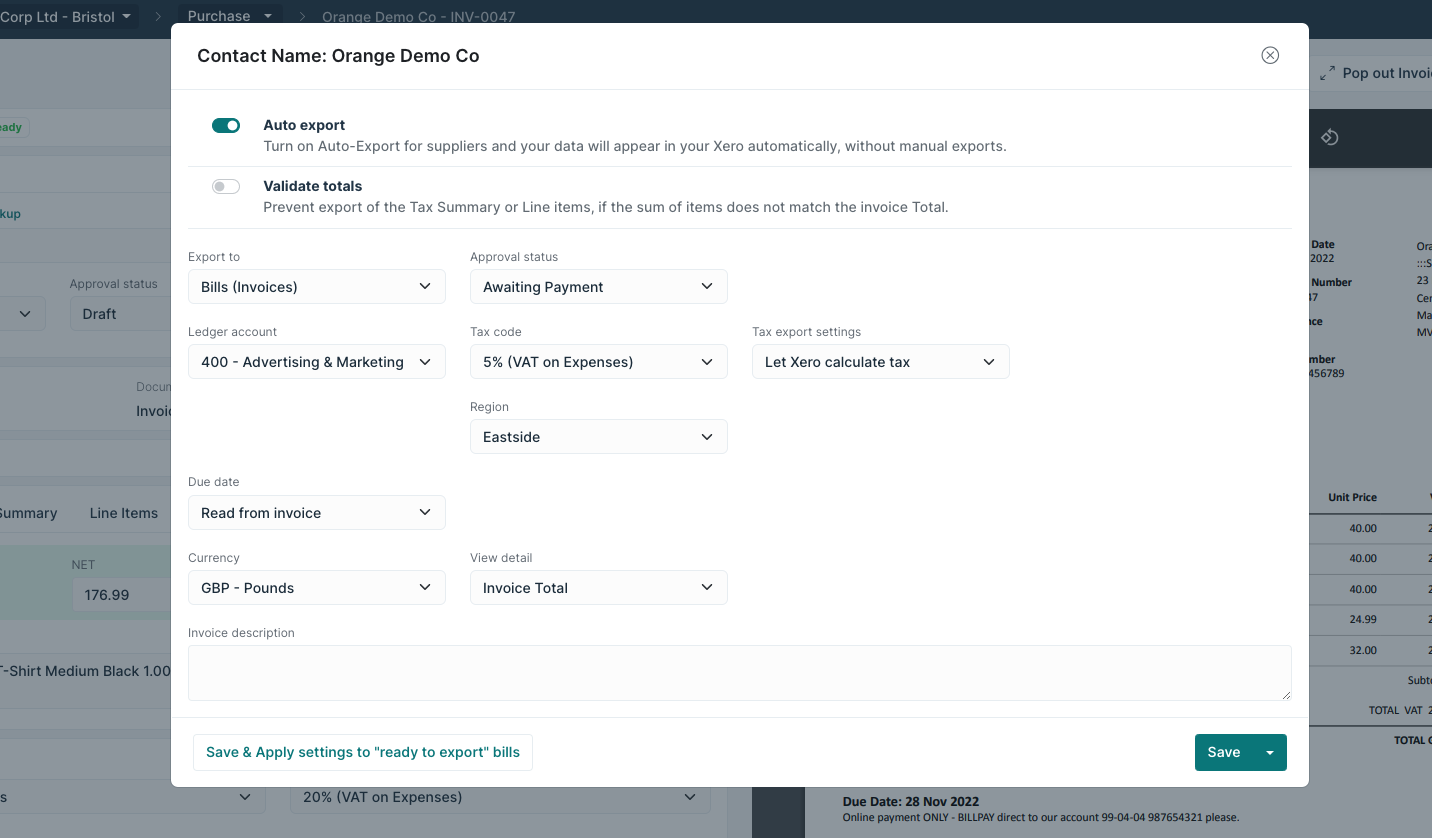
Choose how to export: Enable automatic export for suppliers where appropriate, including after required approvals are complete. Keep export manual when your team needs a final accounting review.
-
Original documents attached automatically: Datamolino automatically attaches the original document to the invoice when exporting to Xero, so your team can access it directly in Xero.
Getting started
- Start your free 14-day trial: Upload up to 100 documents during your trial.
- Connect to Xero: Create a folder and link it to your Xero organisation.
- Upload your documents: Send bills and receipts through the mobile app, email or browser. Datamolino captures the data for you to review and code.
- Set up approvals if needed: Choose your approval stages and assign the people responsible for sign-off.
- Export to Xero: Review the accounting details and export once any required approvals are complete.
Need help getting started? Contact us through the in-app support chat. Our team can help you connect to Xero, set up coding rules and configure your approval workflow.