You’re on the Ireland site
Select a region

EasyCSV

By EasyCSV
5 out of 5 stars
Free trial available
Get this appView pricing plans
EasyCSV imports data in bulk from CSV or XLSX files via file upload, email, FTP, Google Sheets, & more - create / update Invoices, Contacts, Items, Credit Notes, Purchase Orders, Bills, Manual Journal Entries, Payroll Pay Runs, Time Entries, Project Timesheets (Time Entries) and more!
Rated
5.0
out of 5
Reviewed by
3
Xero users
Try this app
Free trial
available
Listed for
1 year
February 2025

Overview

EasyCSV helps you automatically import bulk data with CSV and XLSX files into Xero. Set it up once in minutes and turn it on to automate getting all kinds of data into Xero.

No more manual data entry for you or your team.

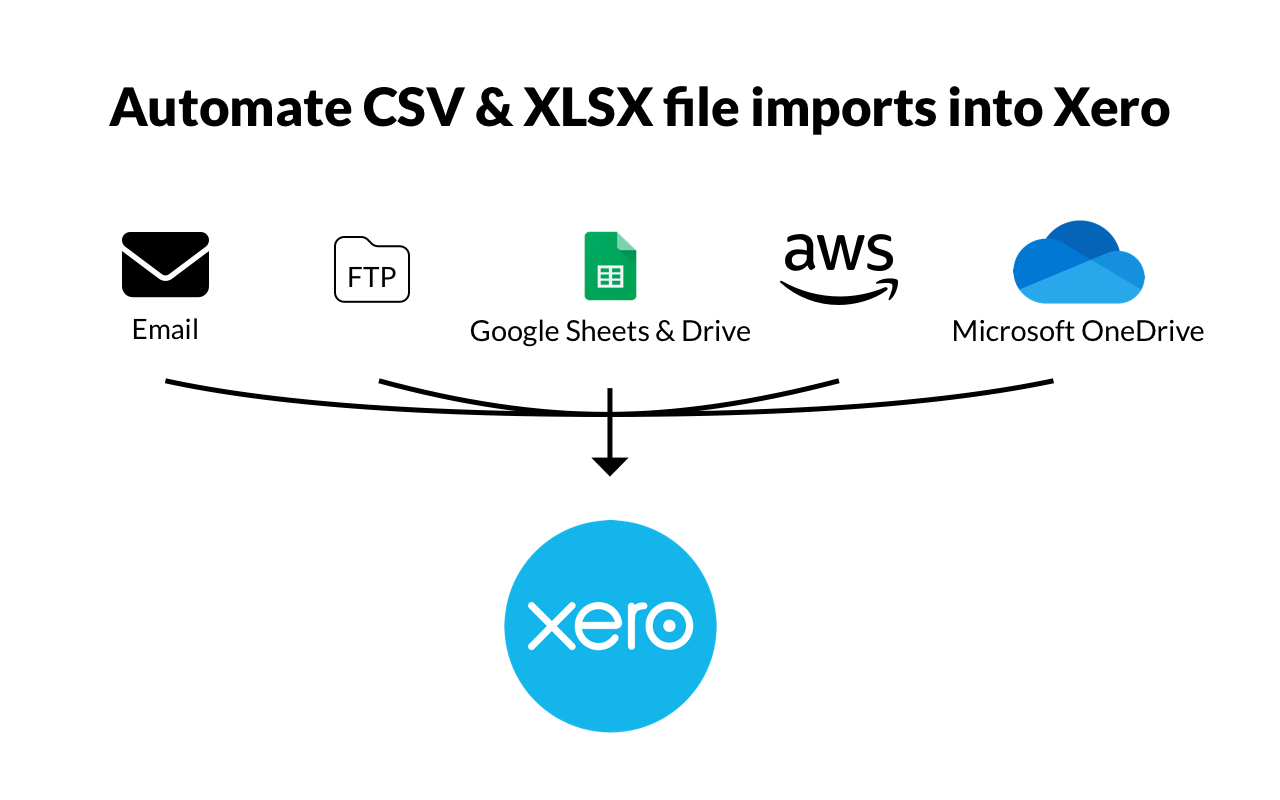
EasyCSV can automatically get CSV or XLSX files and import to Xero from:

  • Uploading from your computer
  • Emails sent or forwarded to a custom EasyCSV email address.
  • FTP or SFTP servers
  • Amazon S3
  • Google Sheets
  • Google Drive
  • Microsoft OneDrive
  • Box
  • Dropbox
  • and more!

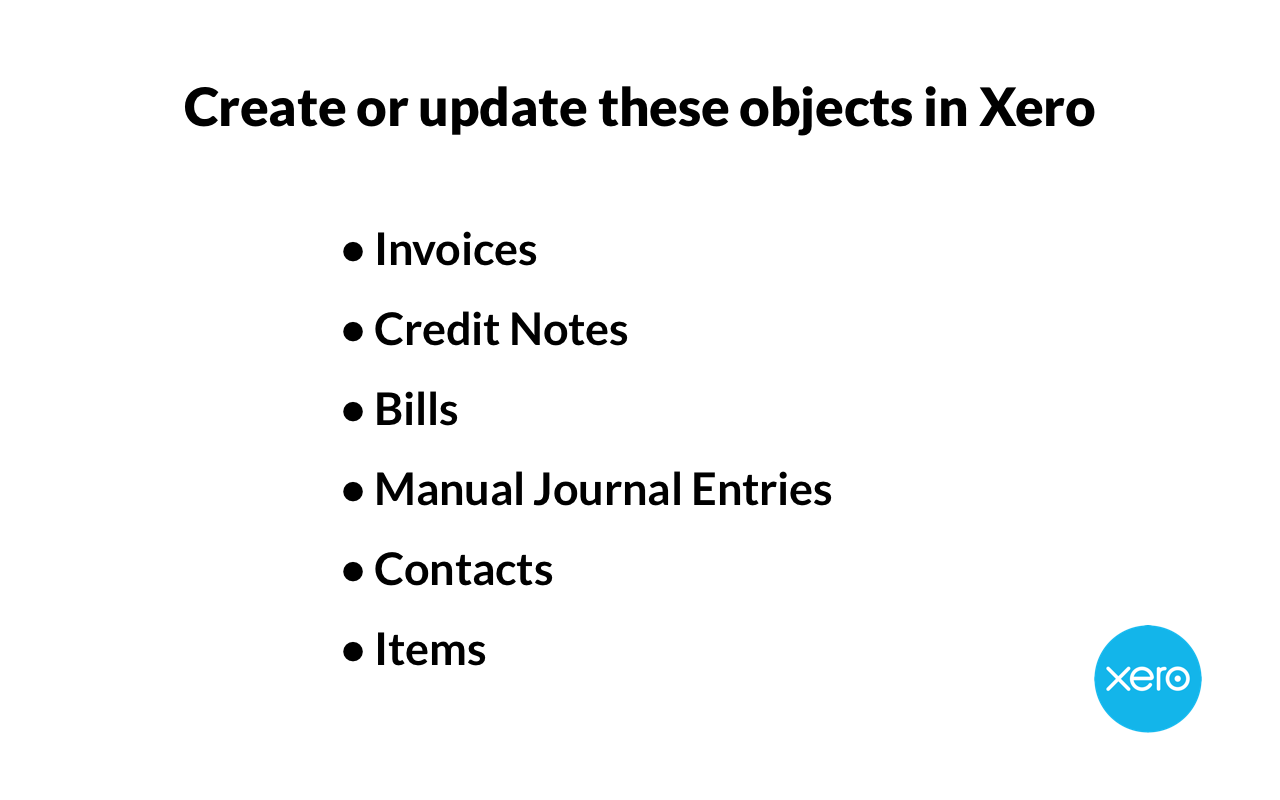
and EasyCSV can create or update:

  1. Invoices
  2. Contacts
  3. Items
  4. Credit Notes
  5. Bills
  6. Manual Journal Entries
  7. Purchase Orders
  8. Time Entries (Project Timesheets)
  9. Payroll & Pay Runs
  10. and more!

Export these objects to CSV or XLSX to connect to other systems:

a. Payments (New or Updated)

If you have clients that provide you with CSV or XLSX files and you need a way to automatically parse those files and import them into Xero then EasyCSV is perfect for you.

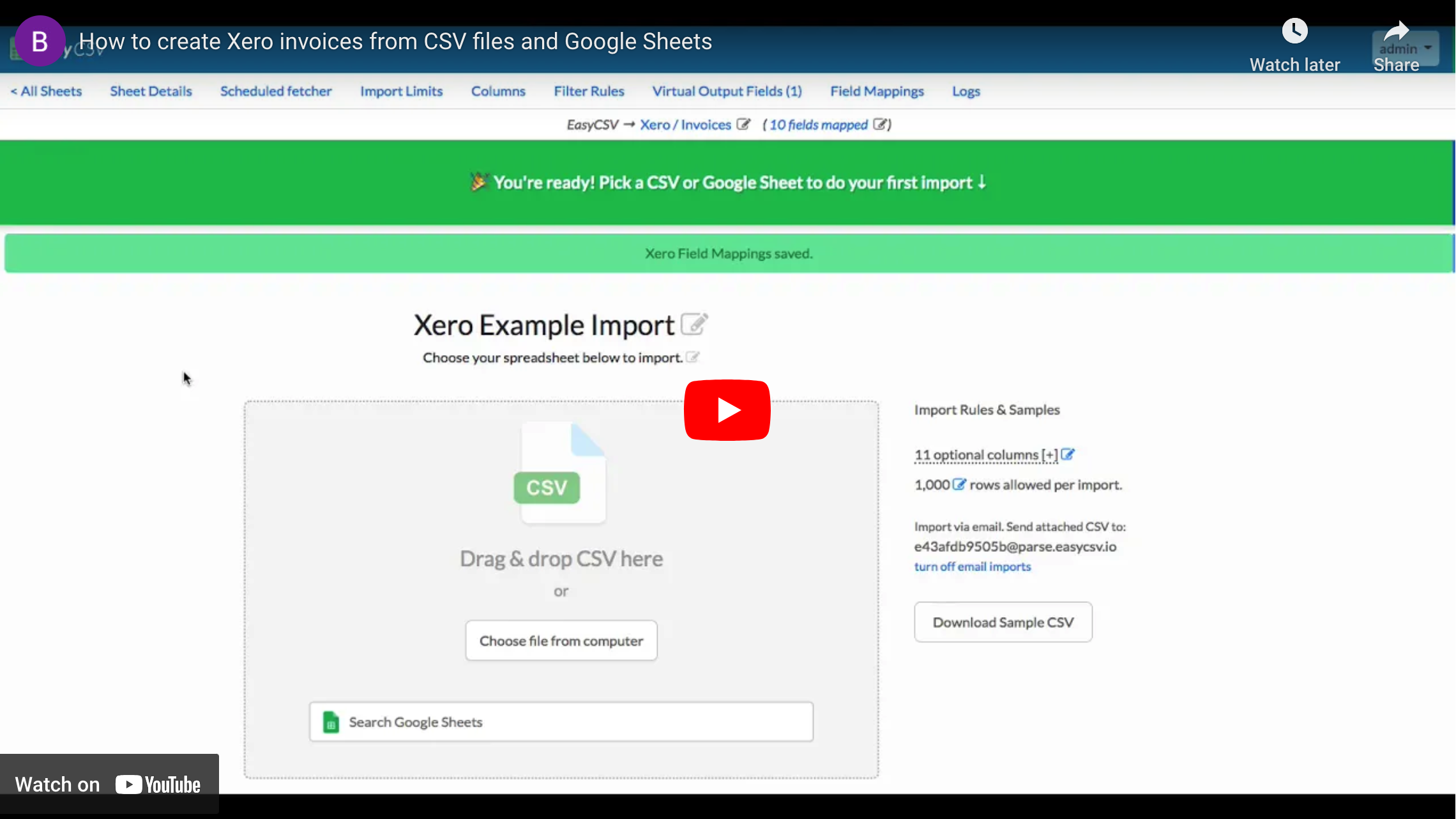
Simply map the columns in the CSV/XLSX file to the Xero fields and then start importing. It's that easy.

Automate getting data into Xero from spreadsheets and give your team the time back to help your clients.

With a world class support team we can help you get set up. If you send an example file to our support team and tell us how you want the data to look in Xero, we will set it up for you to start testing.
EasyCSV
Play Video
, opens in a dialog

EasyCSV + Xero

Simply connect your Xero account to EasyCSV. Then specify where your CSV or XLSX files will be coming from and how you want them imported into Xero automatically.

EasyCSV can automatically get CSV or XLSX files and import to Xero from:

  1. Uploading from your computer
  2. Emails sent or forwarded to a custom EasyCSV email address.
  3. FTP or SFTP servers
  4. Amazon S3
  5. Google Sheets
  6. Google Drive
  7. Microsoft OneDrive
  8. Box
  9. Dropbox
  10. and more!

and EasyCSV can create or update these objects in Xero:

  1. Invoices
  2. Contacts
  3. Items
  4. Credit Notes
  5. Bills
  6. Manual Journal Entries
  7. Purchase Orders
  8. Time Entry (Project Timesheets)
  9. Payroll & Pay Runs
  10. and more!

Simply map the columns in the CSV/XLSX file to the Xero fields and then start importing.

For exporting data to CSV or XLSX to send a report or connect the data to another system, you can do that for Xero Payments with EasyCSV. Set up a scheduled fetcher to look at New or Updated Payments and have EasyCSV export a file to send to a person or another system / application you use.

Pricing plans

This app includes a free trial

*All prices are exclusive of tax

Free

Free
  • 1 import or export flow
  • 3 rows per import
  • Upload & export CSV & XLSX files
  • Auto-import files from email, FTP, Cloud Drives, and more

Project

EUR 8.00 /month (billed monthly)
  • 1 import or export flow
  • 5000 rows per import
  • Upload & export CSV & XLSX files
  • Auto-import files from email, FTP, Cloud Drives, and more

Business

EUR 25.00 /month (billed monthly)
  • 3 import or export flows
  • 10000 rows per import
  • Upload & export CSV & XLSX files
  • Auto-import files from email, FTP, Cloud Drives, and more
  • Support for Project Timesheets (Time Entries) & Payroll Pay Runs

Custom

EUR 34.00 /month (billed monthly)
  • 4+ import or export flows
  • 10000+ rows per import
  • All features of lower plans
  • Scales to your needs, team, and clients

Reviews & ratings

5.0 out of 5 stars
3 Reviews

Sort and filter

Rating
Sort

Most recent reviews

TM
Tim McCredie
Posted
5 out of 5 stars

Hidden gem, affordable and great!

Talk about value for money. If you need to get invoice data into Xero in a reliable and simple manner EasyCSV is for you. Mapping fields and data is simple. Loads of rule based options to ensure your data is clean and so many methods to process your files. On the odd occasion we have need support the response has been fast and knowledgeable. Our initial plan was just to use EasyCSV for pushing invoices from our WMS into Xero but now using for Shopify and processing order data into our WMS.. Highly recommended
GR
Gavin Ronan
Posted
5 out of 5 stars

Well done EasyCSV

We have implemented EasyCSV to interface each day hundreds of legacy sales system records into Xero as sales invoices and credit notes. EasyCSV has provided superb functionality to meet all of our requirements including: - Receiving multiple input file formats from our cloud storage. - Processing each input file in multiple ways (via multiple flows with filters) with excellent flexibility around the structuring and consolidation of the data into Xero invoices and credit notes. - Transposing the input data fields into the Xero formats we need, with the use of excellent virtual field functionality that provides a great deal of flexibility without coding required. - Scheduling the process to run at set times as per the supply of input files from our legacy system. - Managing the process well with clear status reporting, error management and notification.. The EasyCSV team have been very responsive and supportive throughout as we have set up and implemented this entirely cloud based solution, which has replaced an unreliable and cumbersome desktop process savings many hours of work each week. It is an excellent value solution that we strongly recommend.
One person found this review helpful.
GN
Geoff Neil
Posted
5 out of 5 stars

Great product, exceptional support, highly recommend

Lots of options but simple to setup and use. Trouble free and the 'Flows' work really well with Xero. Support is exceptional and developer is responsive to suggestions for improvement. Eg. an additional 'dropdown' option to select on a Virtual Field was suggested and added within a day! Great product and highly recommend!

Response from EasyCSV

Thank you so much for the kind words. Happy to help!

Additional info

Shared data

Xero
EasyCSV
Contactsshared from EasyCSV to Xero
Invoicesshared from EasyCSV to Xero
Credit Notesshared from EasyCSV to Xero
Employeesshared from EasyCSV to Xero
Timesheetsshared from EasyCSV to Xero
Purchase Ordersshared from EasyCSV to Xero
Paymentsshared from Xero to EasyCSV
Manual Journalsshared from EasyCSV to Xero
Itemsshared from EasyCSV to Xero

Functions

Invoicing and jobsTime tracking

Industries

RetailProfessional servicesAccounting

App details

By EasyCSV
Added in 2025

Countries

Australia, Canada, Global, Ireland, New Zealand, South Africa, United Kingdom, United States

Languages

English

Support

Setup walkthroughContact supportsupport@easycsv.io

Try EasyCSV for free

Although Xero reviews each app in the Xero App Store, we can’t give any guarantees. It’s up to you to assess the performance, quality and suitability of any app before going ahead.