

Overview
For Finance Teams
AI Connect for Finance Teams
Ask plain English questions of your fully consolidated Xero data through Claude, ChatGPT, Copilot, or any MCP-compatible tool. Because eliminations and FX are already applied, group-level questions return correct answers the first time. But it's more than querying: post journals, invoices, bills, bank transactions, credit notes, and transfers; update contacts, accounts, and tracking categories; and create purchase orders across one or many Xero orgs at once. Trigger syncs and refresh on demand, so a full month-end job runs end to end from your AI assistant.
Xero Consolidations
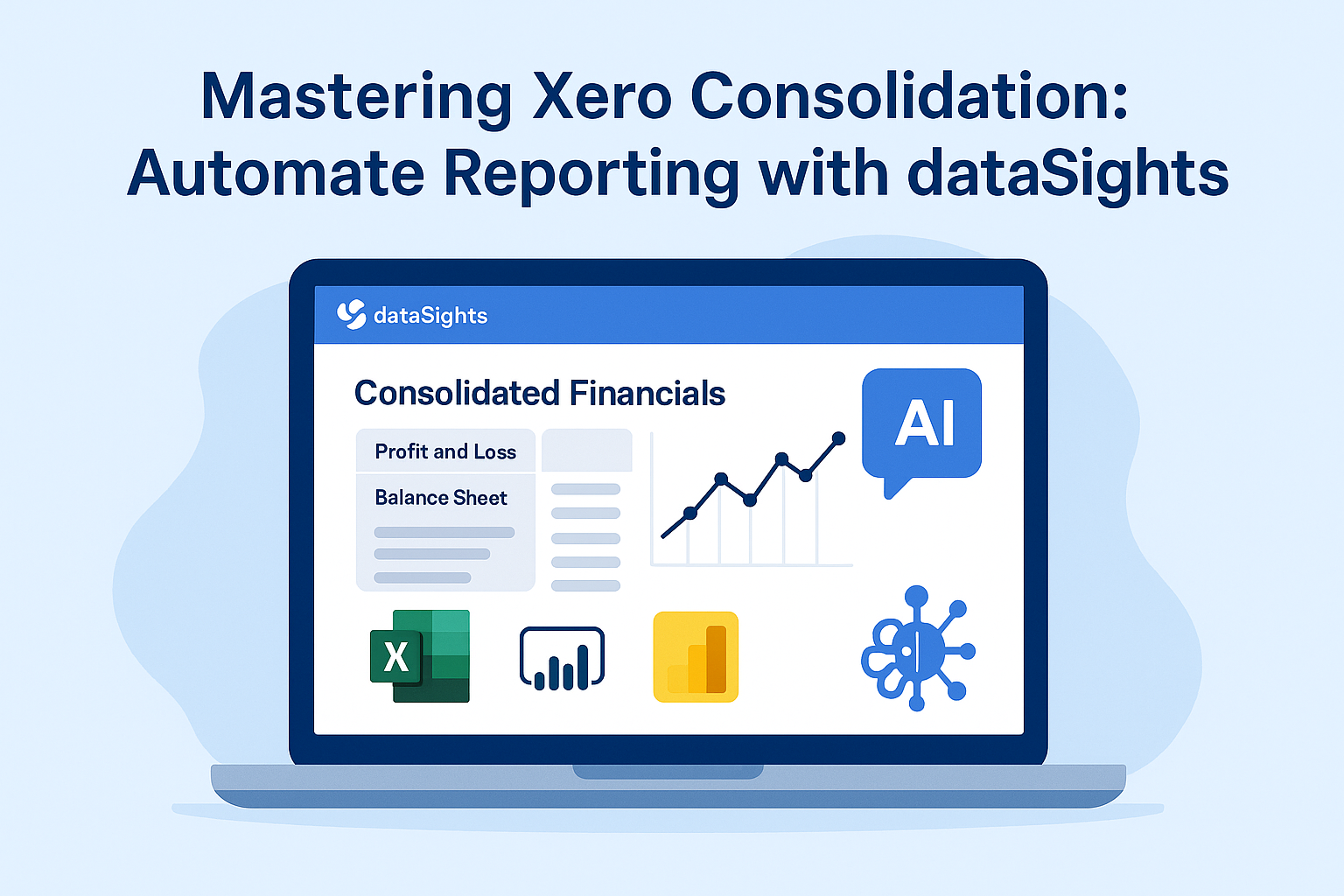
Automate multi-entity Xero consolidations with built-in eliminations and journal adjustments. Less manual effort, fewer reconciliation errors, always balanced.
Management Reports
Real-time management reports from Xero data in your browser. Export to Excel or PDF in one click, no setup required.
Reporting-Ready Across Every Finance Need
Transformed views across P&L, Balance Sheet, Trial Balance, AR/AP, Bills, Invoices, Account Transactions, Payroll, and Fixed Assets. Modelled and ready on day one.
Excel Automation with Power Query
Automate Excel reporting straight from Xero using Power Query. No more manual exports or refresh steps.
One-Click Multi-Xero Posting
Post journals and data to multiple Xero organisations at once with the dataSights Excel Add-In. Ideal for month-end maintenance.
For BI Developers
Dedicated Azure SQL Reporting Database for Xero
We sync and model Xero data into a dedicated, fully managed Azure SQL database. A single source of truth for reporting and analytics.
AI Connect Through MCP
Other platforms expose raw single-entity Xero data through MCP. dataSights exposes the consolidated layer, with eliminations, FX, and account mappings applied, so AI tools answer group-level questions correctly the first time. Go from raw API tables to production reporting without writing SQL: use Claude to build SQL views, mapping tables, and proof-of-concept reports, then save them back to your database for Power BI, Excel, Looker, and Tableau.
Power BI Integration for Xero
Connect Power BI via Import or DirectQuery for always-current dashboards. No spreadsheets or stitched files.
Google Looker Studio Integration
Connect Looker Studio to your live database alongside Power BI and Excel.
Production-Ready Xero SQL Views
Pre-built, extendable SQL views across every Xero reporting area, including our purpose-built Account Transactions view. Modelled and ready, no schema wrangling.
Non-Financial Data Integration
Combine Xero data with 160+ non-financial sources for a complete reporting model.
Who We Help
Finance teams managing multi-entity Xero consolidation, reporting, and AI month-end automation. BI and Excel developers building automated Power BI, Excel, and Tableau dashboards. Business owners and stakeholders needing accurate, reliable Xero reporting.
dataSights + Xero
Data Out of Xero
Financial Data Sync
Trial balance, profit and loss, balance sheet, and cash flow data from every connected Xero organisation.
Transactional Detail
Journal lines, invoices, bills, credit notes, bank transactions, contacts, items, manual journals, and tracking categories.
Payroll Data
Employees, pay runs, payslips, leave balances, and timesheets from Xero Payroll. Build labour cost reports across entities, analyse leave trends, and consolidate payroll into group-level views.
Fixed Assets
Asset register, depreciation settings and balances, and asset disposals from Xero Fixed Assets. Track capital expenditure, run consolidated asset reports, and audit asset movements across the group.
Multi-Currency Conversion
Multi-currency consolidation using your defined group reporting currency. Average rates for P&L, spot rates for balance sheet — reports always balance.
Sync Schedule
Daily automatic sync as standard, with on-demand refresh and configurable schedules for BI dashboards.
Data Into Xero
One-Click Multi-Xero Posting
Post data back to one or many Xero organisations from a single Excel sheet — the foundation of dataSights' month-end automation.
Supported Posting Types
Journals and journal adjustments, invoices, bills, credit notes, contacts, bank transactions, tracking categories, and purchase orders.
AI Connect
Open Standard Integration
dataSights exposes your consolidated data through Model Context Protocol (MCP), an open standard for connecting AI assistants to live data sources. The data exposed is fully consolidated; eliminations, FX, and account mappings applied. Not raw single-entity data.
Compatible AI Tools
Claude, ChatGPT, Microsoft Copilot, and any other MCP-compatible AI tool. One-time setup per AI tool with secure authentication.
Capabilities
Build custom apps, automate finance and ops workflows by posting to Multiple Xero's and triggering syncs, and of course ask questions in plain English against your live consolidated data. Save SQL views & Mapping tables back to your database when you need them for Power BI, Excel, or Google Looker Studio.
Hosting and Security
Dedicated Azure SQL Database
Every customer gets a dedicated Microsoft Azure SQL database in your global region of choice.
BYO Microsoft Account
Optionally host the database in your own Microsoft account — you own everything.
Security Standards
Encrypted connections, multi-factor authentication, salted credentials, and complete audit trails. Revoke any access at any time.
Other Connectors
160+ Native Connectors
CRM, payroll, HR, e-commerce, point of sale, and operations systems. Combine with Xero data in your dedicated database.
Custom Connectors
Built to order at a fixed price for any system you need.
Getting started
Setup typically takes a few hours.
- Start a 14 day free trial. No credit card required.
- Connect your Xero organisations via OAuth. Authorise each entity you want to consolidate.
- Set up your account mappings, eliminations, and adjustment rules. Our team guides you through.
- Choose your reporting outputs. Use the dataSights web app immediately, or connect Excel via our Office Add-In, Power BI via Import or DirectQuery, or Google Looker Studio.
- Optional: enable AI Connect to query your data through Claude, ChatGPT, Microsoft Copilot, or any MCP-compatible AI tool.
Onboarding support is included on every plan. Most customers run their first consolidated report on day one.


Reviews & ratings
Sort and filter
Most recent reviews
Excellent service and product
 LM
LM