Overview
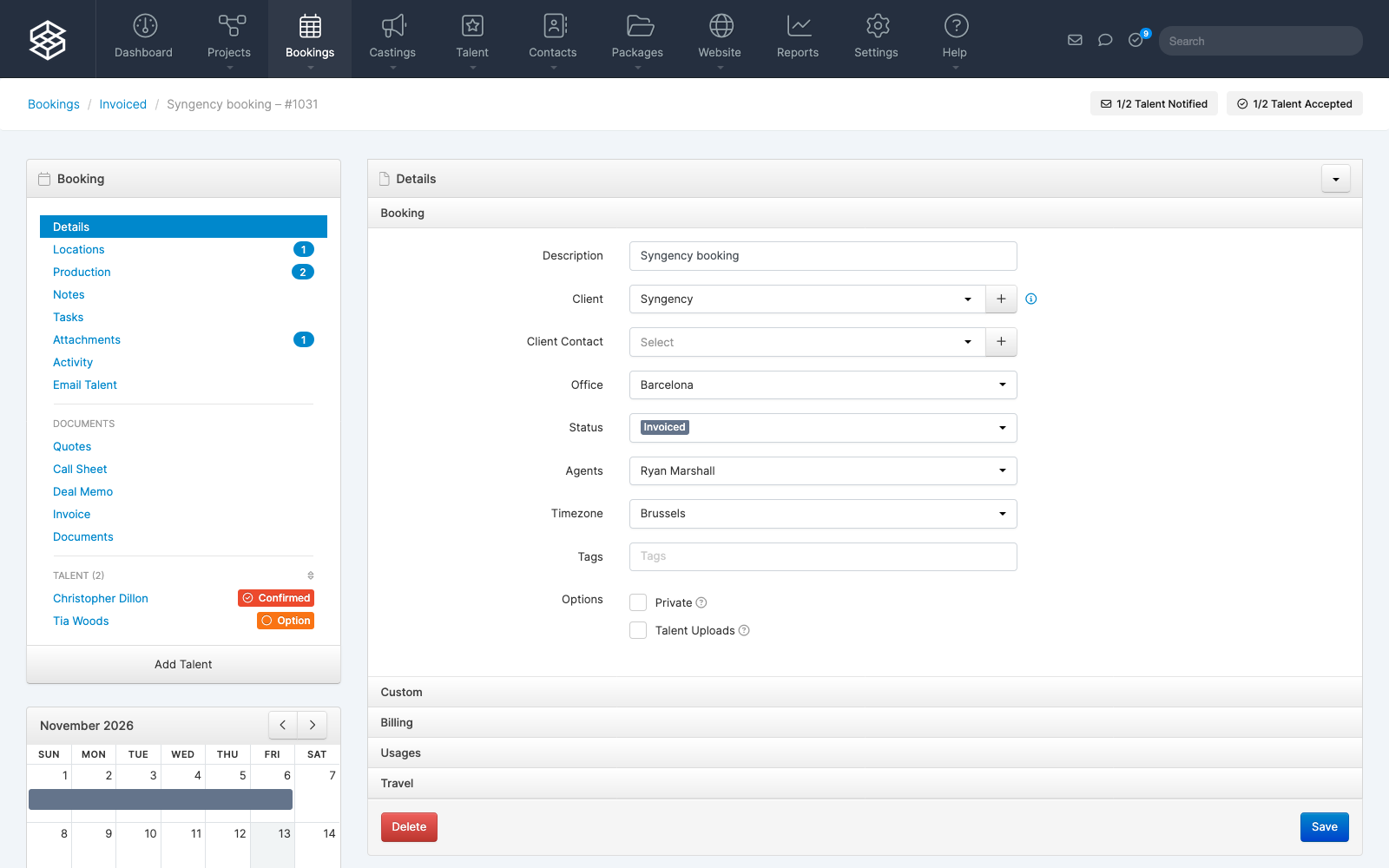
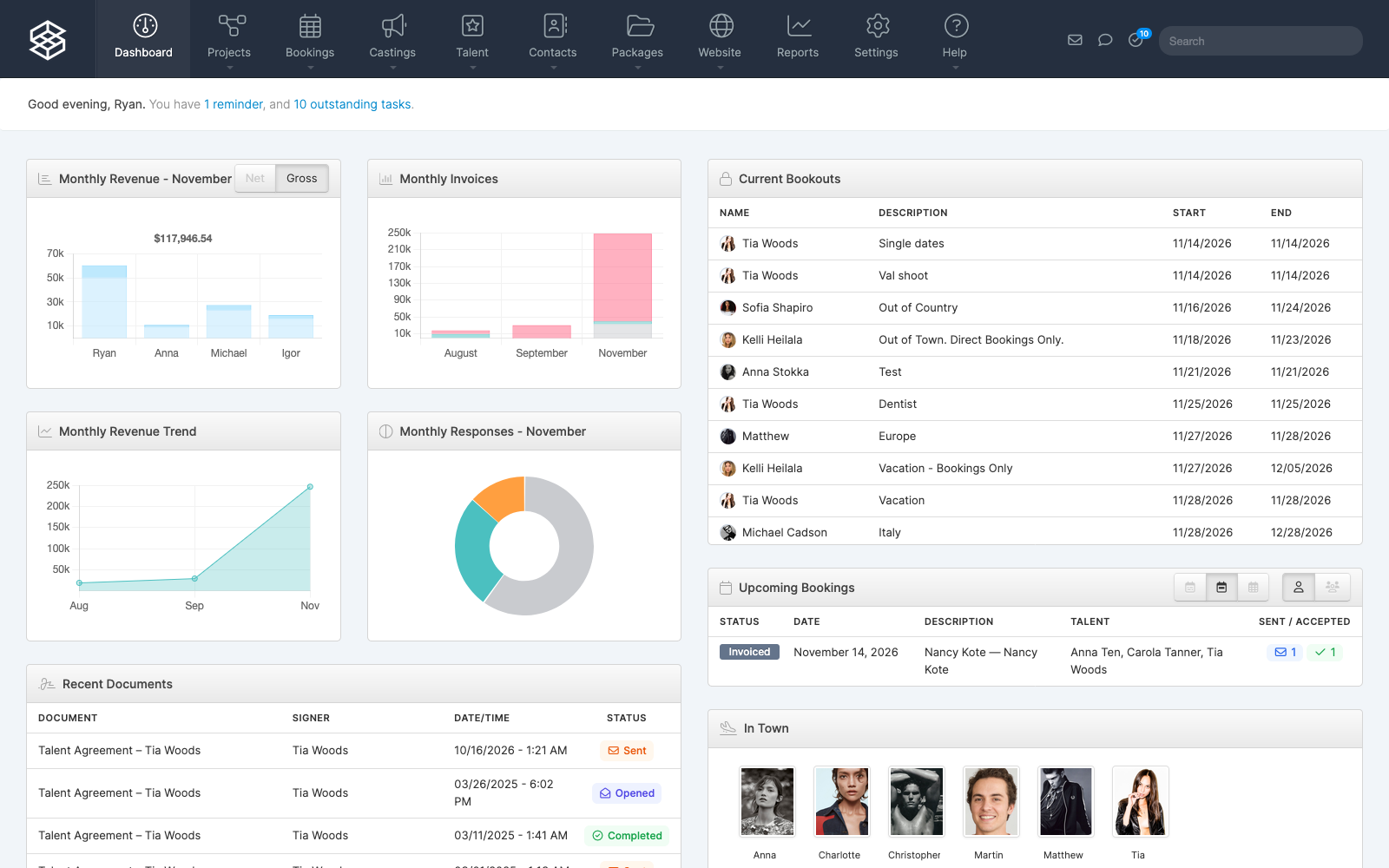
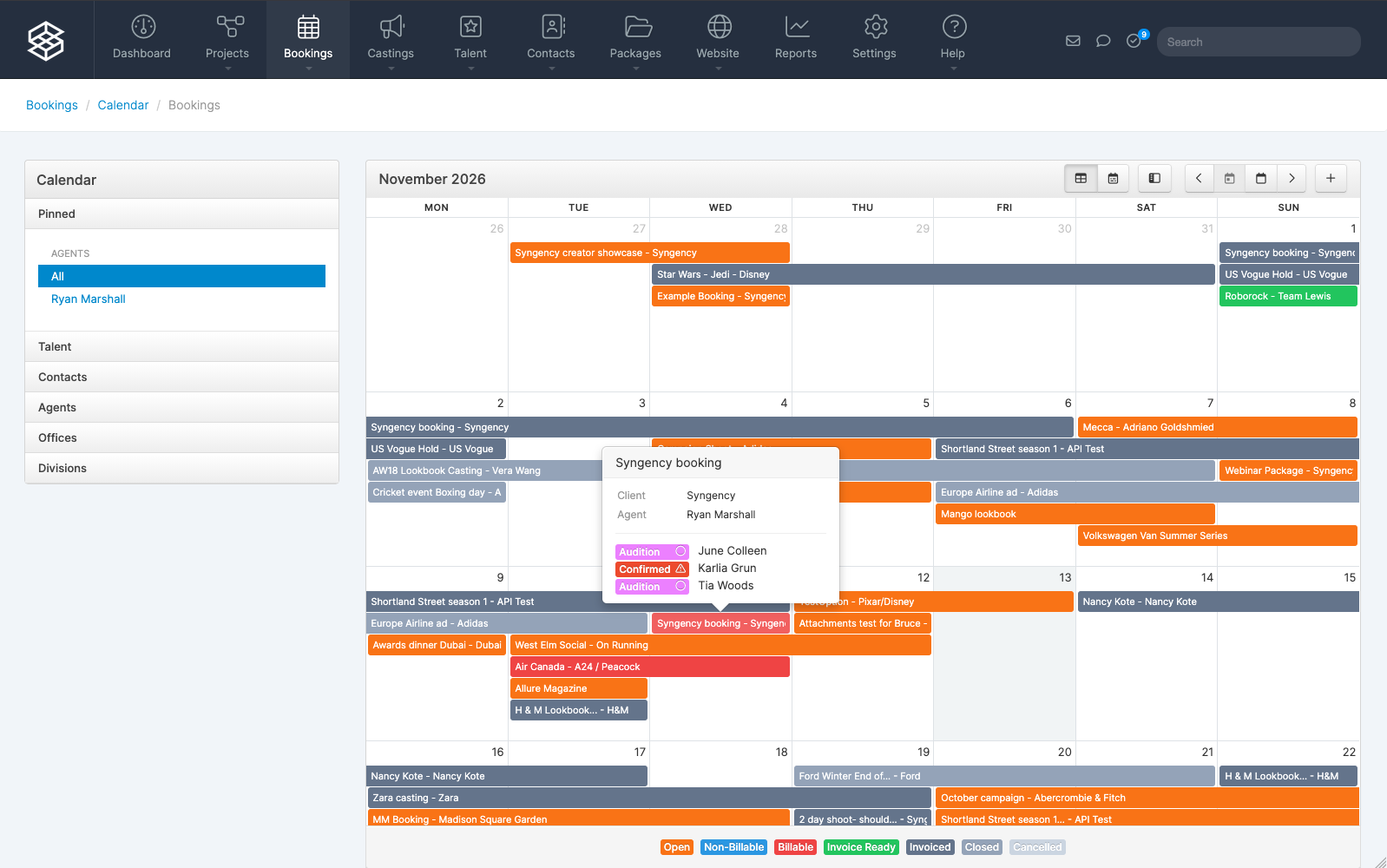
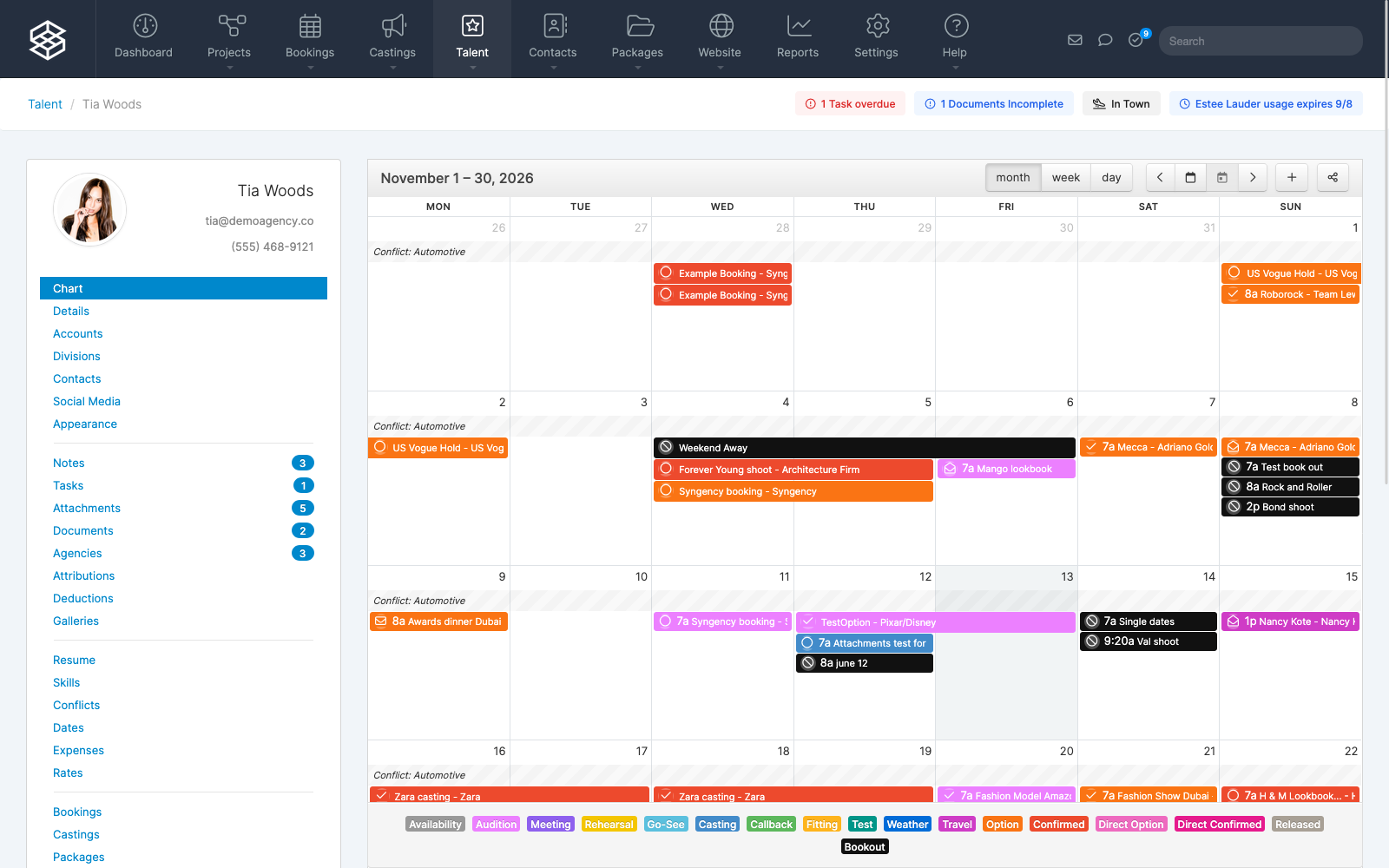
Syngency is the operational core for modern talent, creator, and modeling agencies—bringing roster management, bookings, contracts, and financial operations together in one central platform. Built to scale from boutique agencies to global enterprises, Syngency replaces disconnected spreadsheets and manual workflows with a single source of truth.
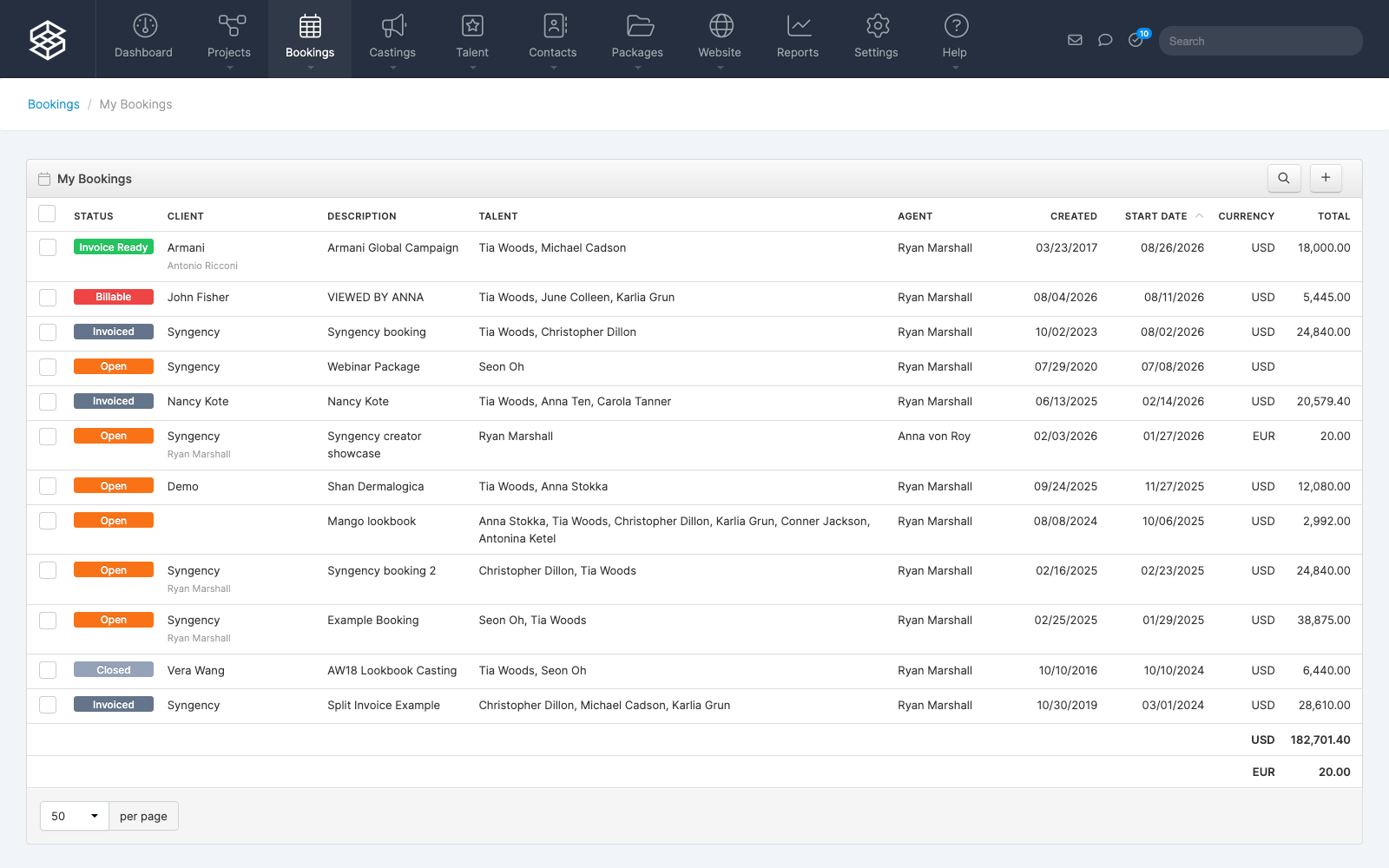
With Syngency’s native Xero integration, your booking board connects directly to your general ledger. Client invoices, talent bills, multi-party commission splits, and multi-currency transactions sync automatically from approved bookings into Xero, mapping cleanly to your existing chart of accounts and tax rates. Payment statuses update in real time across both systems—eliminating double-entry, reducing reconciliation errors, and helping your finance team close the books faster every month.
Syngency + Xero
Syngency seamlessly syncs talent and clients to Xero as vendors and customers, generates invoices to clients, bills and credit notes to talent, and syncs payment information from Xero back to Syngency.
Every approved booking automatically maps agency commissions, talent splits, billable expenses, and multi-currency tax rates directly to your existing Xero chart of accounts—eliminating manual ledger entry and spreadsheet reconciliation. When invoices are paid or talent bills are settled in Xero, updated statuses sync back to Syngency in real time, giving agents and finance teams instant visibility into receivables, payables, and agency cash flow.
Pricing plans
This app includes a free 14 day trial
Solo
- 100 Talent Profiles
- 1 Gallery per Talent
- 1 User Only
Standard
- Multi-Office $50.00 /month
- Casting Calls $50.00 /month
- Accounting Integration $50.00 /month
- Website Integration $50.00 /month
- Syngency Sign $50.00 /month
- 200 Talent Profiles
- 3 Galleries per Talent
- Single Office
Premium
- Accounting Integration $50.00 /month
- 1000 Talent Profiles
- 10 Galleries per Talent
- Multi-Office
- Casting Calls
- Website Integration
- Syngency Sign
Getting started
Enable the Xero integration from Settings > Accounts in Syngency, and follow the setup instructions below.