

Overview
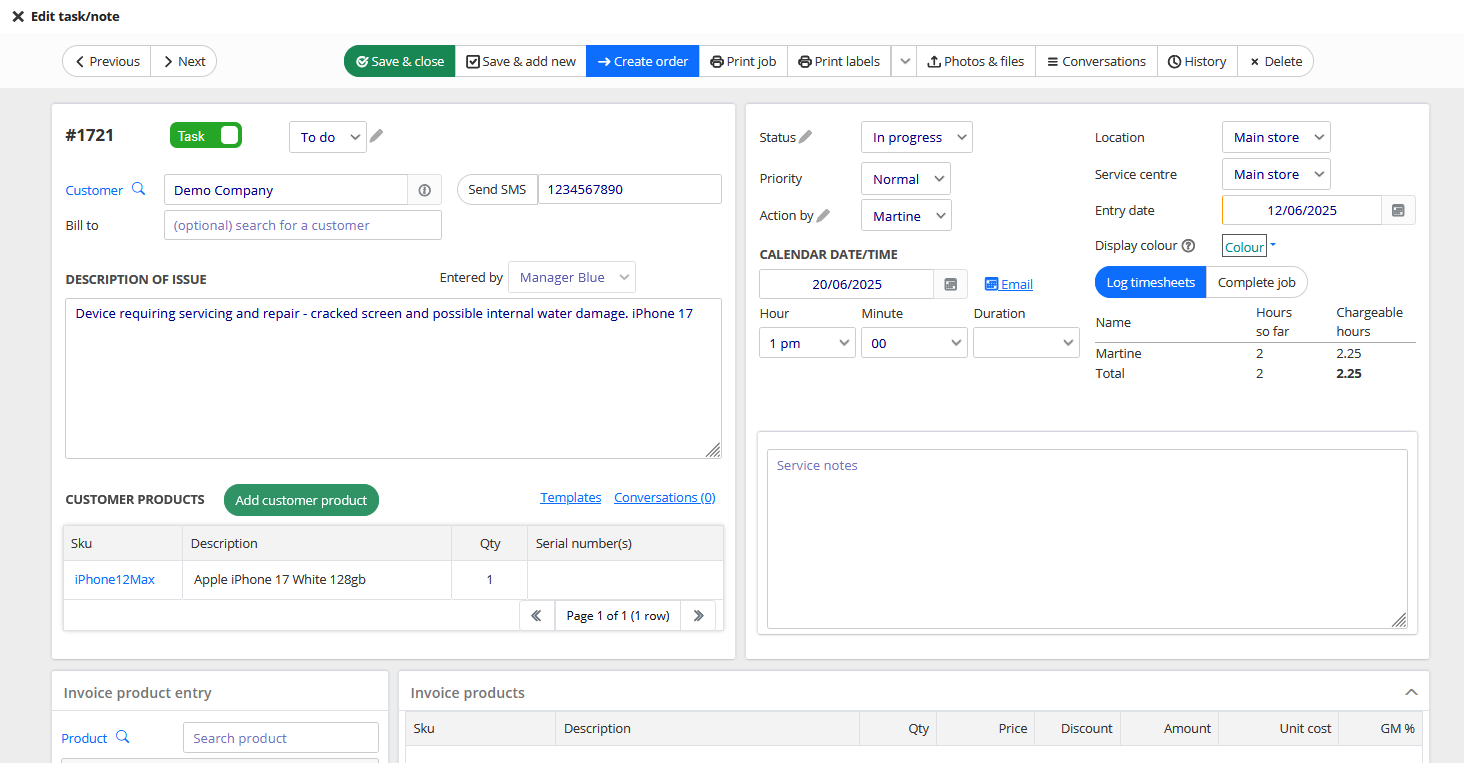
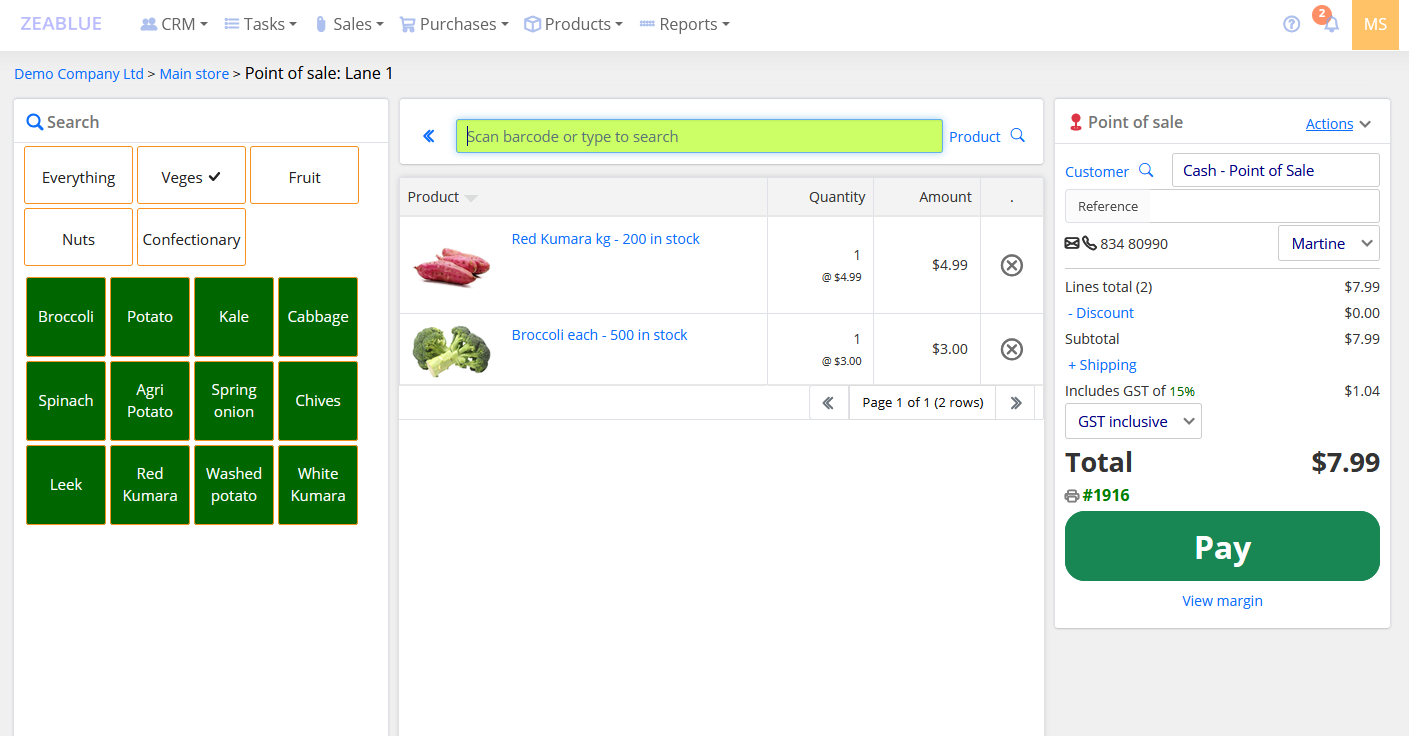
We are a cloud-based inventory management software company based in Auckland, New Zealand, providing powerful, easy to use software solutions for businesses worldwide—including New Zealand, Australia, the UK, Europe, and Asia. Our platform is engineered specifically to streamline workflows for growing retailers, importers, wholesale distributors, manufacturers, and dropshippers.
Why Businesses Trust Zeablue (formerly Qblue Inventory):
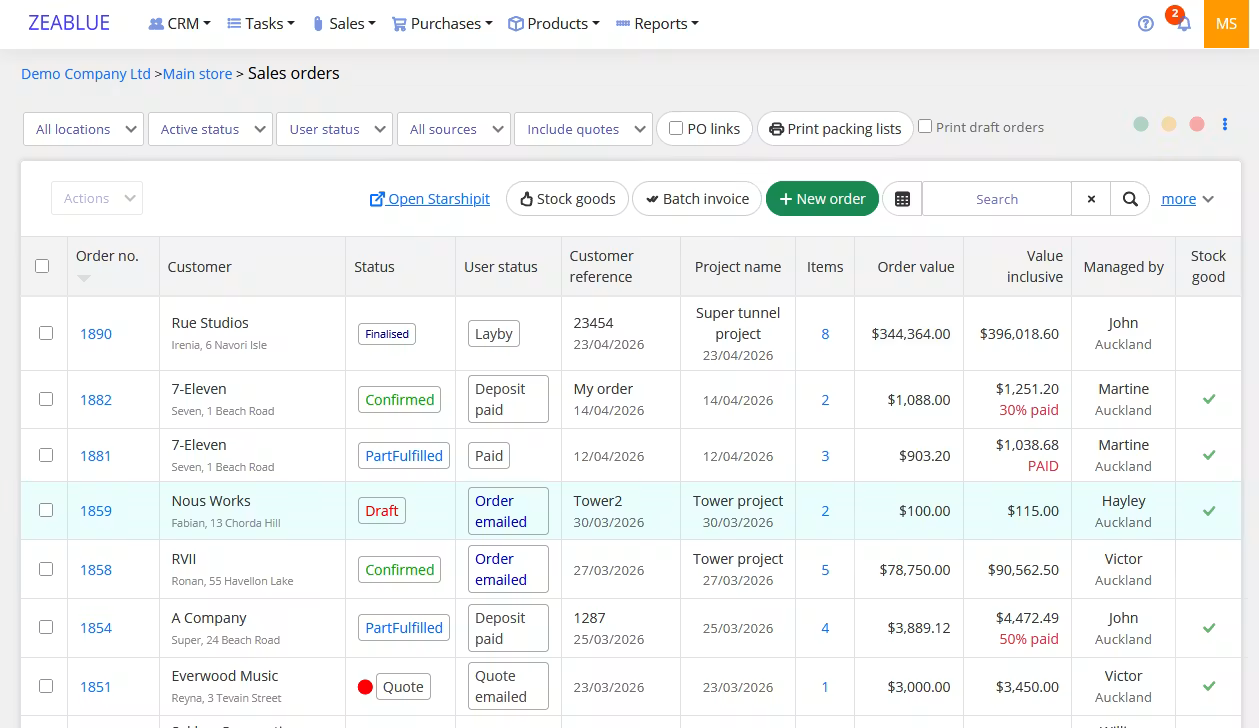
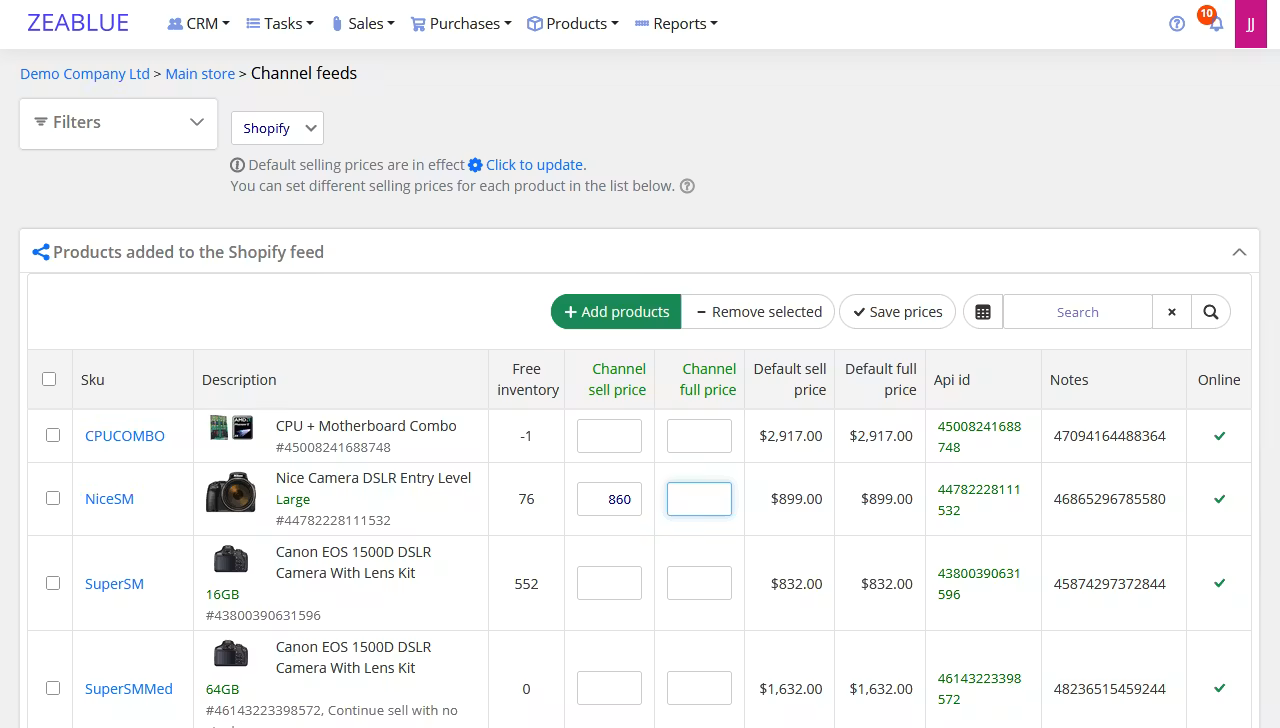
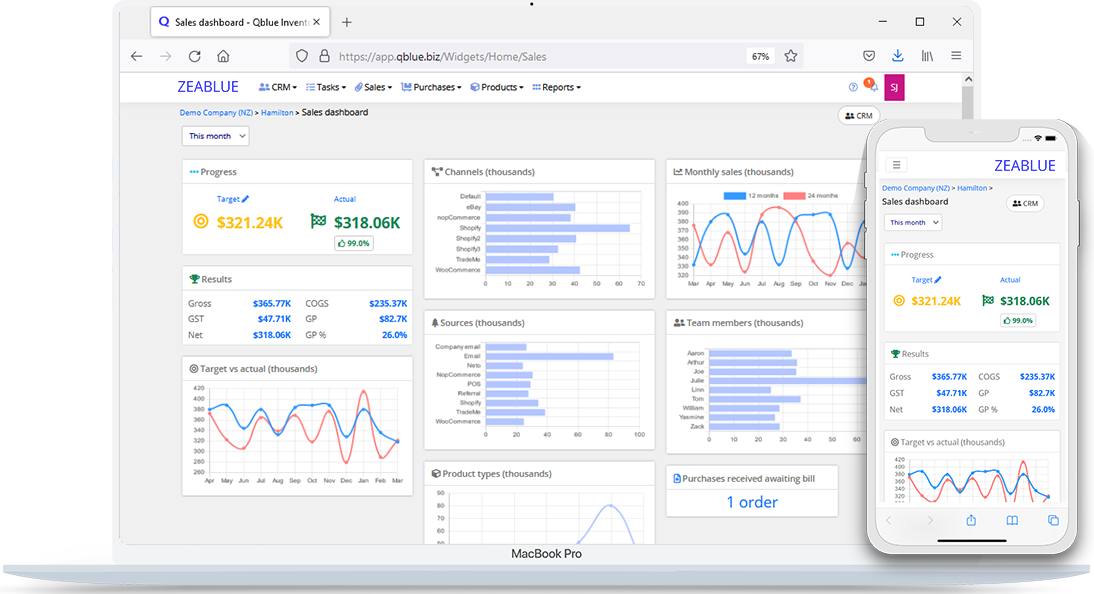
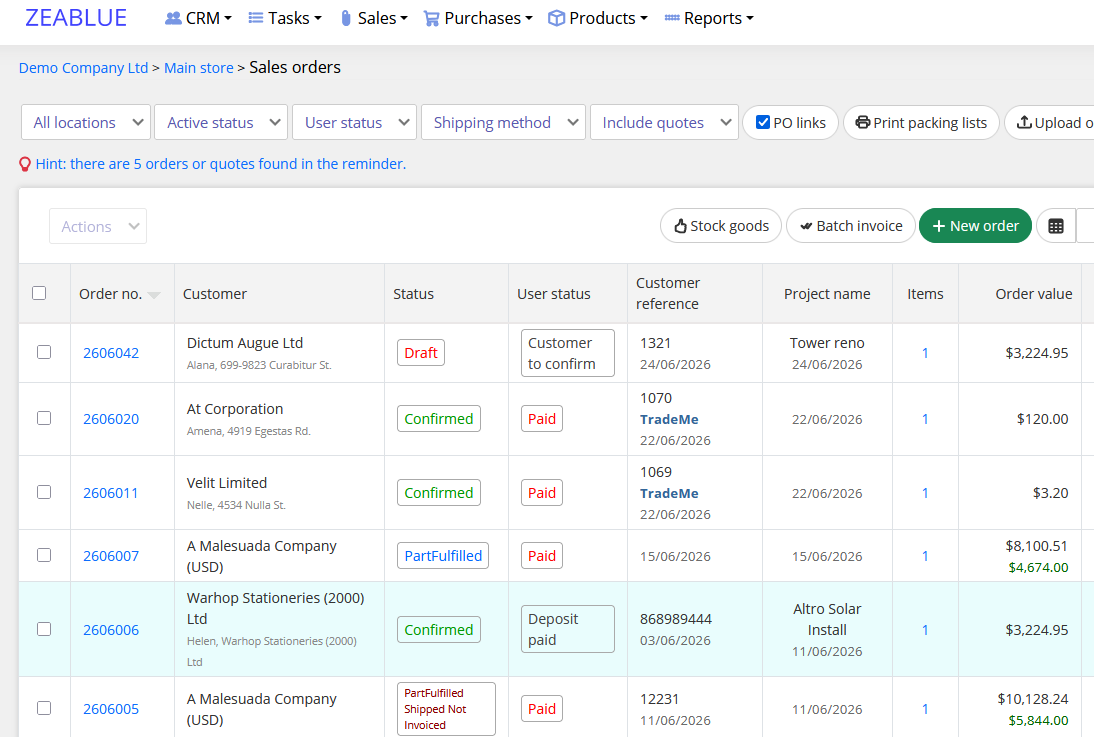
- All-In-One Platform: We connect your operations into a single dashboard, featuring multi-currency support, advanced sales order management, automated landed cost calculations, and multi-channel eCommerce syncing.
- Seamless Integrations: Eliminate manual double data entry with native integrations for your favorite global platforms, including Xero, Shopify, WooCommerce, and leading shipping carriers.
- Over 25 Years of Industry Expertise: We offer far more than just a product. Our team dedicates itself to providing fast, responsive technical support and expert operational advice to help your business thrive.
- End-to-End Implementation: From data migration and system setup to staff training and onboarding, we actively guide you through every step of the transition process for a completely smooth experience.

Qblue Inventory Management + Xero
On the Zeablue Inventory settings page, you can choose what to sync and by default, Zeablue automatically sends
- Sales invoices
- Cost of goods sold (COGS)
- Credit notes
- Point of sale EOD totals
- Purchase bills and returns
- Inventory adjustments and stocktake journals
- New customer & supplier contacts that have invoices
The payments made on invoices & bills can be toggled on to import back onto Zeablue Inventory so that the customer and supplier ageing totals can be viewed immediately.
Zeablue Inventory makes it easy to import data and with a click of a button, the contact information can be imported directly from Xero.
Map GL account numbers to different transaction types, including inventory, sales, and cogs.
Do you use separate accounts for tracking the performances of customer groups or product types? Zeablue Inventory provides an advanced GL mapping that can help you achieve or retain the benefit of this configuration.
Pricing plans
This app includes a free 14 day trial
Trader Plan
- Inventory Management
- Sales & purchase orders
Getting started
Follow the steps below to setup the Xero integration on Zeablue Inventory:
- Click on your name initials found on the top right-hand side of the page
- Click Integrations
- Click on Xero
When the connection is NOT connected, it will show “Not connected”; to link to your Xero account, click on the "Connect to Xero” button.
The page will redirect to Xero so you can authorise the connection.
Once the connection is established, Zeablue Inventory redirects you to the Xero's settings page where you can
- Choose what to sync and
- Map the GL accounts
Reviews & ratings
Sort and filter
Most recent reviews
 CJ
CJWOW! This product is fantastic! A+
Response from Qblue Inventory Management
Highly recommend!
Response from Qblue Inventory Management
Fantastic CRM Solution
Response from Qblue Inventory Management