Overview
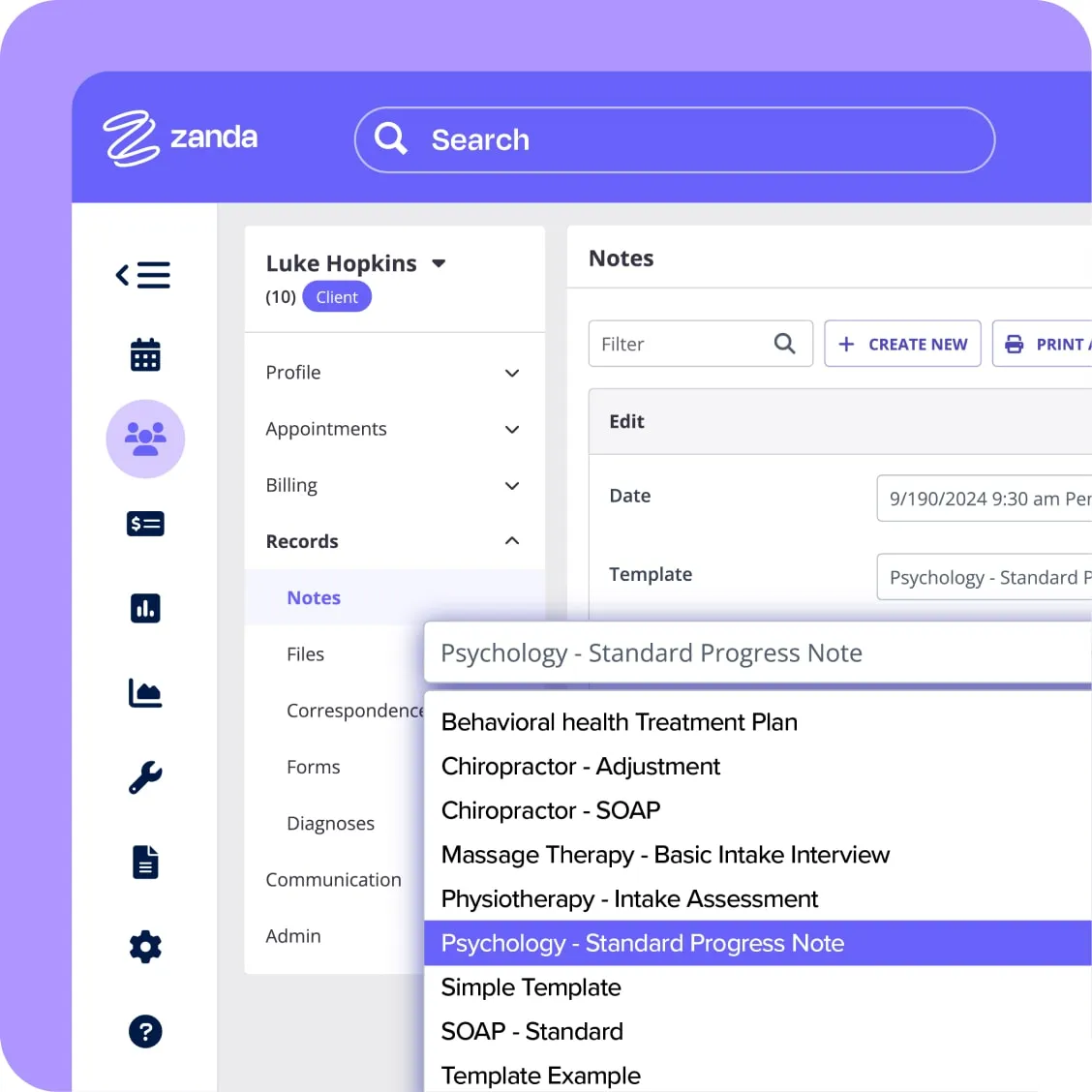
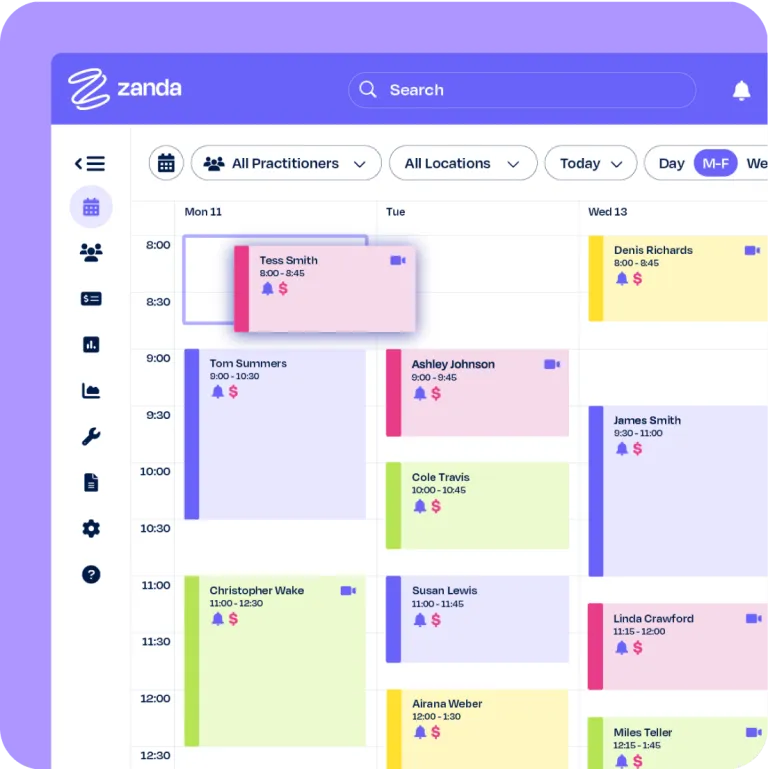
Zanda gives allied health practitioners one place to run their practice, from the first online booking through to the final invoice. Your calendar, SMS and email reminders, treatment note templates, invoicing, online bookings, two-way SMS, telehealth, reporting, and automations for intake paperwork and scheduling all live in the same platform, and Zanda connects to the tools you already use (Xero, Stripe, Mailchimp, Physitrack, Medicare, and more).
Physiotherapists, psychologists, speech therapists, podiatrists, chiropractors, osteopaths, counsellors, massage therapists, naturopaths, and plenty of other allied health professionals use Zanda, whether they work solo or manage a team across several locations with multiple calendars to juggle.
The Zanda team imports your existing data for you (free of charge), and every new account comes with a 12-month money-back guarantee.

Zanda + Xero
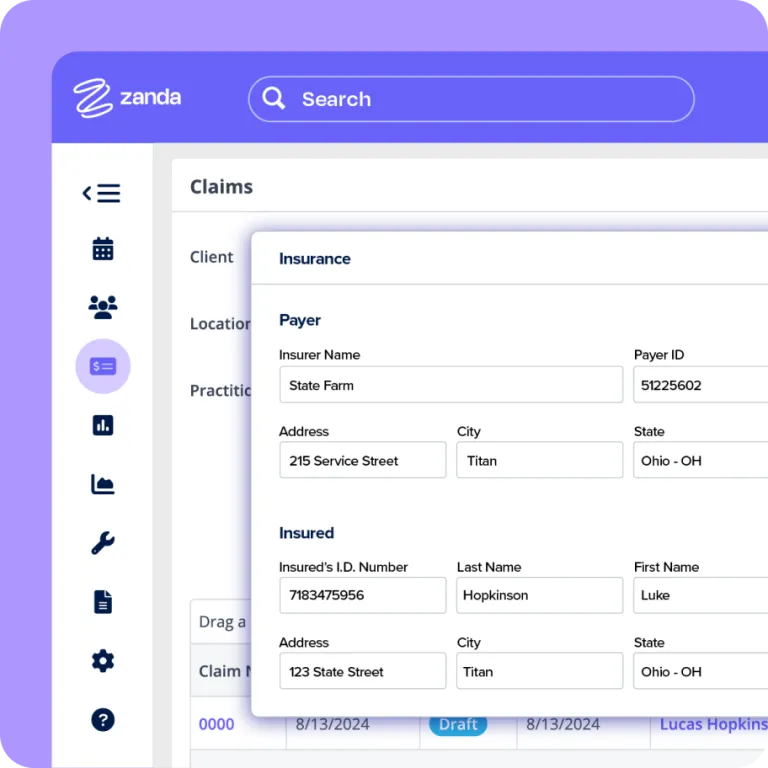
Export your clients, invoices, and payments from Zanda to Xero and keep your books current without re-keying a single number at the end of the month.
You decide how your Zanda data maps to your Xero sales and payment accounts and tracking categories, so your reports come out organised the way your accountant expects them.
Import your reconciled payments from Xero to Zanda and map them with Zanda invoices with automatic hourly imports, or trigger the imports manually when needed.
With both platforms in the cloud, you can check your income, expenses, and cash flow from the clinic, from home, or from your phone between appointments, and your bookkeeper sees the same numbers you do.
Pricing plans
This app includes a free 14 day trial
Starter Plan
- Unlimited Clients
- Free and Paid Telehealth Options
- 100GB File Storage
- Automatic Appointment Reminders
- Paperless Intake Forms
- Ready-to-use Progress Notes
- Integrated Billing
- Client Booking Portal
- AI Scribe, Write and Insights Tools
- Communication Automations
- Ready-to-use Progress Notes
- Integrated Billing
Growth Plan
- Unlimited Appointments
- Practitioner Scheduling
- Advanced Waitlist
- Customisable Note Templates
- Practice Operations Manual
- Mulitple Locations
- Room & Resource Management
- Bulk Communication Tools
- Team Messaging
- Comprehensive Reports
- Client Admin Notes
Getting started
Connect Zanda to Xero from inside your Zanda account under Tools > Xero, then follow our step-by-step setup guide or contact our support team, who can walk you through it.