

Overview
Running a fresh food wholesale business means managing hundreds of orders, changing prices, tight margins and a busy day-to-day operation - all while keeping foodservice customers happy.
Fresho is an order and operations management software built specifically for fresh food distributors and wholesalers. Drawing on more than 20 years of experience in food wholesale, it gives teams practical tools to save time, reduce errors and run their business in one place.
Fresho Operations gives teams visibility and control across the day-to-day operation, including online ordering, inventory, pricing and margins, picking and packing, delivery, invoicing and payments.
Fresho OrderPilot uses AI to turn orders from emails, PDFs, WhatsApp, SMS and voicemail into structured sales orders, reducing manual data entry and helping teams get orders processed faster.
Fresho eCommerce gives customers an easy way to place orders online from any device, helping reduce ordering mistakes and reduce bad debt through card payments.
The solutions can be used together as an end-to-end system or alongside existing ERP and accounting systems, depending on how your business works.
Designed around the way fresh food distributors operate, Fresho provides technology that teams can use without adding unnecessary complexity. With teams across the UK, Australia, New Zealand and the US, food distributors around the world use Fresho to reduce manual work, stay in control and scale without adding unnecessary admin.
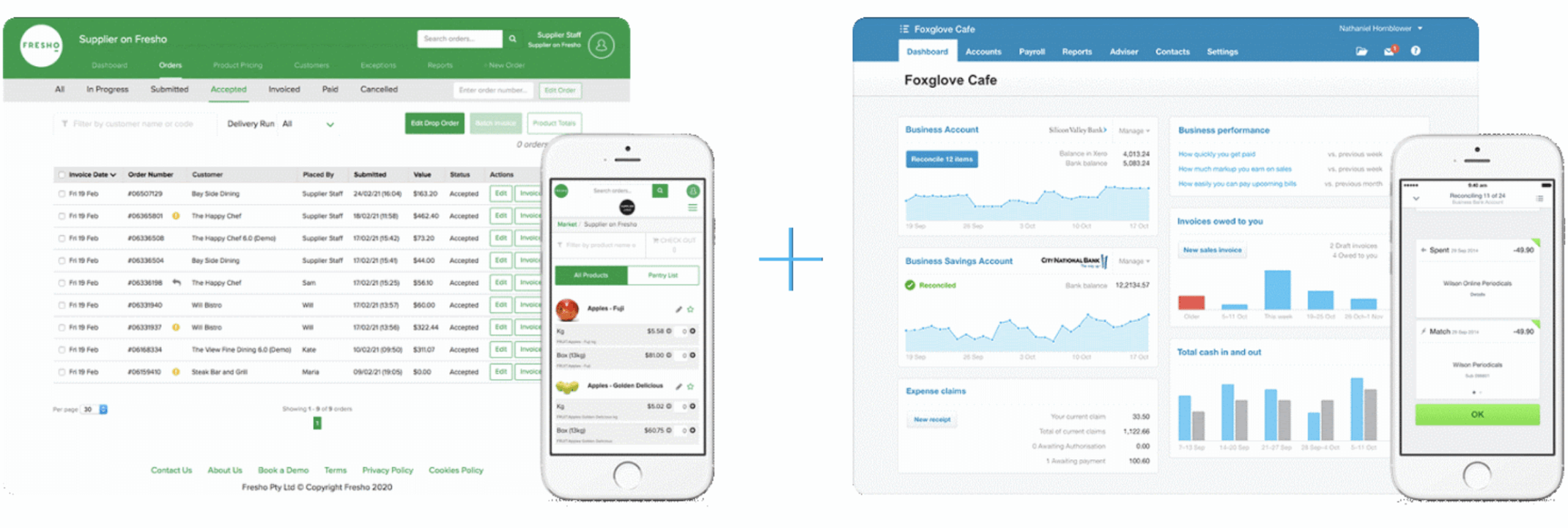
Fresho + Xero
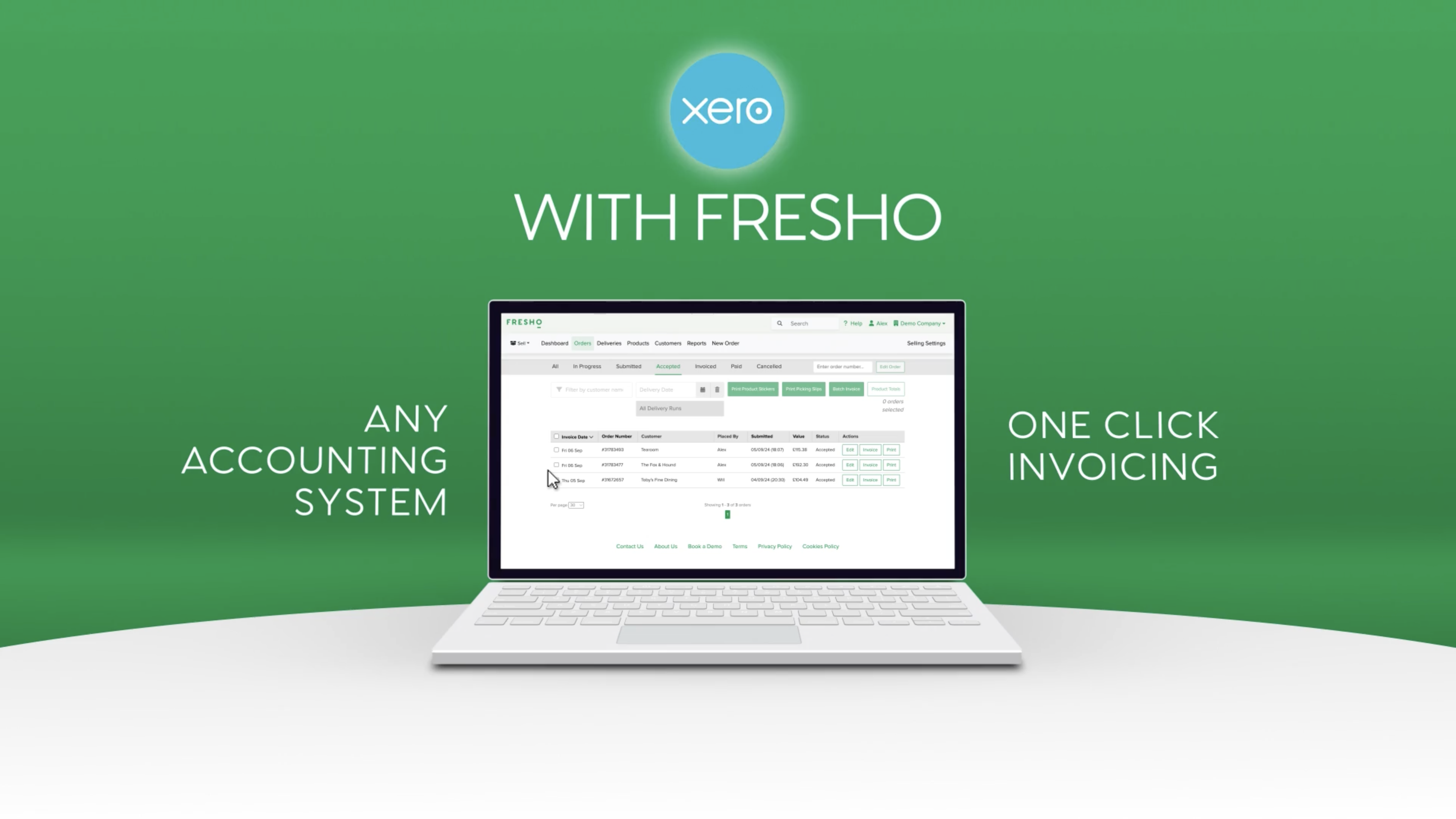
Fresho’s native Xero integration connects your wholesale operation with your accounting, automatically sending invoices from Fresho to Xero and reducing manual data entry. Connect the two systems in minutes.
How it works
-
Manage orders in Fresho Capture orders, manage inventory and create invoices in Fresho as part of your normal wholesale workflow.
-
Automatically sync invoices When an order is locked in Fresho, the invoice is automatically sent to Xero as an Unsent Invoice. Customer invoices continue to be emailed from Fresho.
-
Keep customers and products in sync Fresho uses your existing Customer Codes and Product Codes to match records between the two systems. Where a customer or product does not already exist in Xero, Fresho can automatically create the record during the invoice sync.
Key benefits
- Fast, native integration - Connect directly from Fresho without relying on third-party integration software.
- Automatic invoice syncing - Invoices are sent to Xero automatically when orders are locked, helping keep your accounting records up to date.
- Customer and product matching - Existing codes help Fresho match records correctly and reduce manual setup.
- Automatic error handling - If an invoice fails to sync, Fresho notifies your nominated Accounts Receivable contact and automatically retries the integration.
Fresho handles your ordering and wholesale operations, while Xero manages your accounting — giving your team a connected process from order to invoice.
Pricing plans
Fresho Operations
- Online Ordering
- Pricing & Margins
- Inventory Management
- Digital Picking & Packing
- Delivery Management
- Invoicing & Payments
- Messaging & Insights
- Reporting
Fresho eCommerce & OrderPilot
- Online Ordering
- OrderPilot
Getting started
Connecting Fresho with Xero is straightforward, and our team supports you through the setup to help get everything running smoothly.
-
Set up your Fresho account Your Fresho onboarding begins with configuring the parts of the platform your business needs, including customers, products, pricing and your day-to-day wholesale processes.
-
Prepare your Xero account Make sure your Xero account is ready and that your customer and product codes are aligned with Fresho. These codes are used to match records when invoices are synced.
-
Connect Xero to Fresho From the Integrations section in Fresho, connect your Xero account and authorise the integration. No third-party integration software is required.
-
Configure your integration Our team helps you review the setup and make sure your customer, product and accounting information is configured correctly before you start syncing invoices.
-
Test the setup We’ll help you check that the integration is working as expected, including invoice syncing and customer and product matching.
-
Start running your operation Once you're ready, manage your orders and invoicing in Fresho. When orders are locked, invoices are automatically sent to Xero as Unsent Invoices.
Support when you need it
Fresho provides onboarding support to help your team get set up and comfortable using the platform. Our team can guide you through the Xero connection, configuration and testing so you can start with confidence.
If your Xero connection is interrupted later, you can reconnect it from Company Settings. Fresho also automatically retries failed invoice syncs and notifies your nominated Accounts Receivable contact if action is needed.
Our Help Centre also provides step-by-step guidance for connecting and configuring the Xero integration.



Reviews & ratings
Sort and filter
Most recent reviews
Simply a useful tools for your business
Response from Fresho
Response from Fresho
Time Saver
Response from Fresho