

Overview
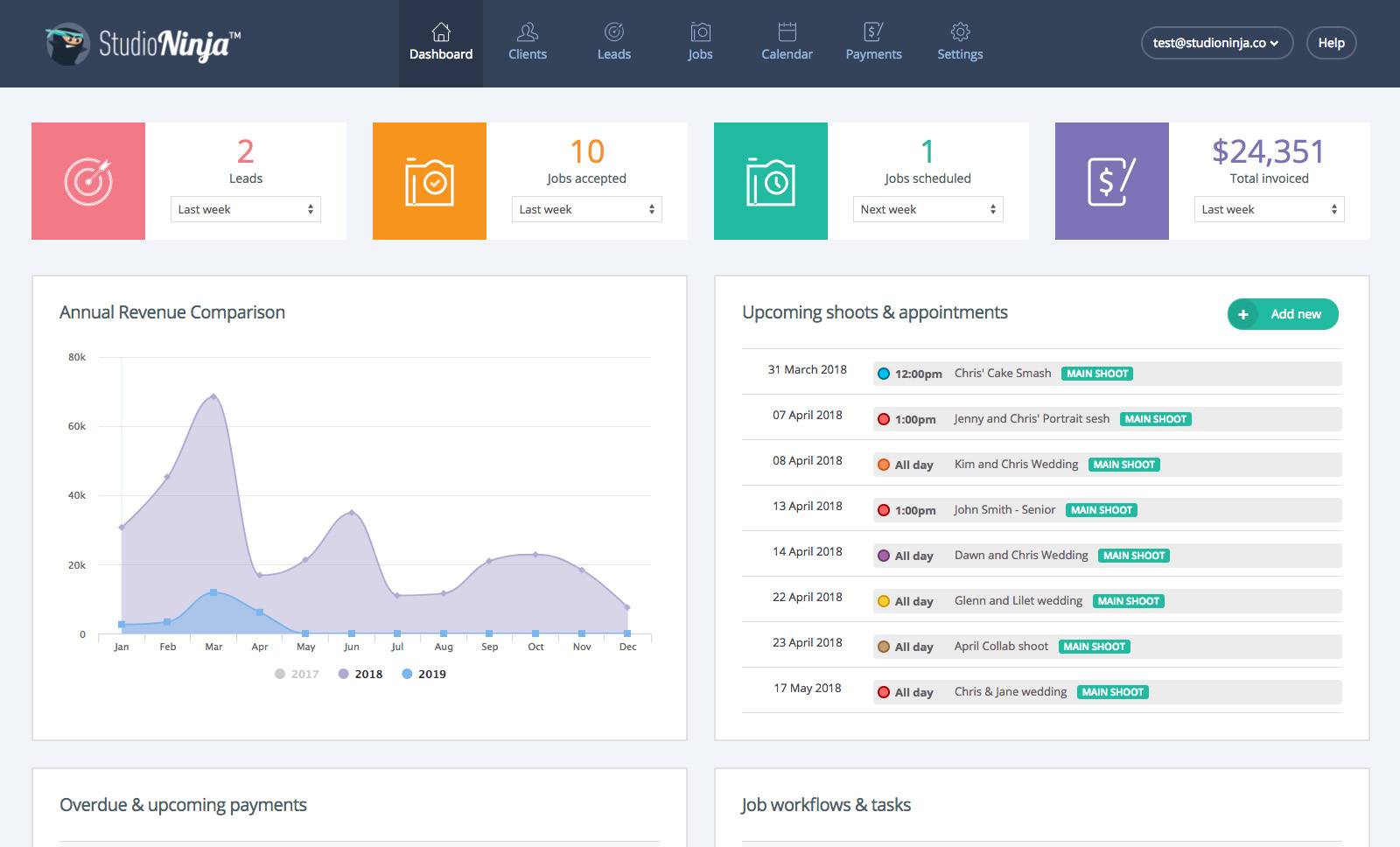
Studio Ninja is the world's most user-friendly client management software and business app for photographers. We help photographers save time and increase bookings with customisable workflows, automated emails and easy payment plans. From lead enquiry through to job completion, Studio Ninja helps you convert leads and get paid faster with customisable quotes, electronic contracts, credit card payments and automatic payment reminders.
Keep track of all your clients and jobs, as well as invoices, contracts and workflows, as your business grows. Moreover, with our powerful Android or iOS app, responding to new leads and sending invoices on-the-go have never been easier. Unparalleled in simplicity, it takes less than 30 minutes to set up. Studio Ninja has often been described as a 'lifesaver' by busy photographers, giving them peace of mind and freeing up time to do what they love most.

Studio Ninja + Xero
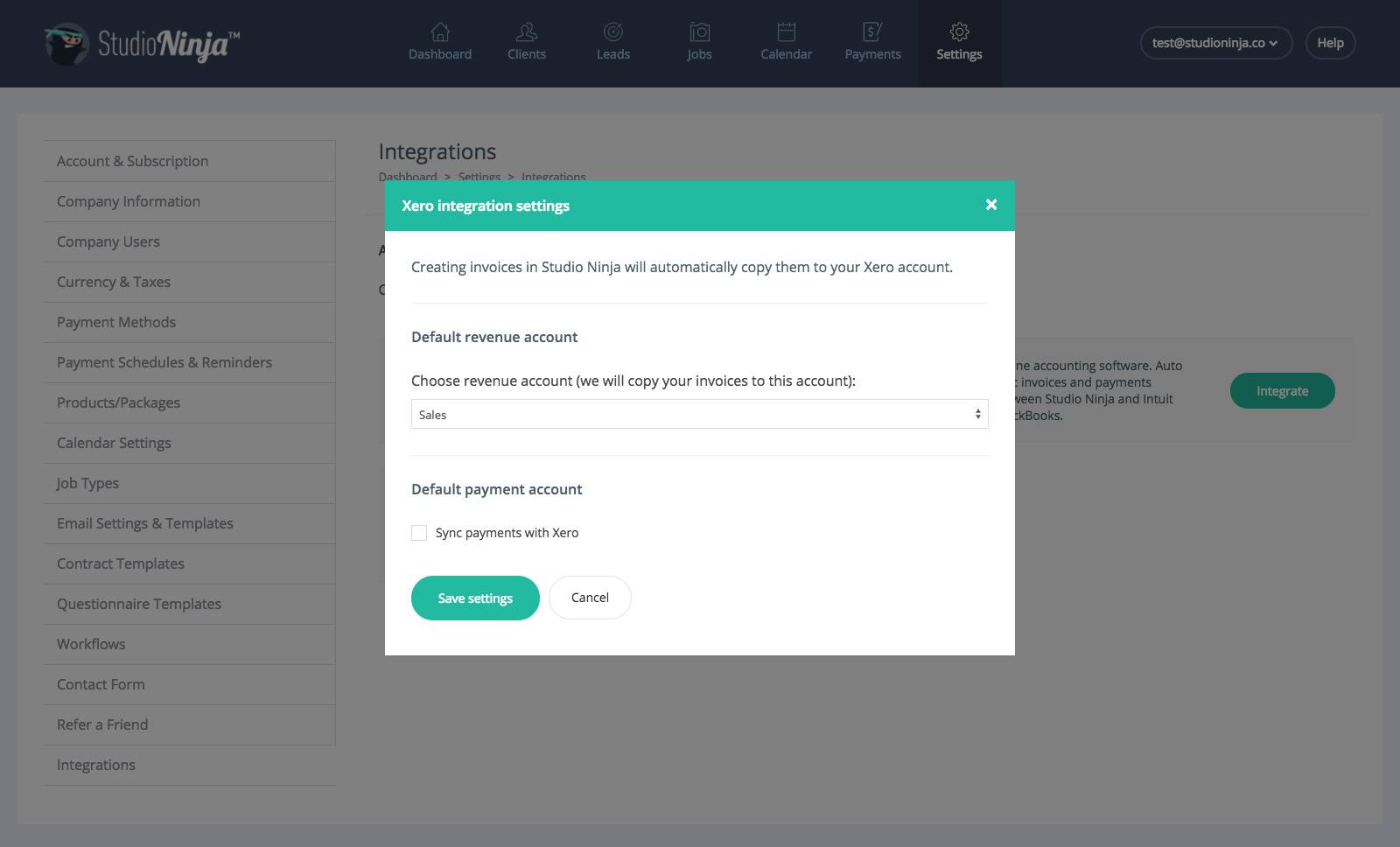
Streamline your entire invoicing and payments workflow by connecting Studio Ninja, your dedicated client and project management system, directly with Xero, the leading cloud accounting software. This powerful synchronization eliminates the tedious and error-prone task of manual data entry, ensuring that your financial records are always accurate, up-to-date, and fully reconciled across both platforms.
When an invoice is meticulously created and finalized within Studio Ninja, it will automatically and instantly be copied over to Xero, populating the corresponding customer and transaction details. Similarly, the moment a client payment is recorded in Studio Ninja—whether manually or through an integrated payment processor—the financial data will automatically be updated in Xero. Crucially, this is a two-way synchronization: any payments manually recorded or adjustments made within Xero will also be reflected back in Studio Ninja.
Getting started
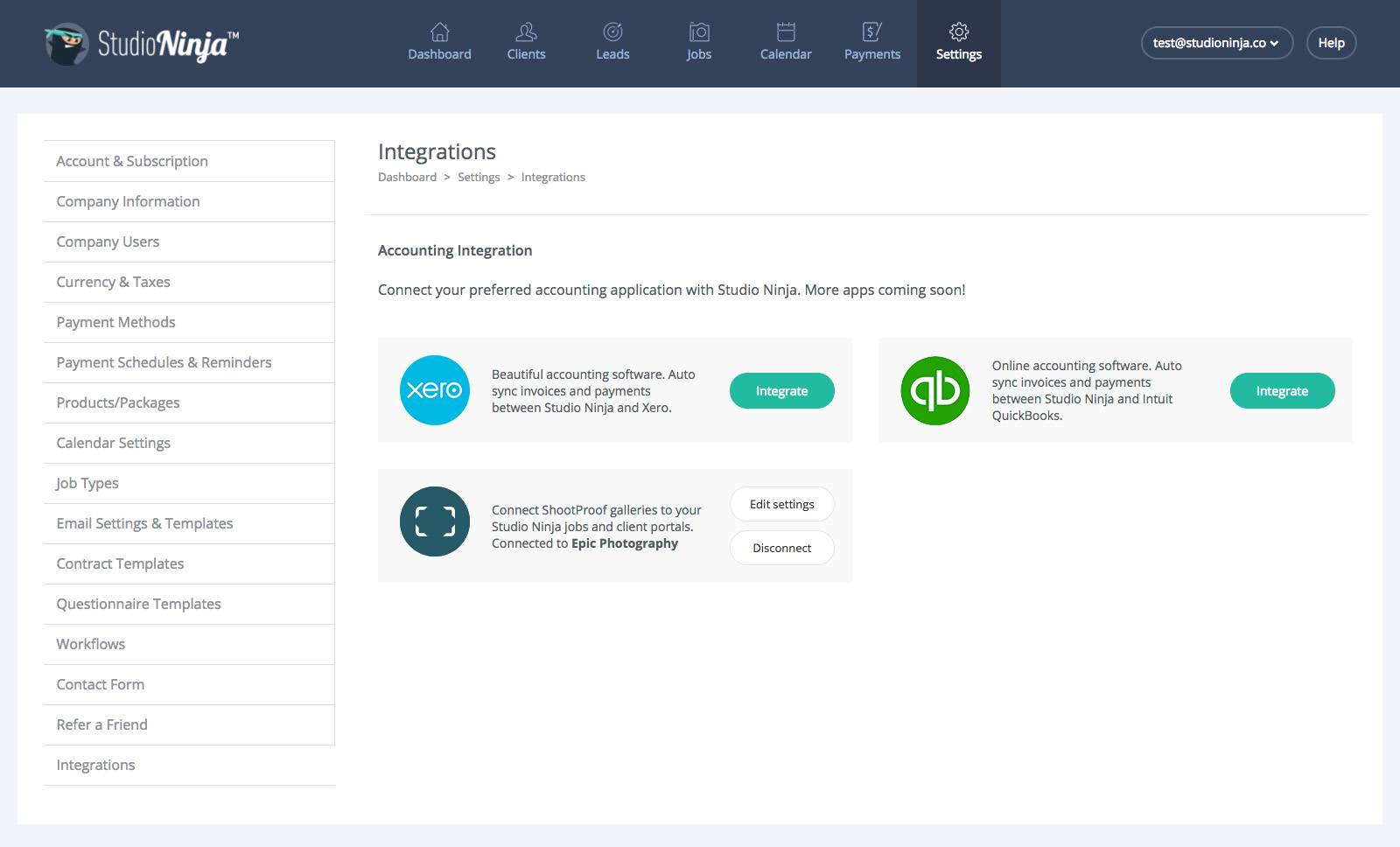
Login to your Studio Ninja account, go to Settings > Integrations page and connect with Xero by clicking the 'Integrate' button within the Xero box.


Reviews & ratings
Sort and filter
Most recent reviews
 TW
TW